
Hey guys! Welcome to Snapseedqrcodewala.in! If you love clicking photos and want to give them an attractive look, Snapseed is a must-try app. It’s one of the most popular photo editing apps, perfect for both beginners and professionals. One of the best features of Snapseed is its Snapseed QR code presets, which allow you to apply stunning edits instantly by simply scanning a QR code.
In this article, I’m sharing Snapseed QR Code Presets that help you edit your photos fast and easily. Whether you’re just starting out or already familiar with editing, these presets can give your photos a professional touch.
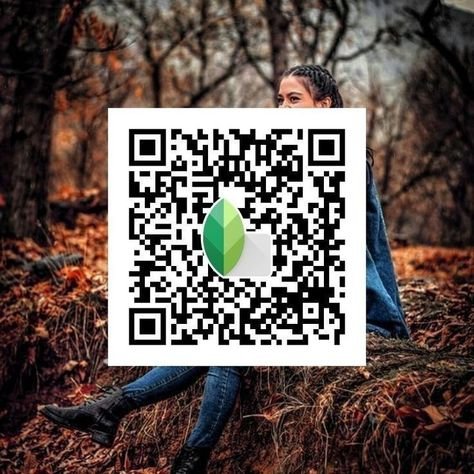
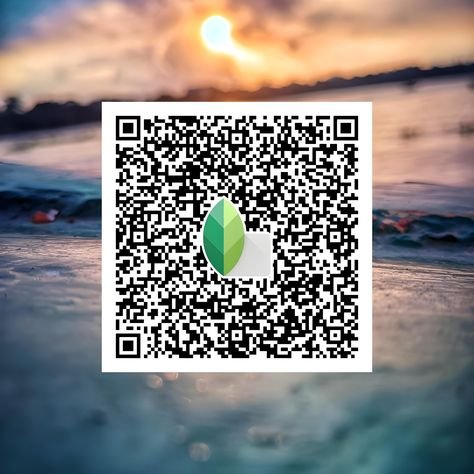
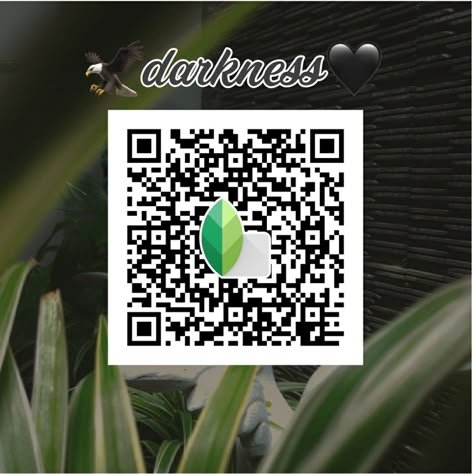
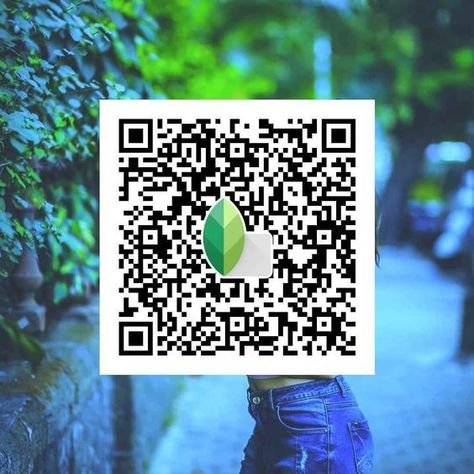
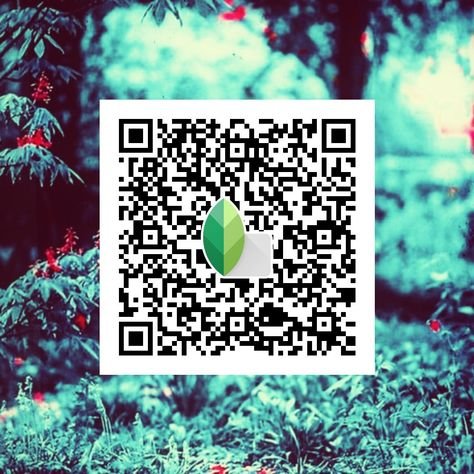
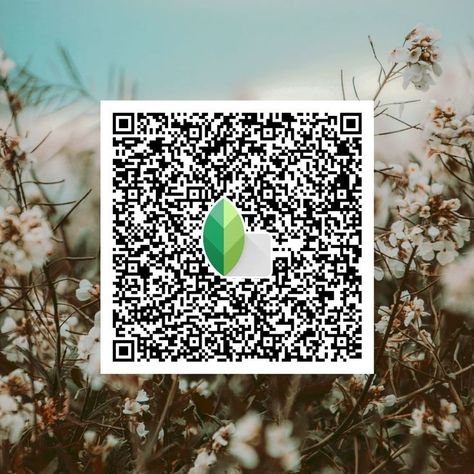
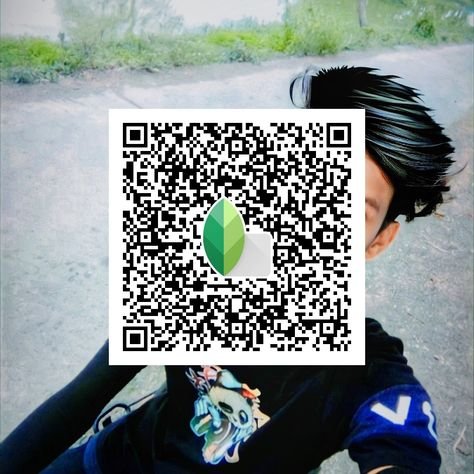
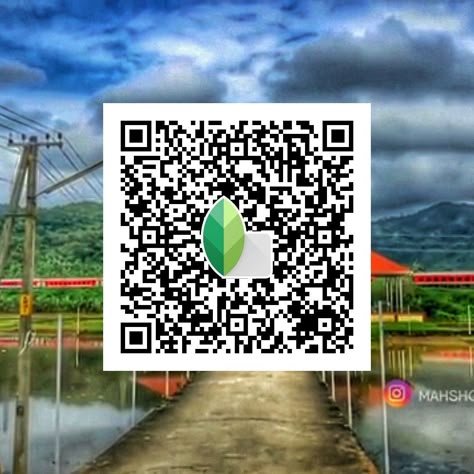
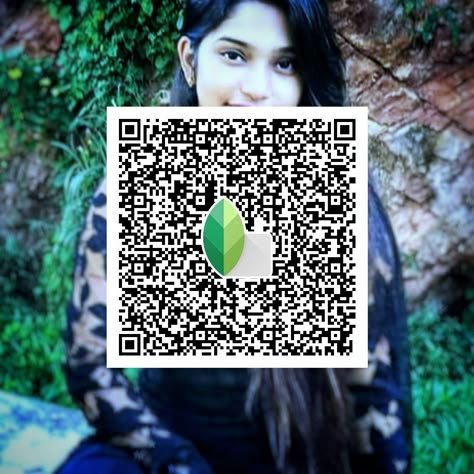
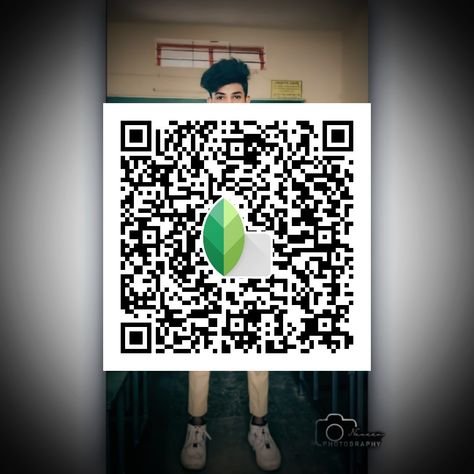
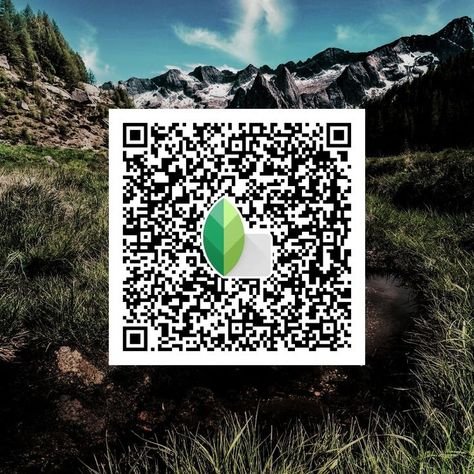
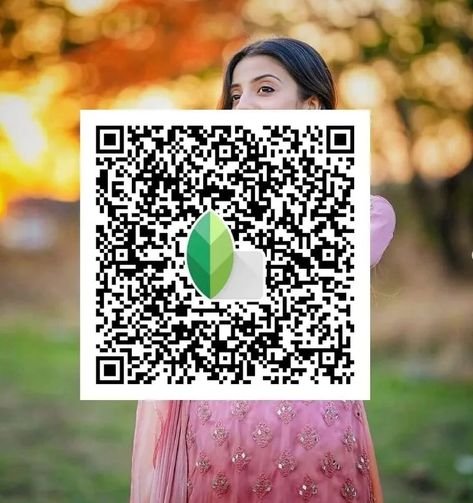
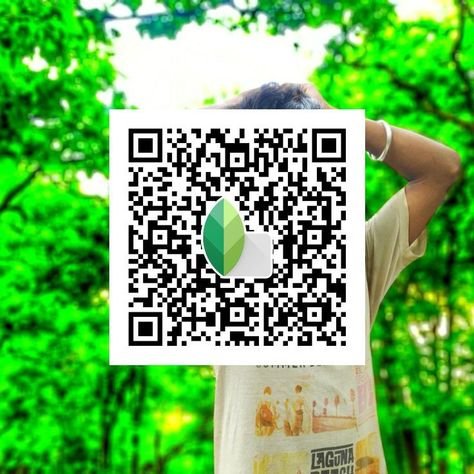
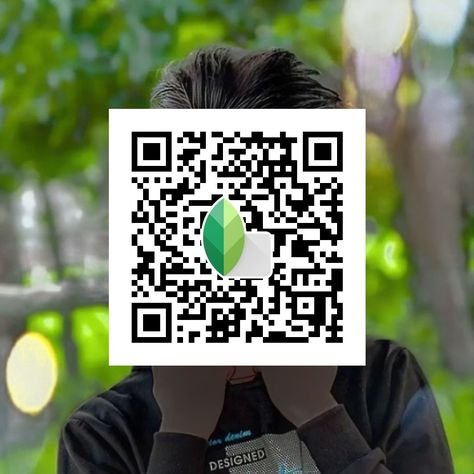
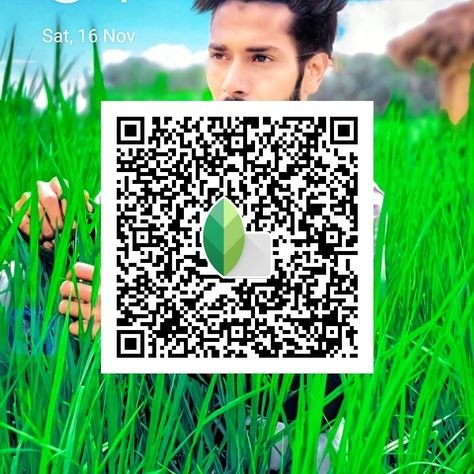
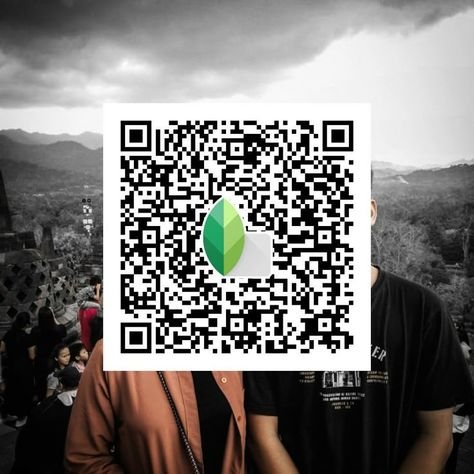
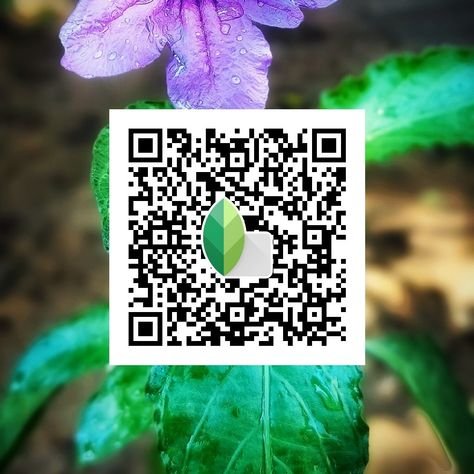
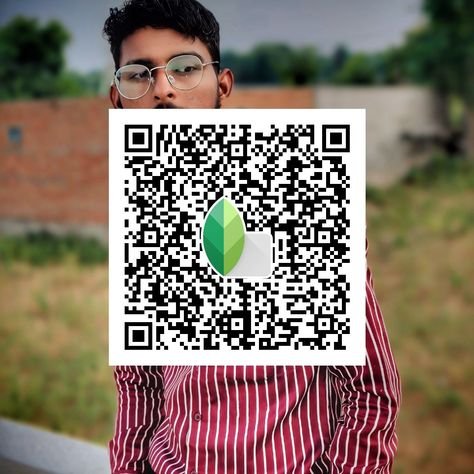
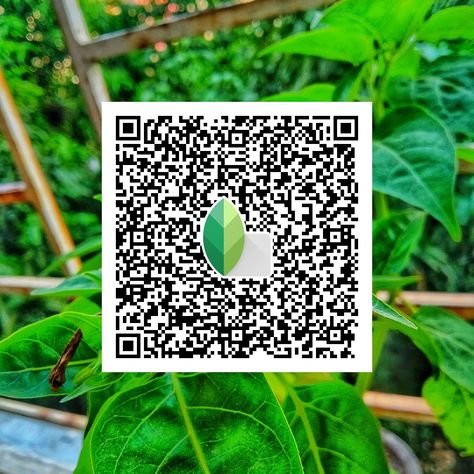
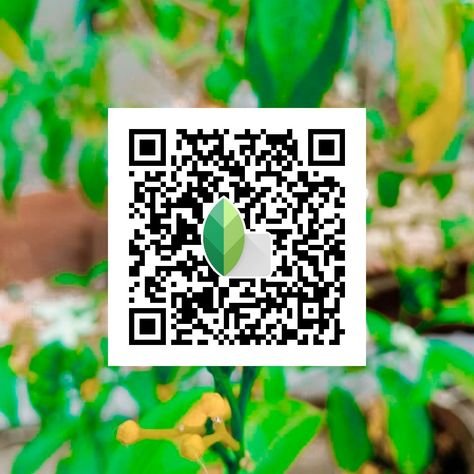
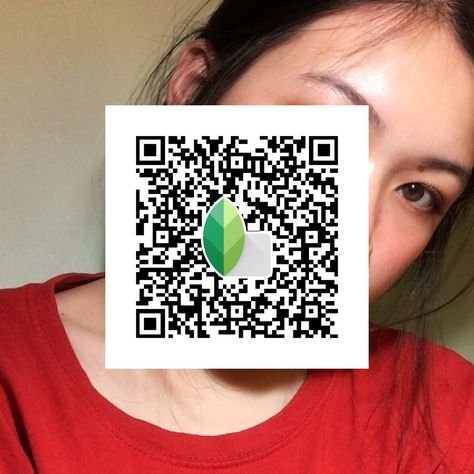
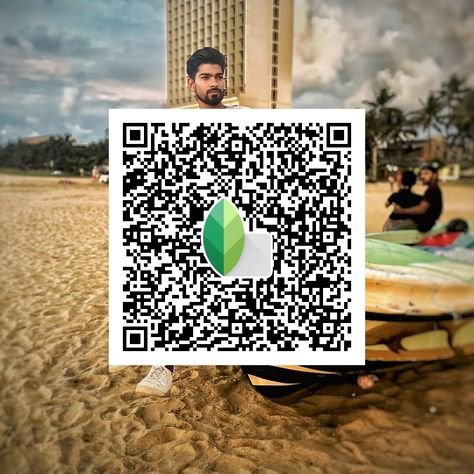
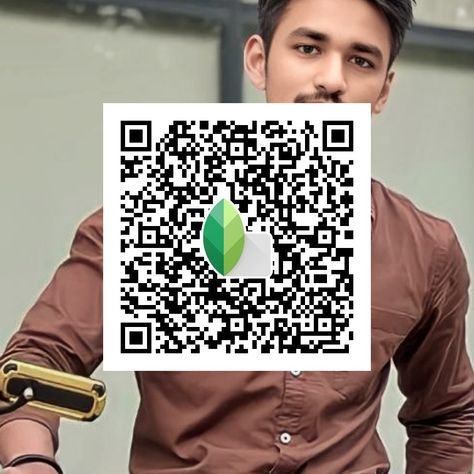
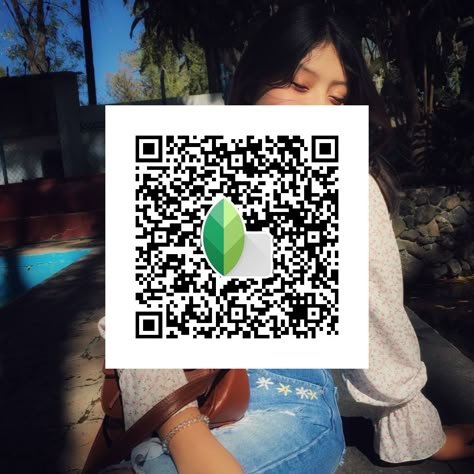
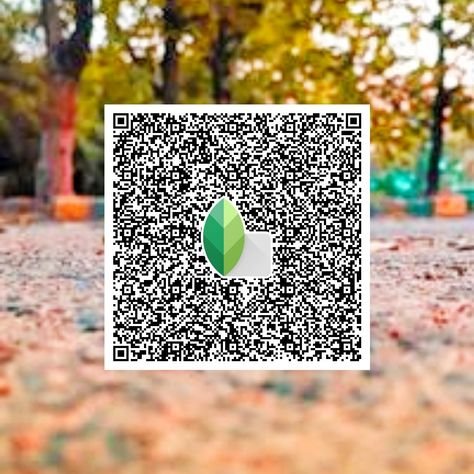
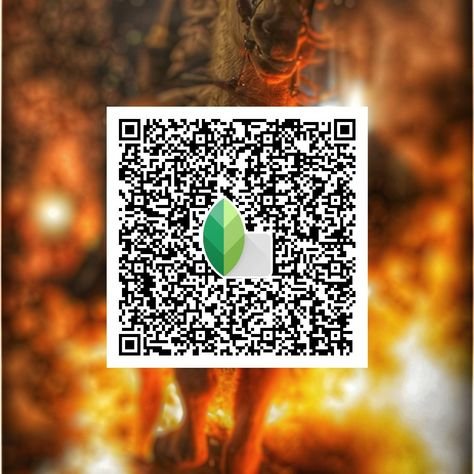
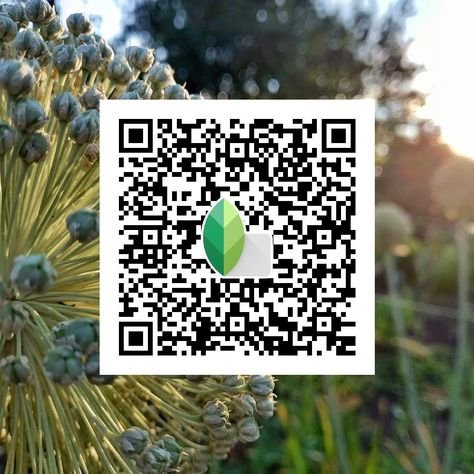
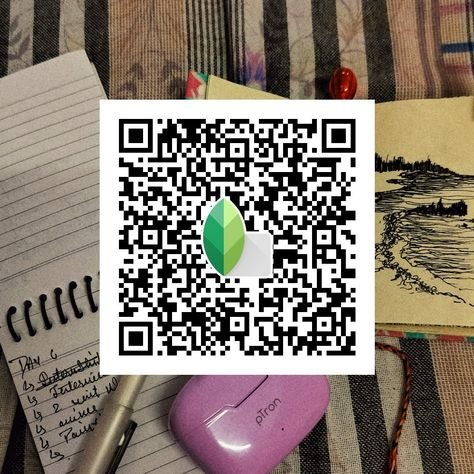
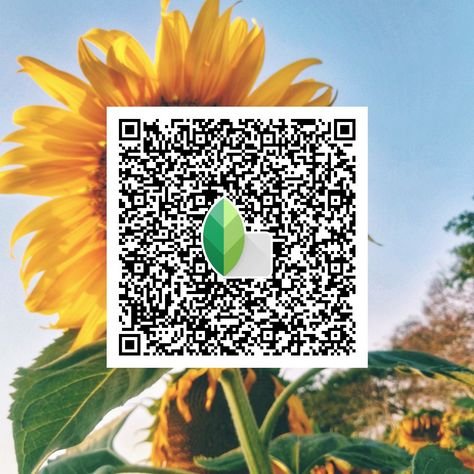
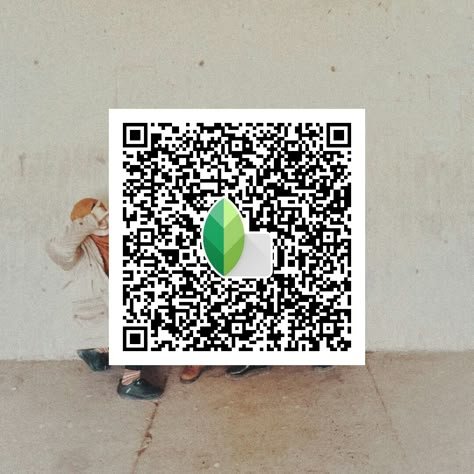
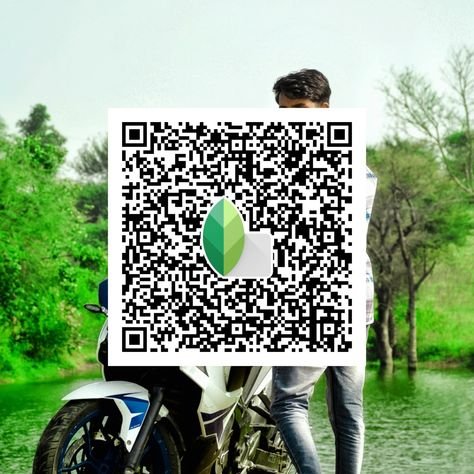
Snapseed QR Code Collection

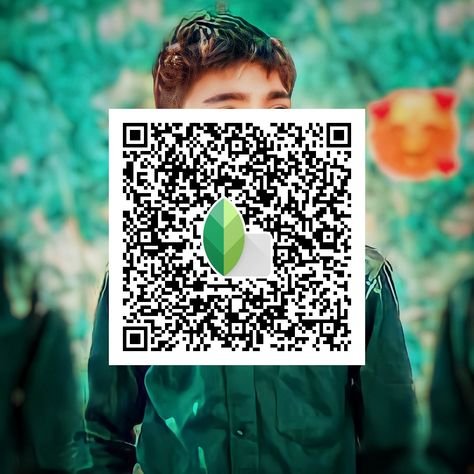
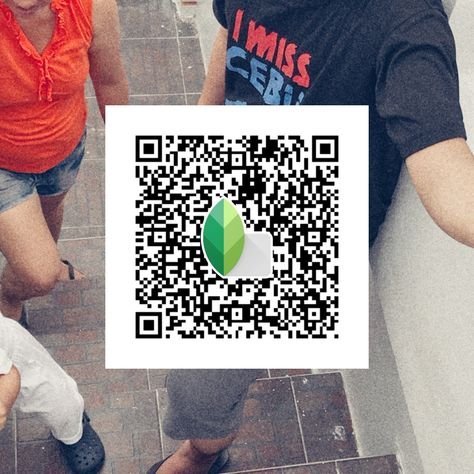
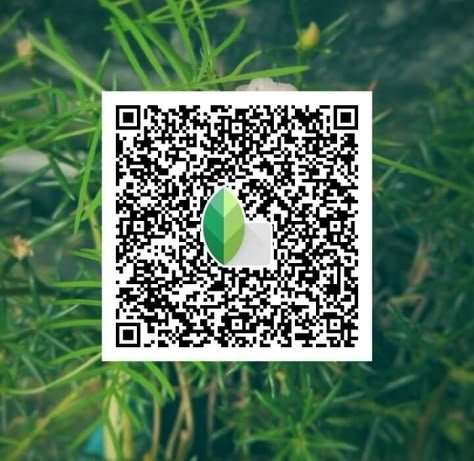
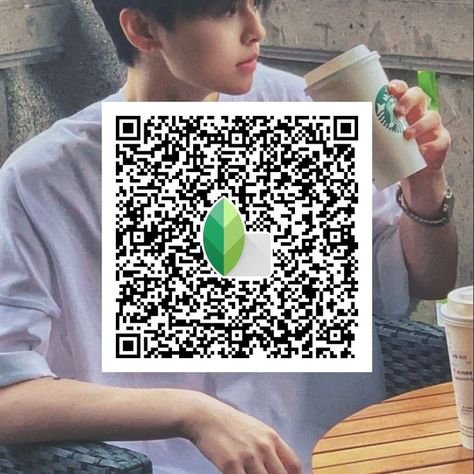

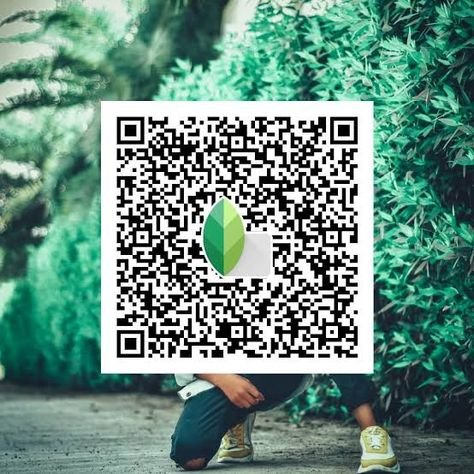
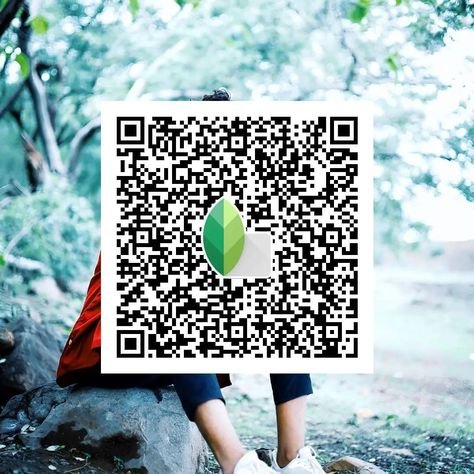
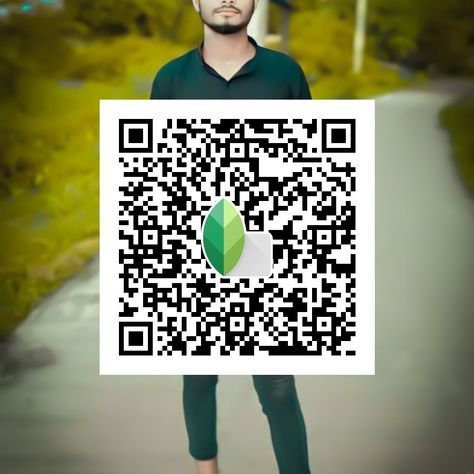
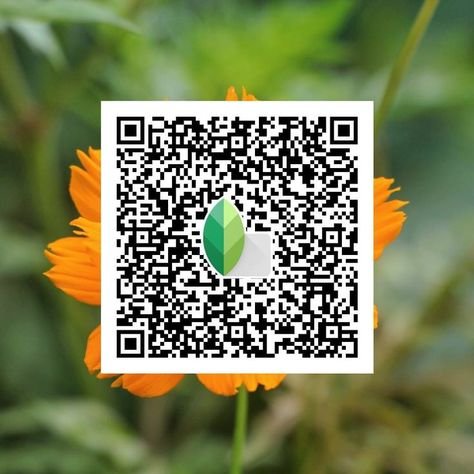
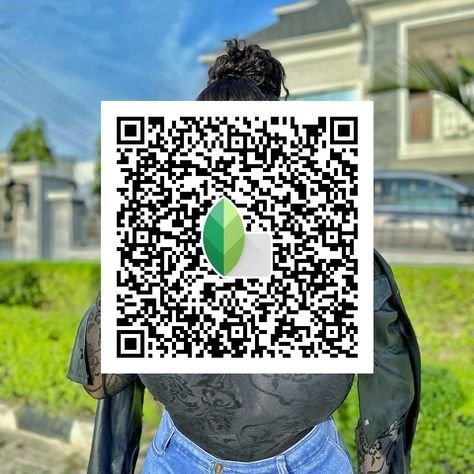
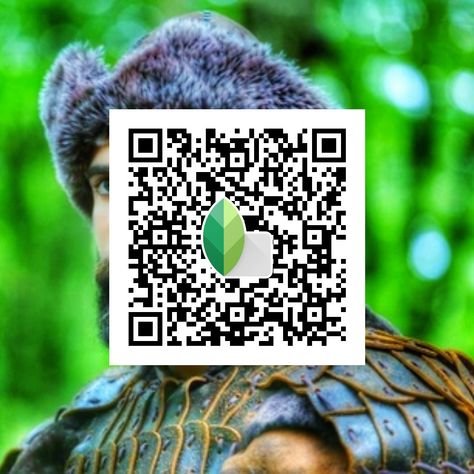
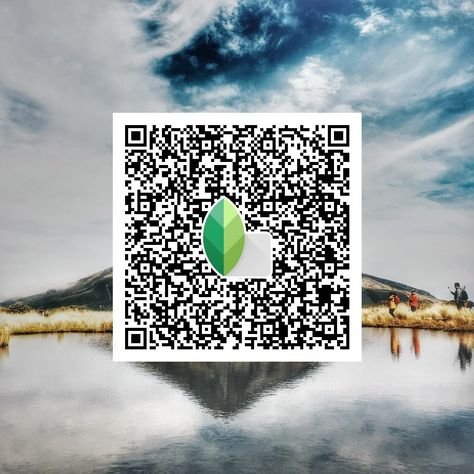
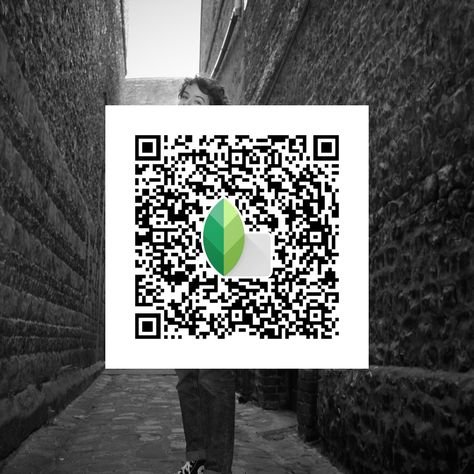
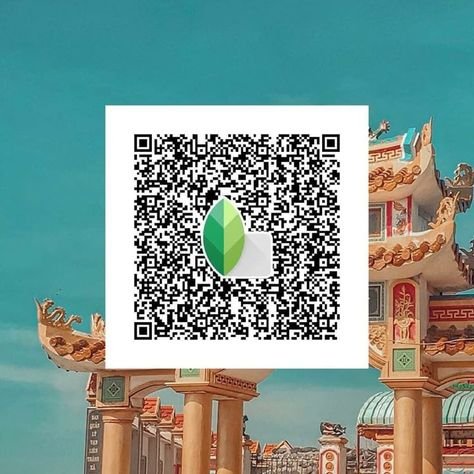
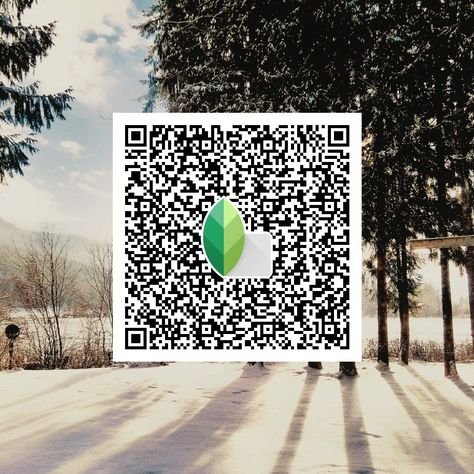
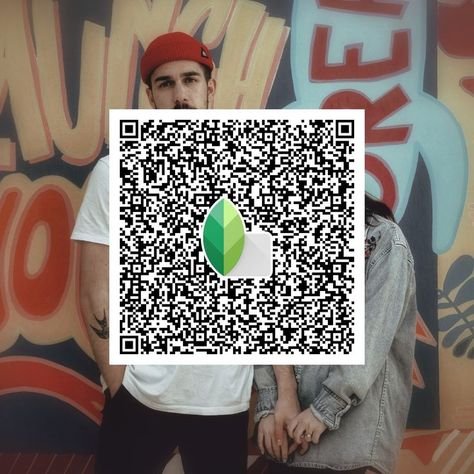
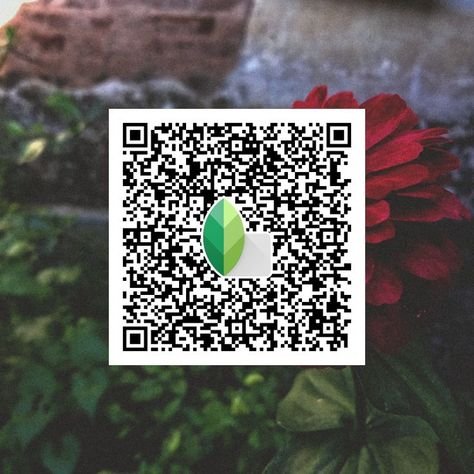
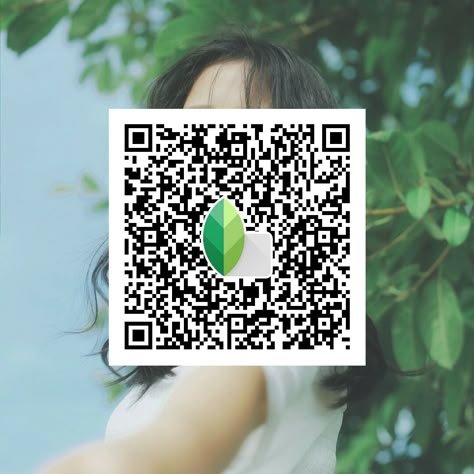
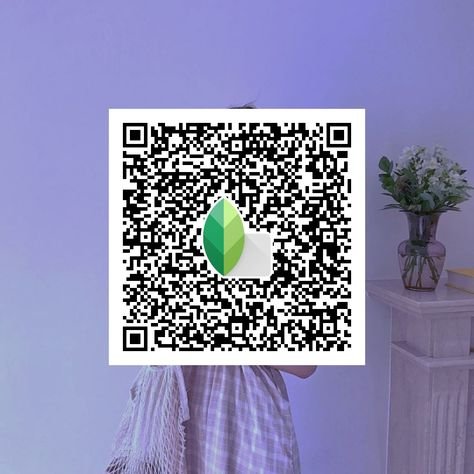
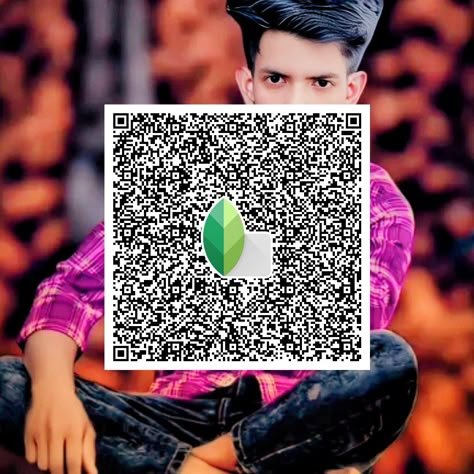
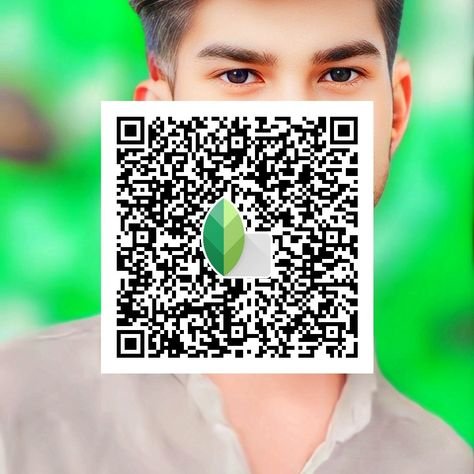
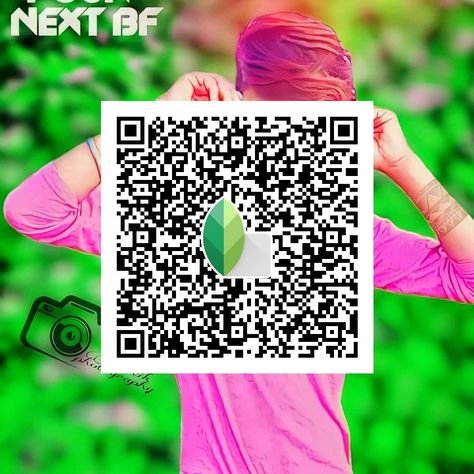
What Are Snapseed QR Code Presets?
Snapseed QR code presets are ready-made edits saved in the form of QR codes. When you scan a QR code, the preset is applied to your photo automatically—no need to adjust brightness, contrast, or other settings manually.
These presets include multiple styles like Vintage Looks, Black and White Effects, HDR, and more. They are a great way to save time and enhance your photos effortlessly.
How to Use Snapseed QR Code Presets?
Using Snapseed QR code presets is very simple. Just follow these steps:
- Open Snapseed: Download it from the App Store or Google Play if you haven’t installed it yet.
- Choose a Photo: Open the app and select the photo you want to edit.
- Scan the QR Code: Tap on the three dots in the top-right corner, choose “QR Look,” then select “Scan QR Look” and scan the Snapseed QR code.
- Apply the Preset: The preset will be applied instantly. You can still fine-tune the edits if needed.
Why Use Snapseed QR Code Presets?
QR code presets are perfect if you want quick and stylish edits without spending too much time. Here’s why they’re useful:
- Saves Time: Apply a complete edit in just one tap.
- Consistency: Maintain the same style across all your photos, especially for Instagram.
- Learn Editing: Understand how different edits work by using presets.
Pro Tip: Many photographers create their own unique editing style using presets. You can also experiment and discover your signature look.
Best Snapseed QR Code Presets
Here you’ll find a top collection of Snapseed QR Code Presets, including categories like Vintage Presets, Cinematic Presets, Black-and-White Presets, HDR Presets, and Portrait Presets.
You can use these presets easily to enhance your photos with a quick scan.
How to Create Your Own Snapseed QR Code Presets?
If you enjoy editing, you can also create your own presets. Here’s how:
- Edit a Photo: Use Snapseed tools to adjust brightness, contrast, and other settings.
- Save as QR Code: Tap the menu, select “QR Look,” then choose “Create QR Look.”
- Share the QR Code: Snapseed will generate a QR code that you can share.
Tip: Create different presets for different types of photos like portraits, landscapes, or outdoor shots for better results.
Where to Find Snapseed QR Code Presets?
You can find free Snapseed QR code presets from these sources:
- Snapseedqrcodewala.in: A large collection of QR code presets.
- Instagram: Search hashtags like #SnapseedQRcode to find shared presets.
- Pinterest: Explore creative ideas and presets for your photos.
Conclusion
Snapseed QR code presets make photo editing simple, fast, and fun. With just one scan, you can apply professional edits to your photos. Here, you’ll find 1009+ presets in styles like vintage, cinematic, black-and-white, and more.
These presets help save time, keep your edits consistent, and improve your editing skills. Try them out and don’t forget to create your own presets as well.
Bookmark snapseedqrcodewala.in to stay updated with the latest Snapseed QR Code Presets, tips, and tricks. Enjoy editing and make your photos stand out!