

Hey everyone! Welcome to snapseedqrcodewala.in! If you want to give your photos a DSLR-style look with a smooth blur background and sharp subject, then Snapseed QR Codes Blur Background HD 4K are perfect for you. Snapseed is a powerful and easy-to-use photo editing app, and its QR code presets feature lets you apply high-quality edits instantly with just one scan.
In this post, I’m sharing the best Snapseed QR Codes Blur Background HD 4K to help you create professional, depth-of-field effects in seconds. Whether it’s portraits, selfies, or outdoor shots, these presets will give your photos a premium HD 4K look.
Snapseed QR Codes Blur & HD 4K
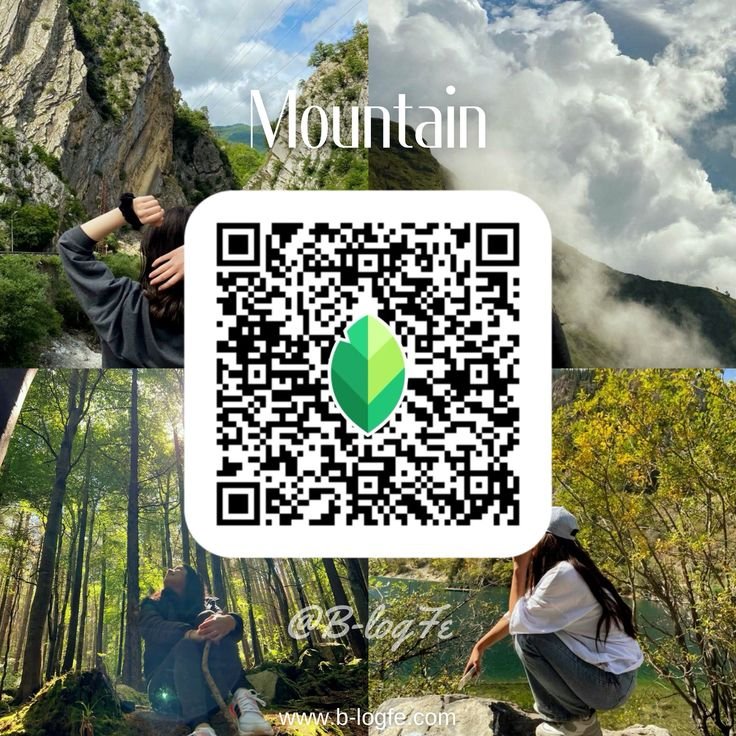
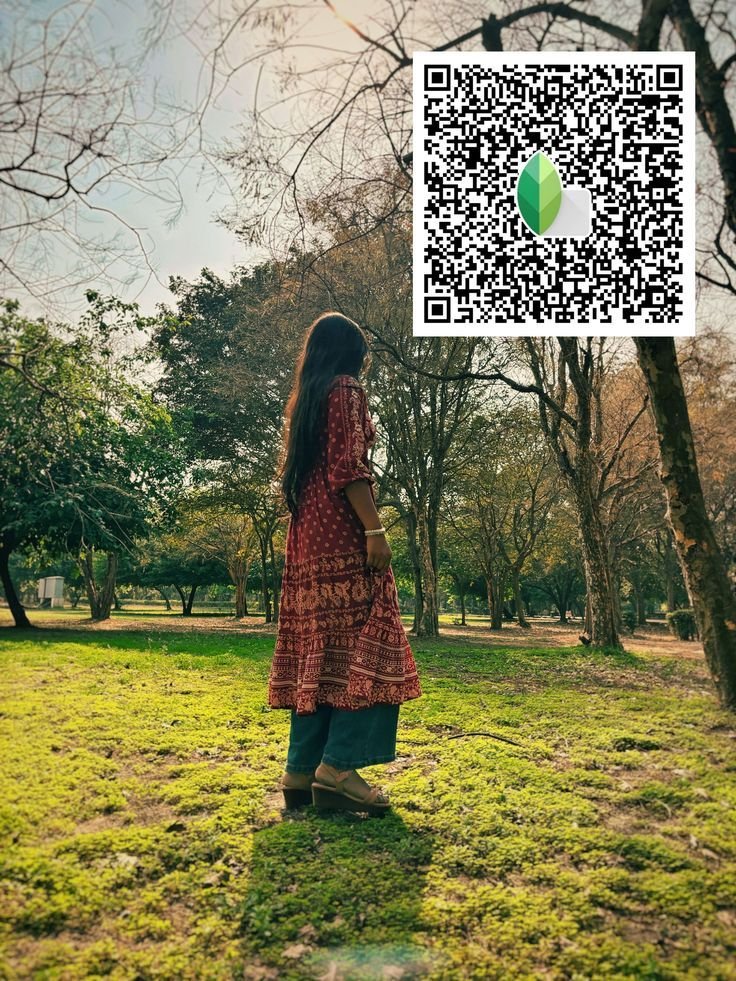
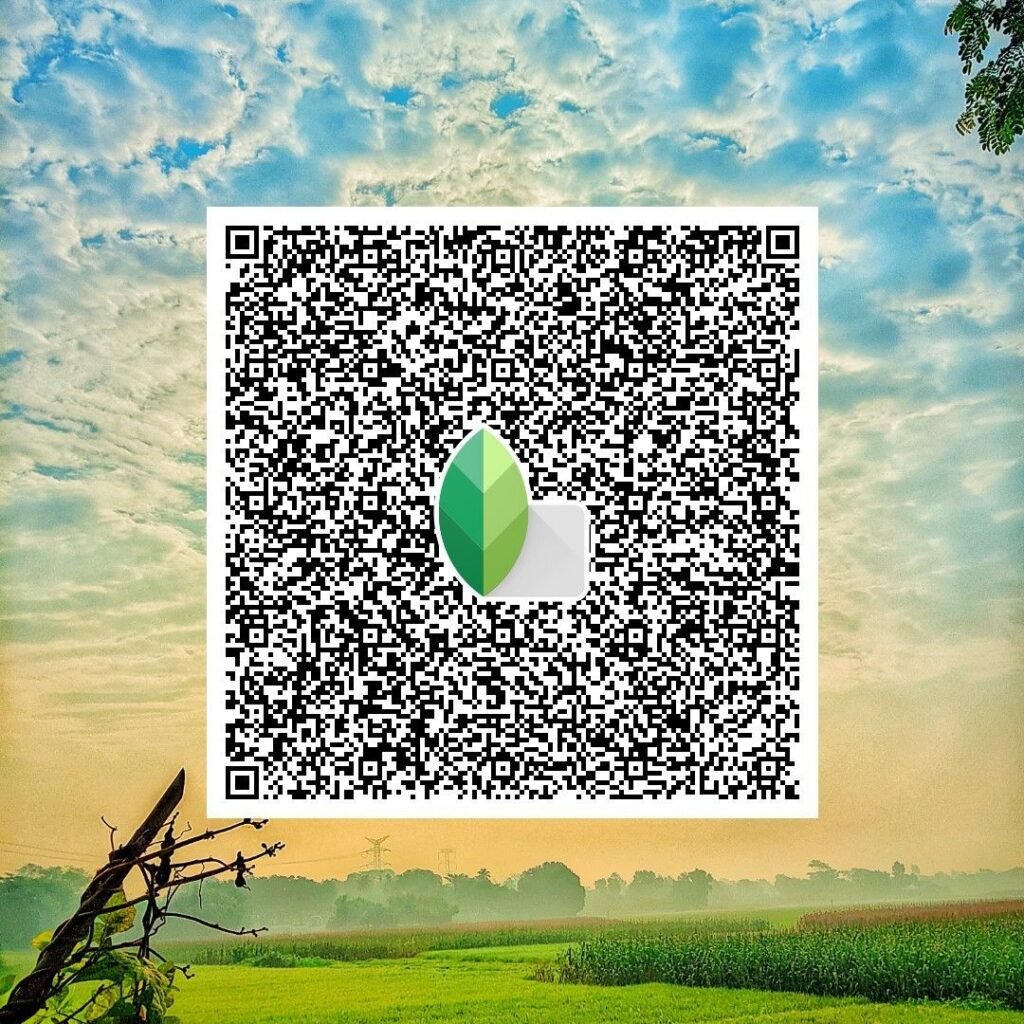
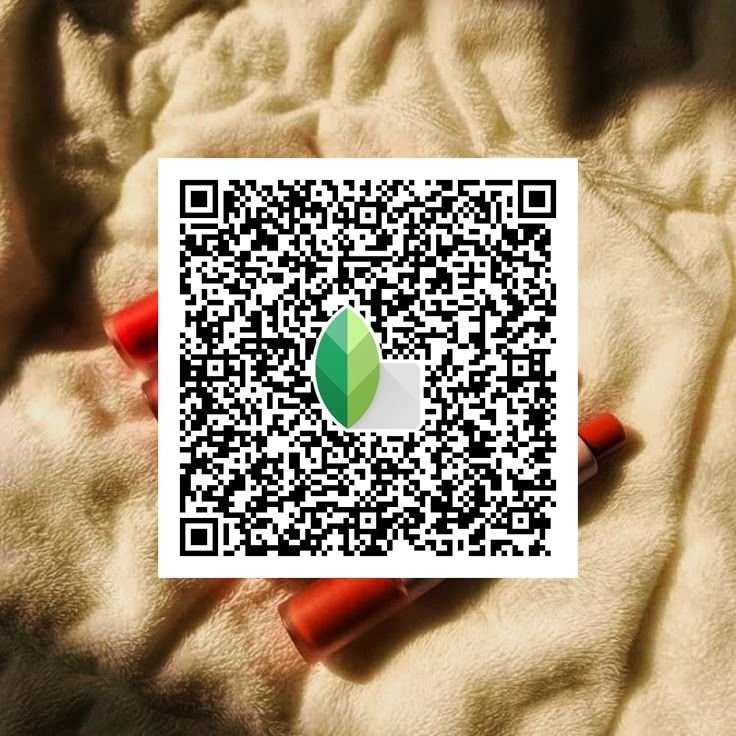
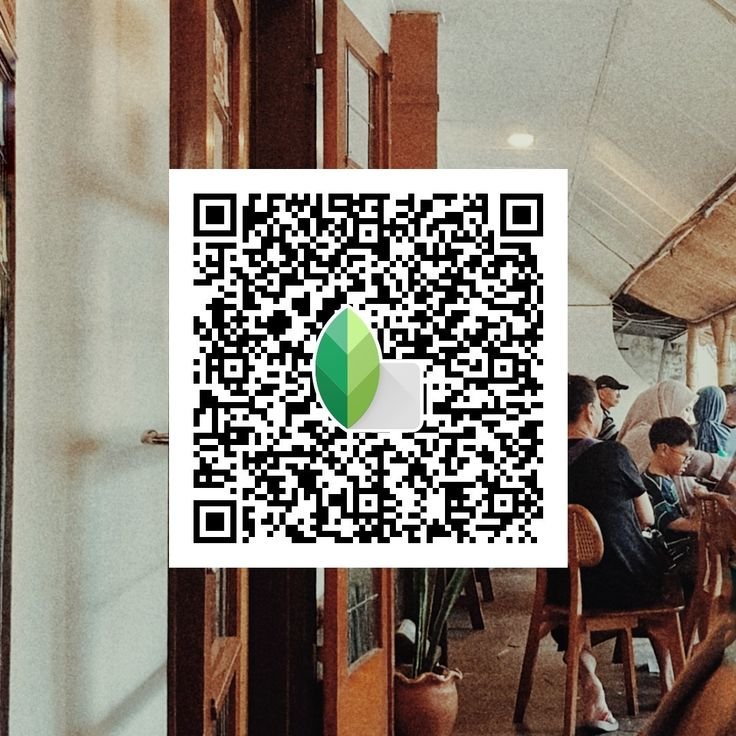
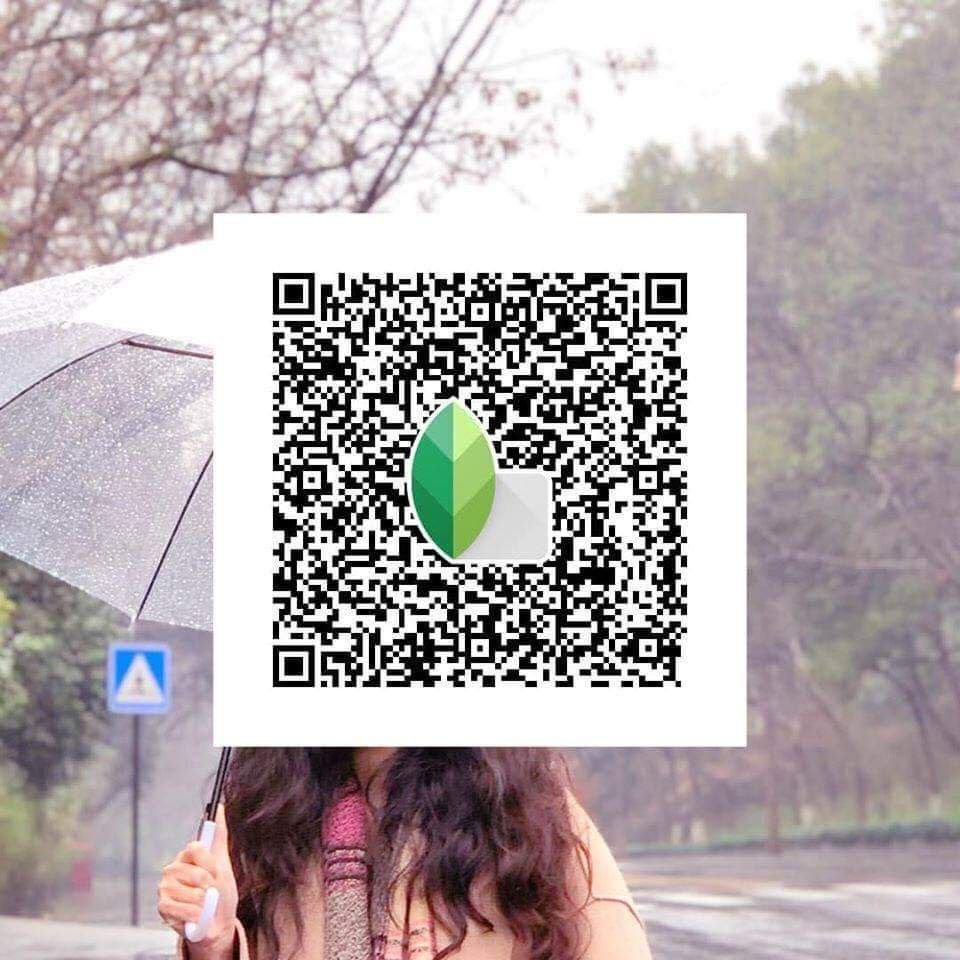
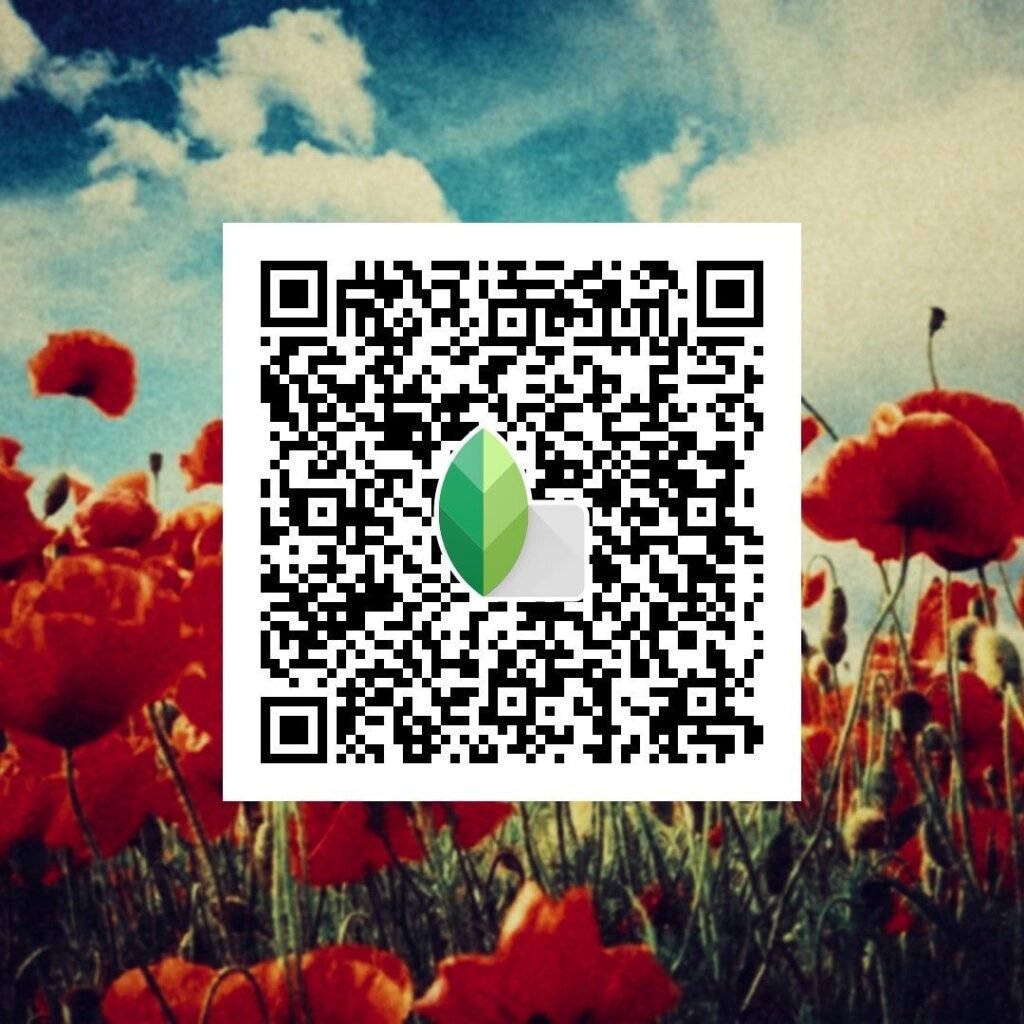
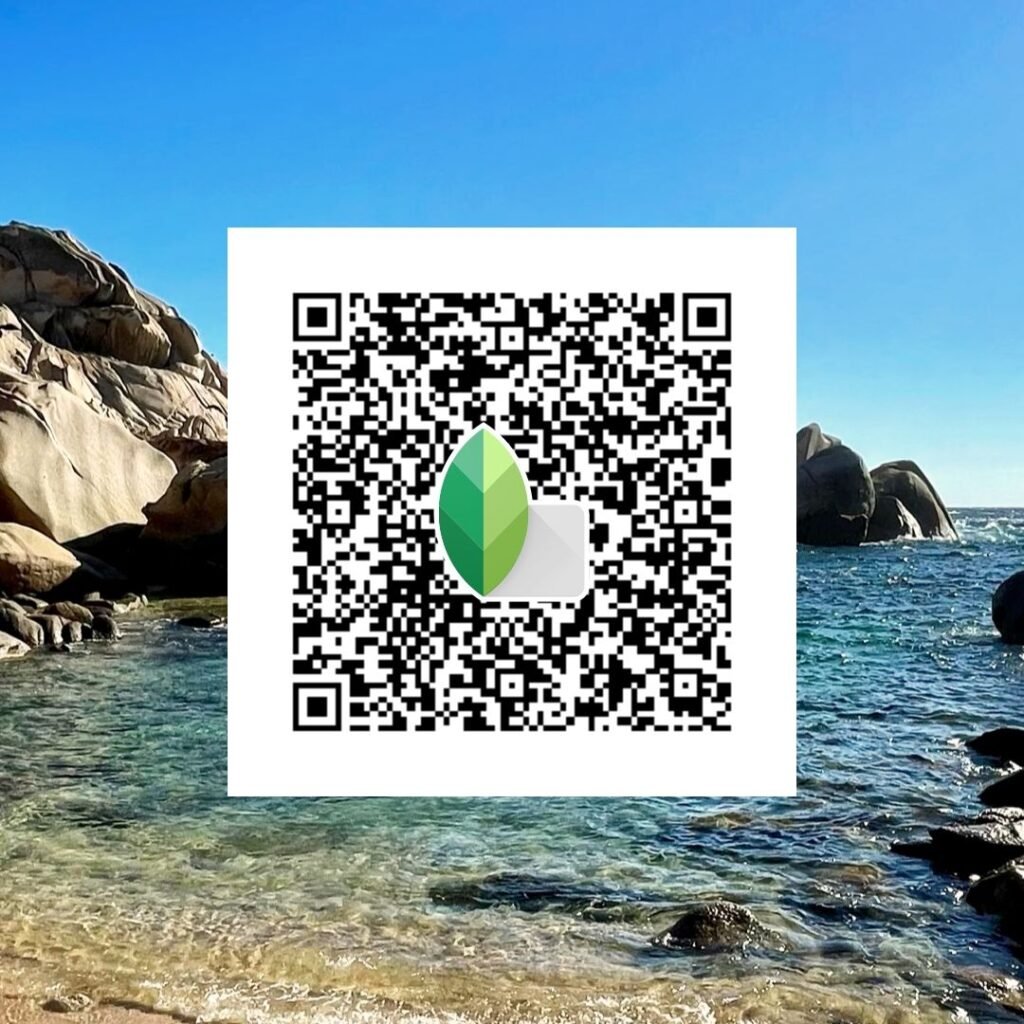
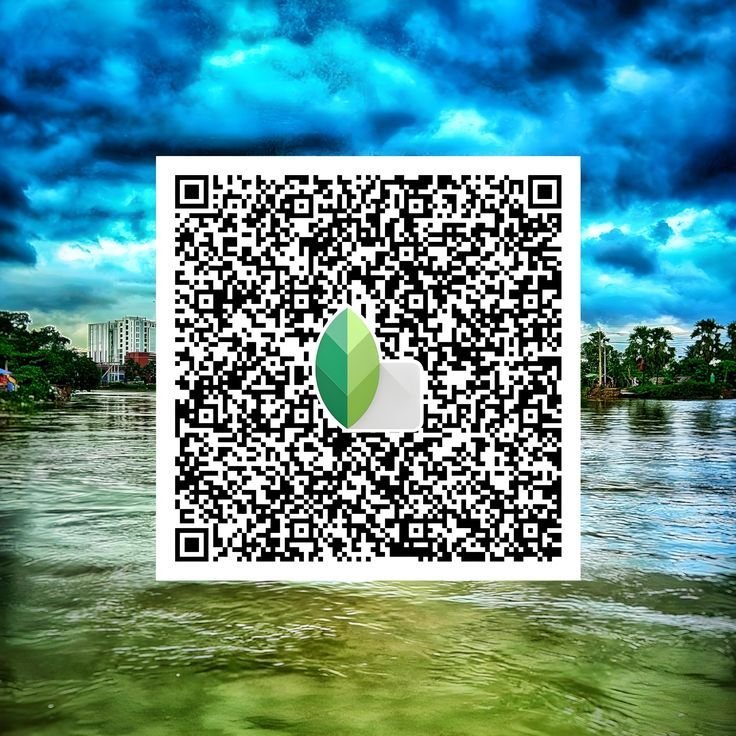
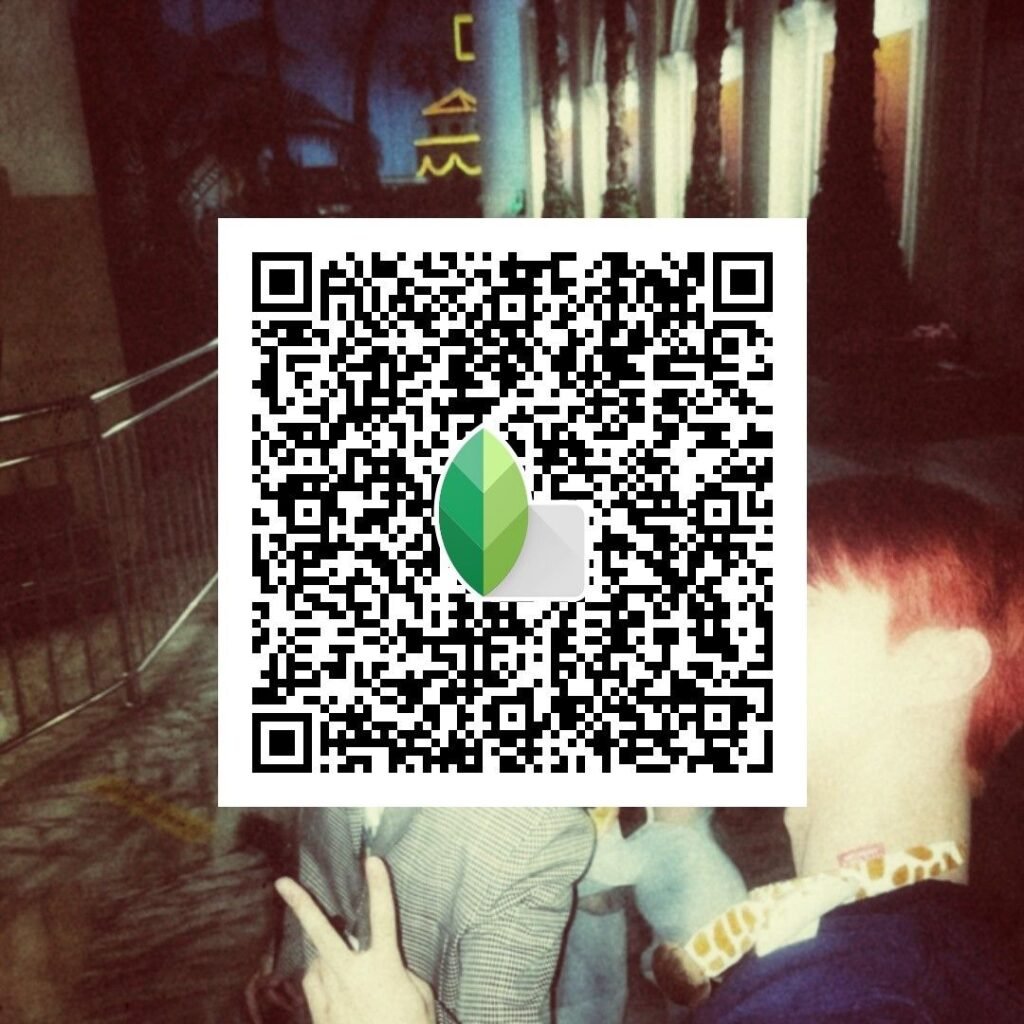
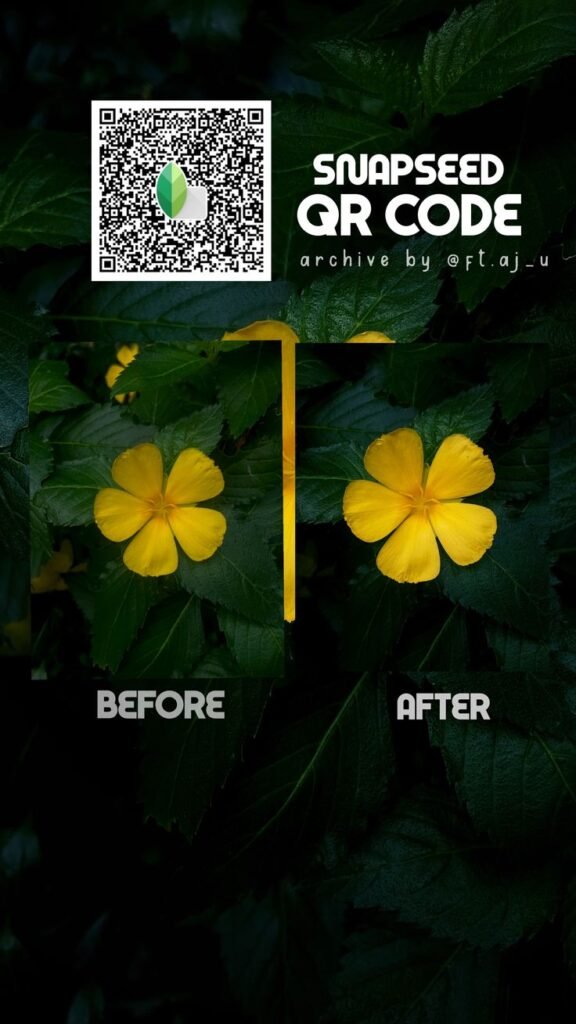

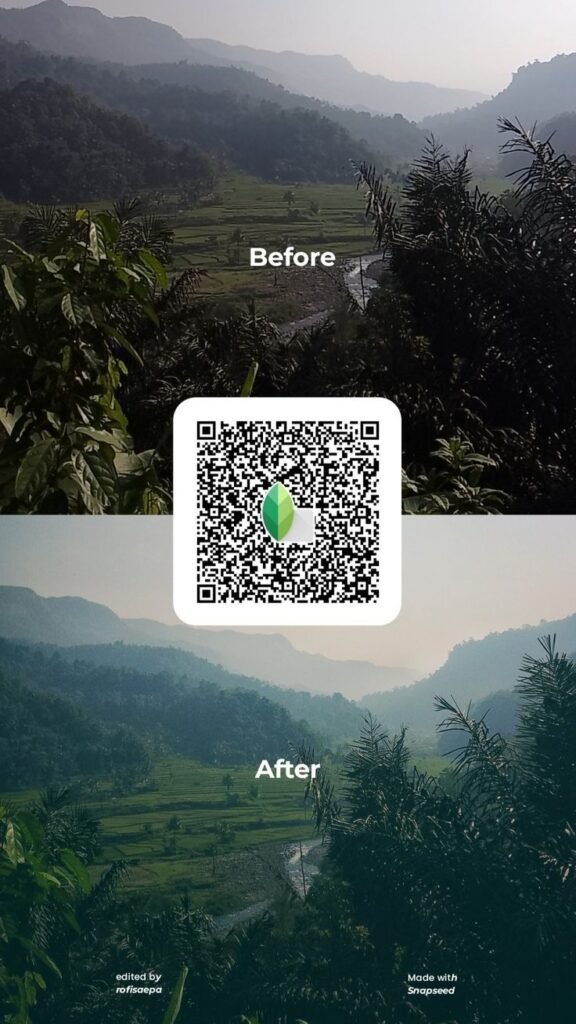
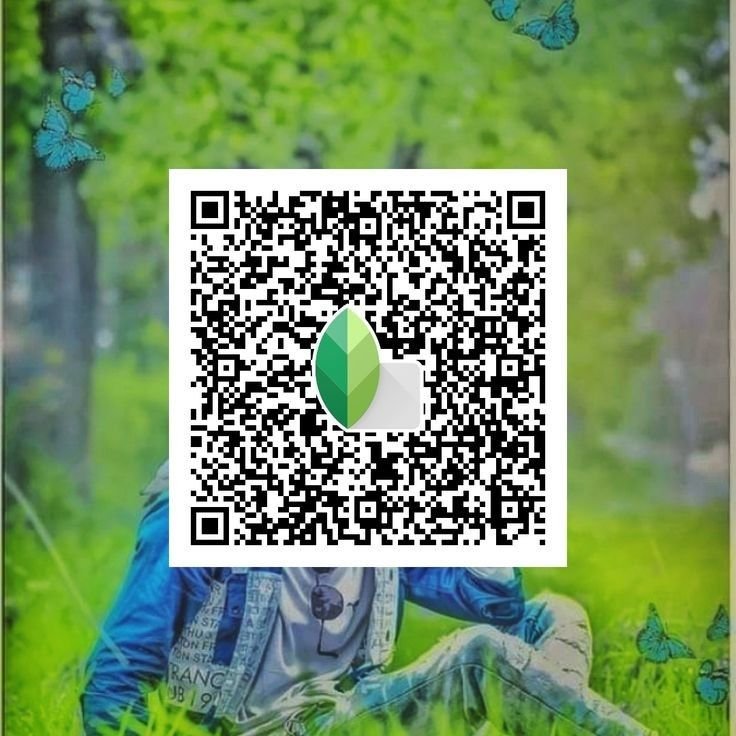
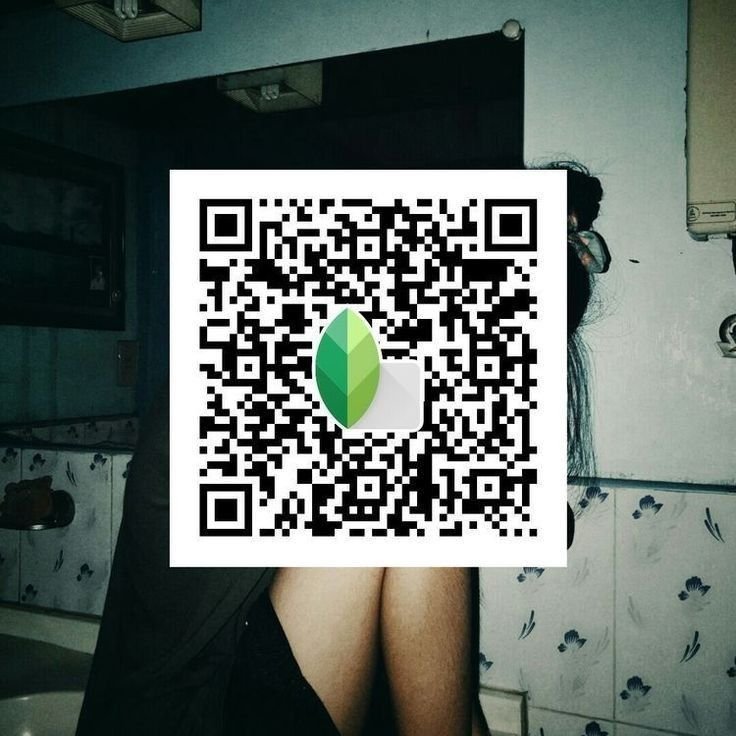
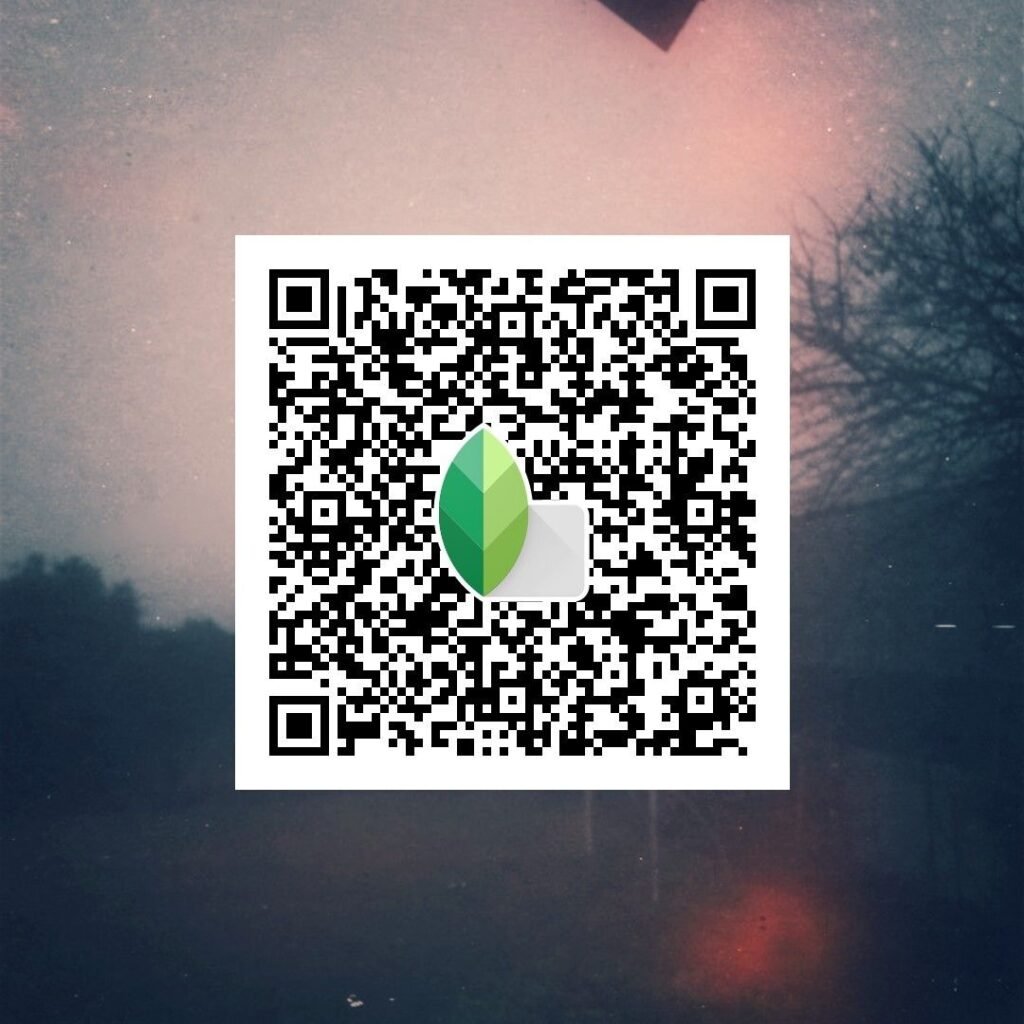
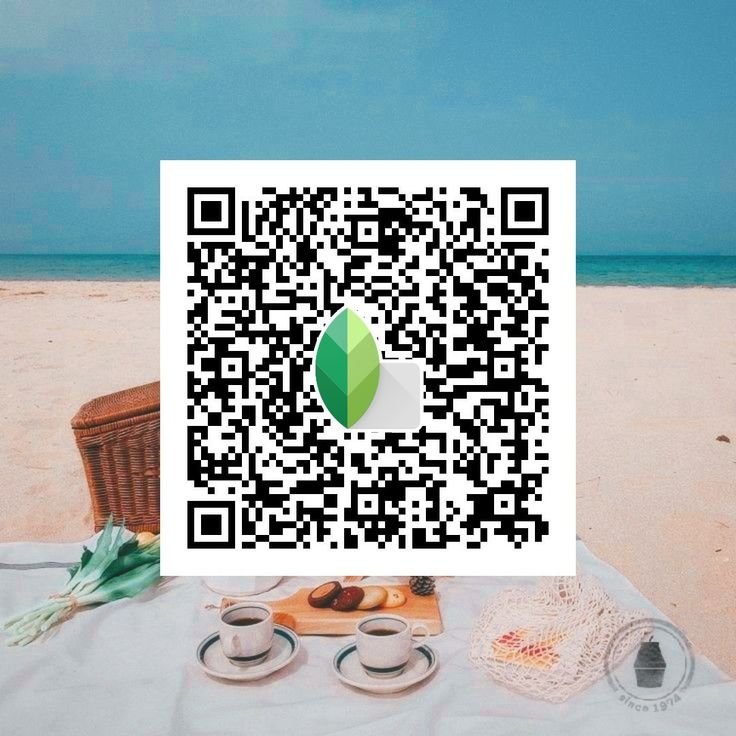
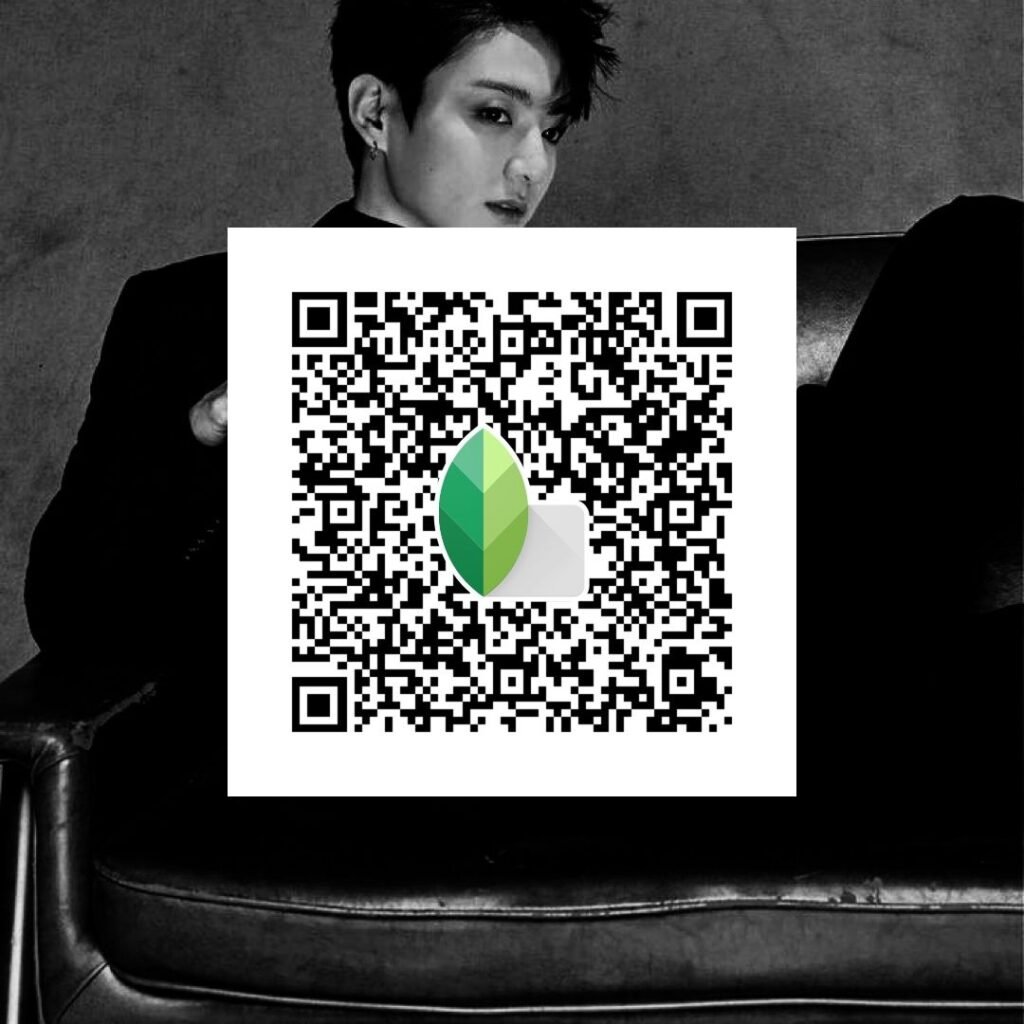
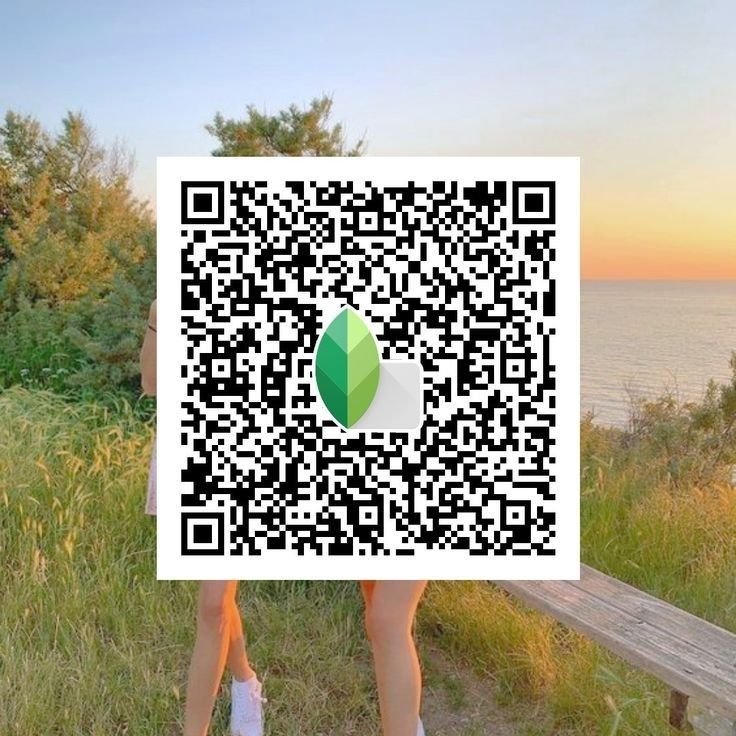
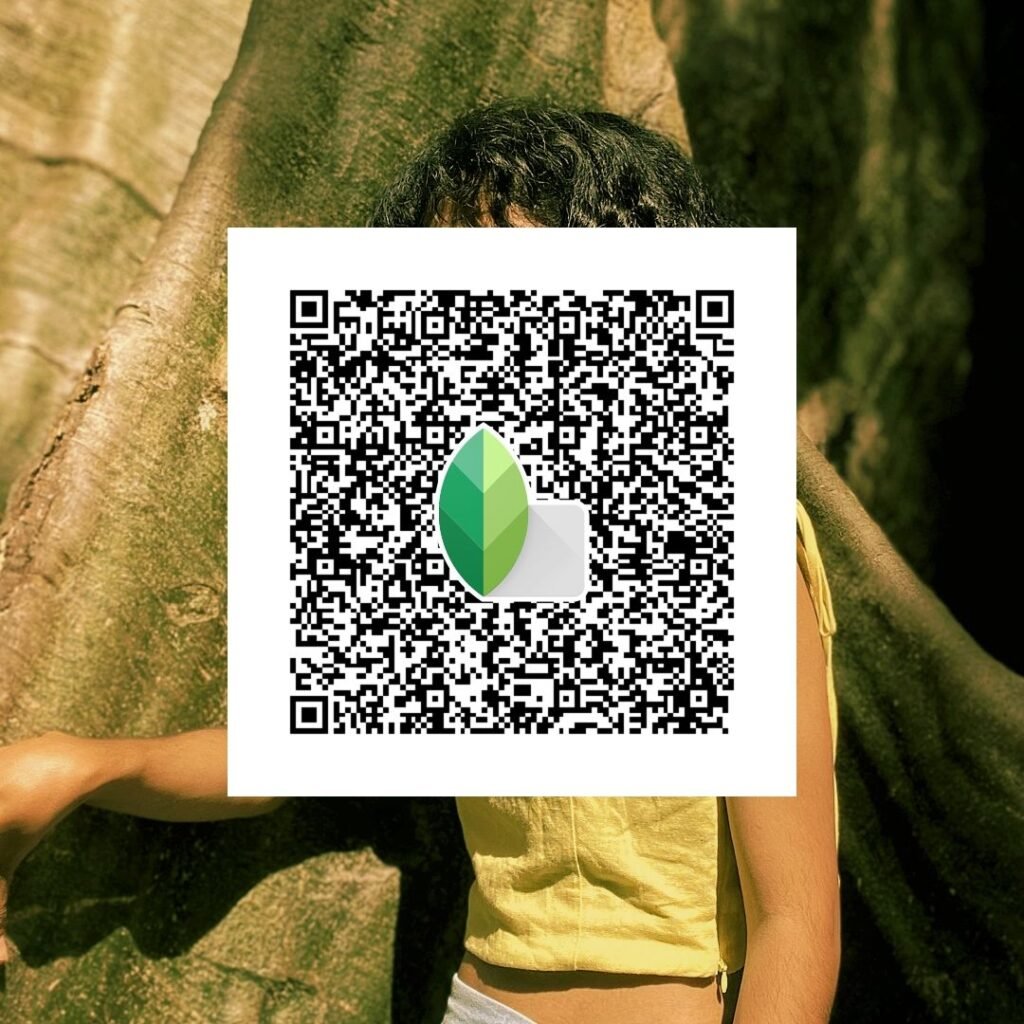
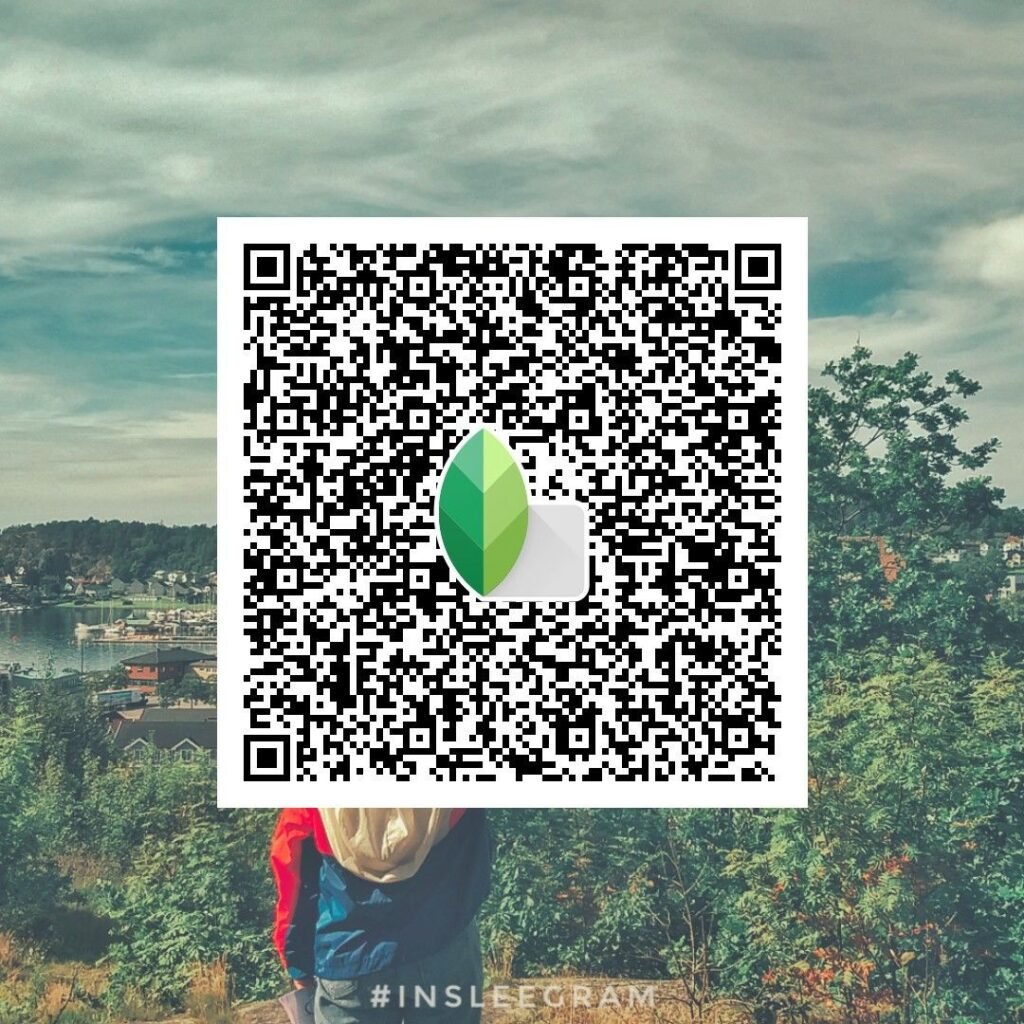
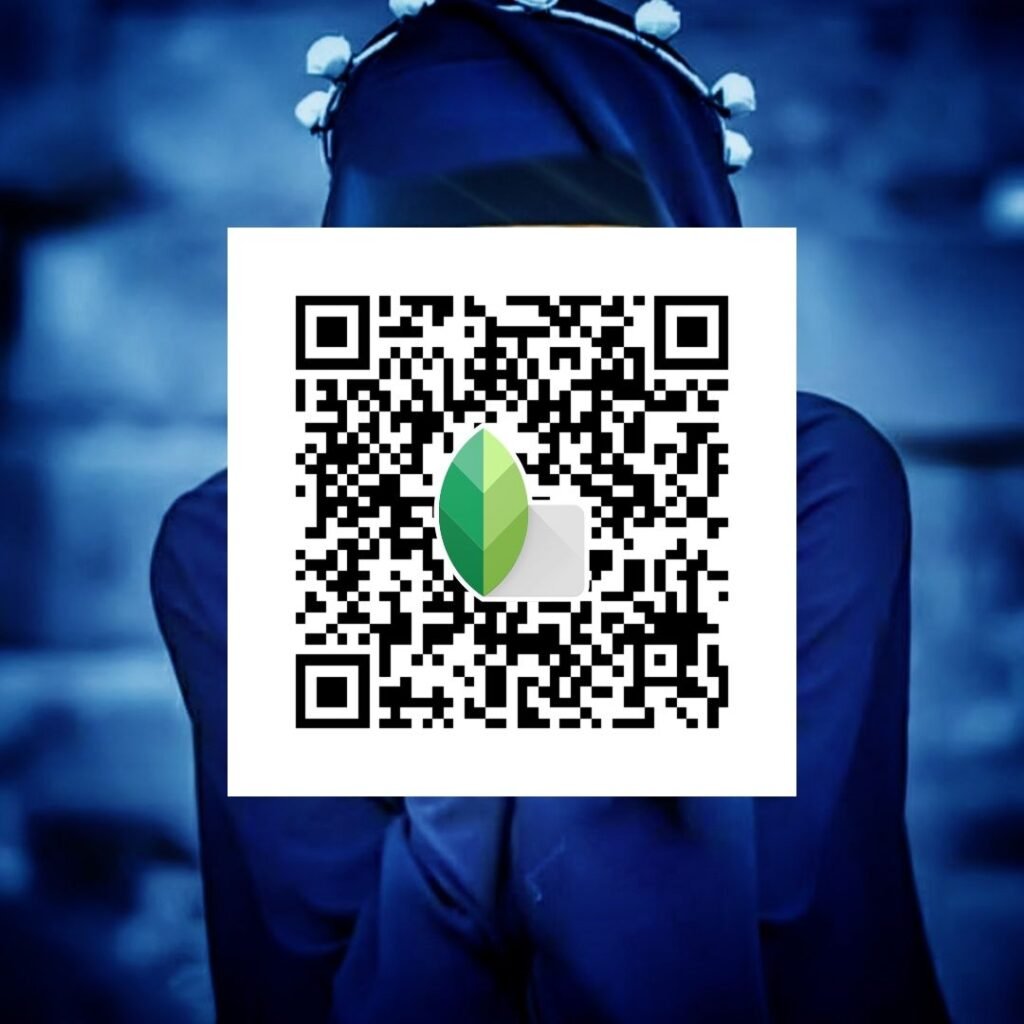
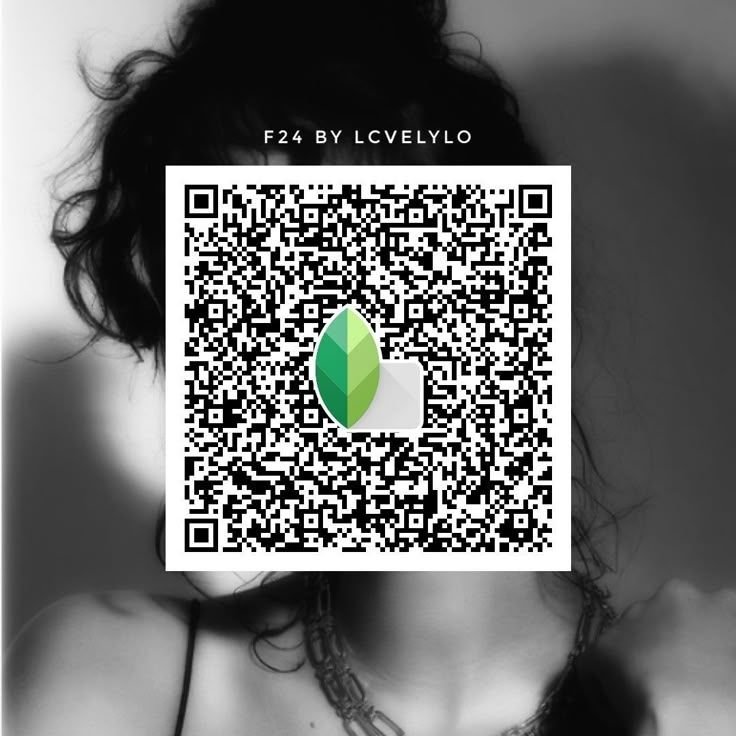
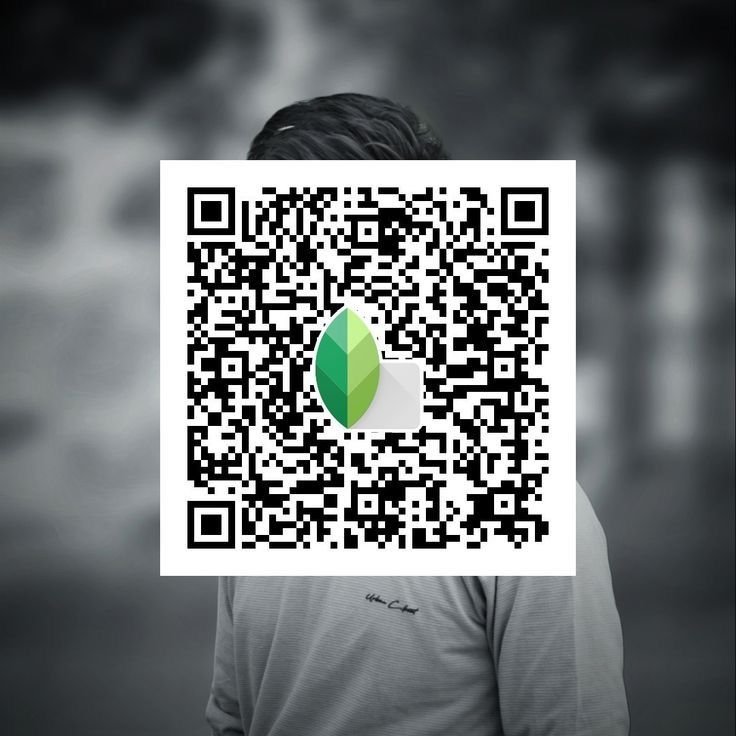
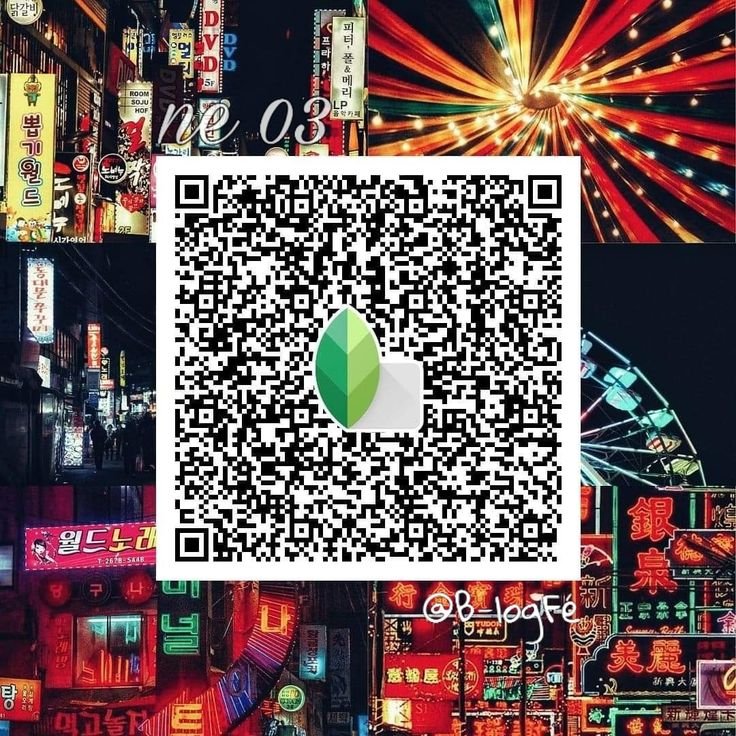
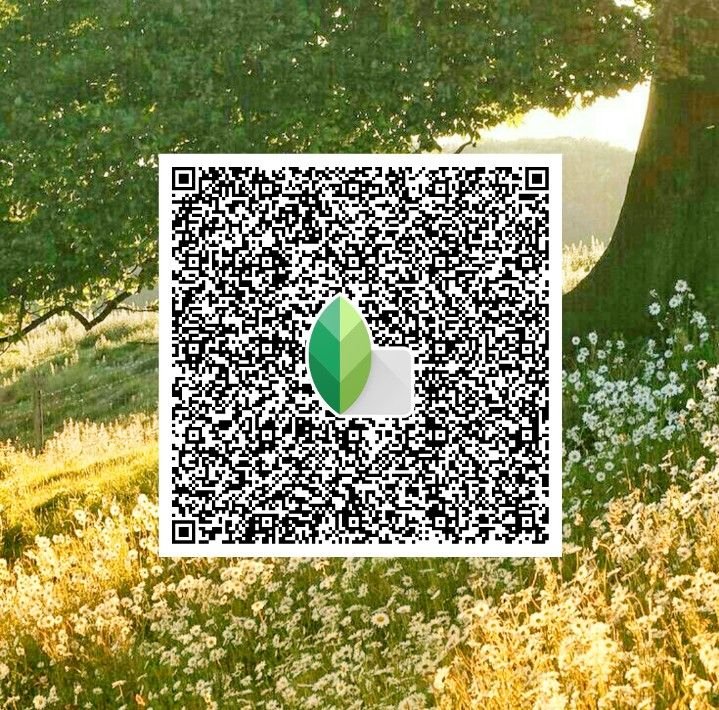
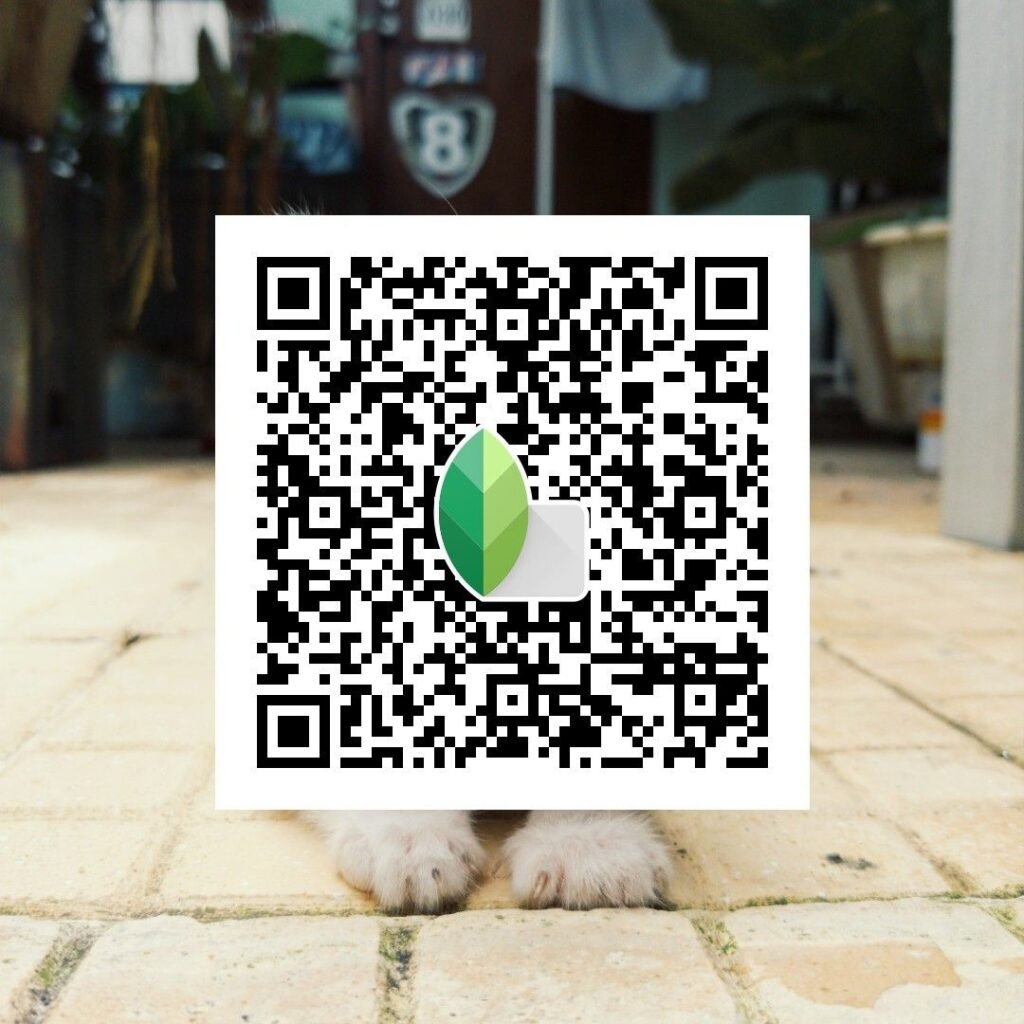
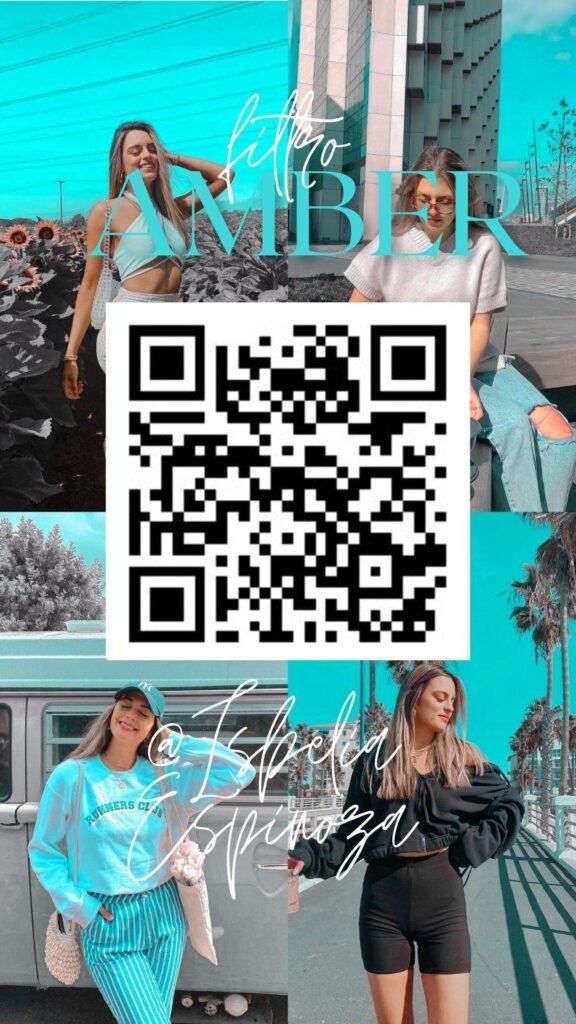
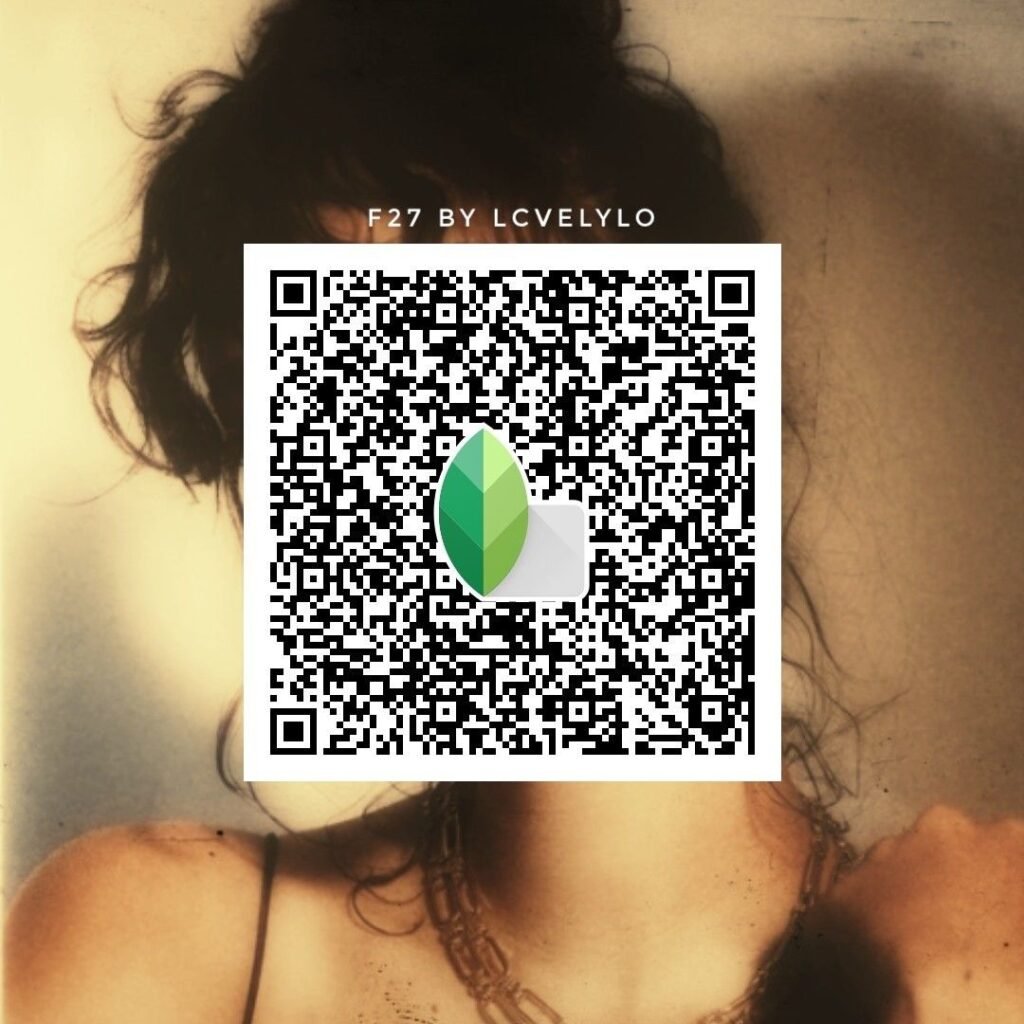
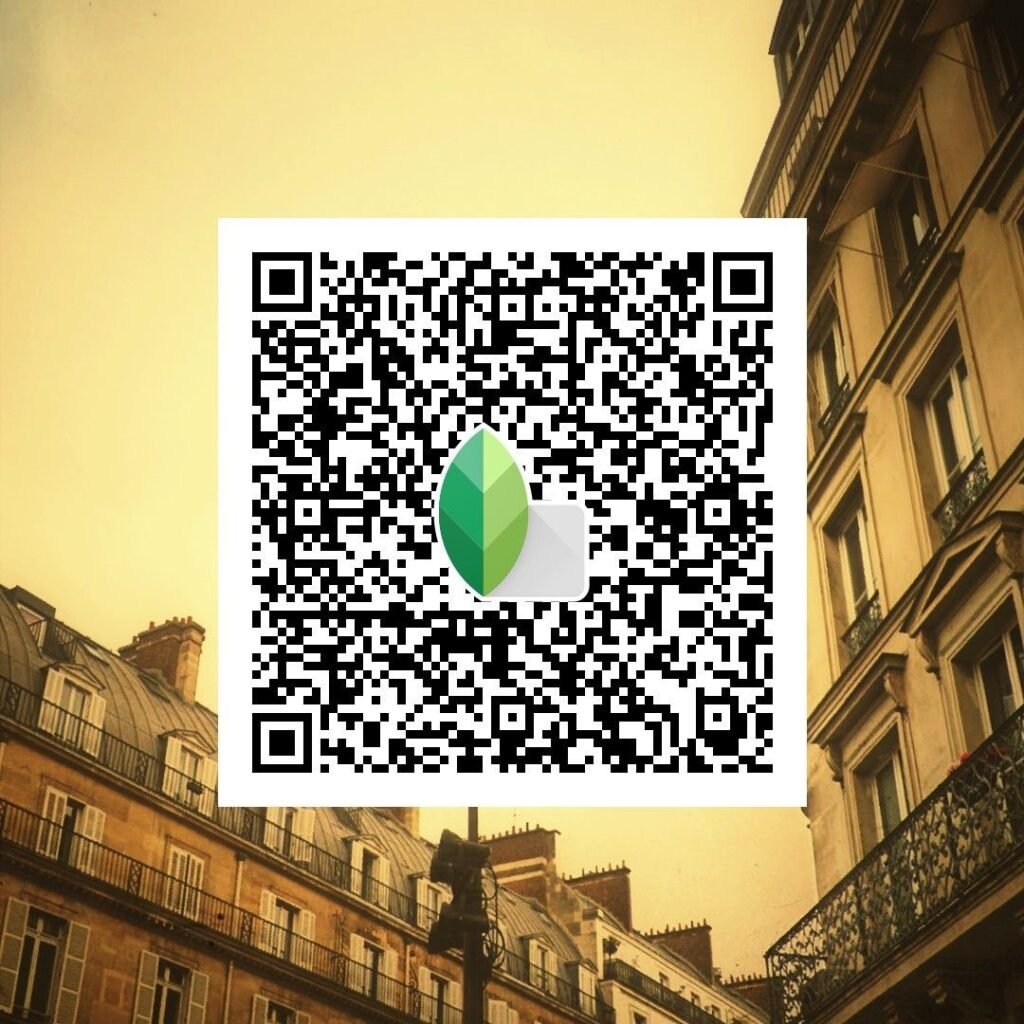
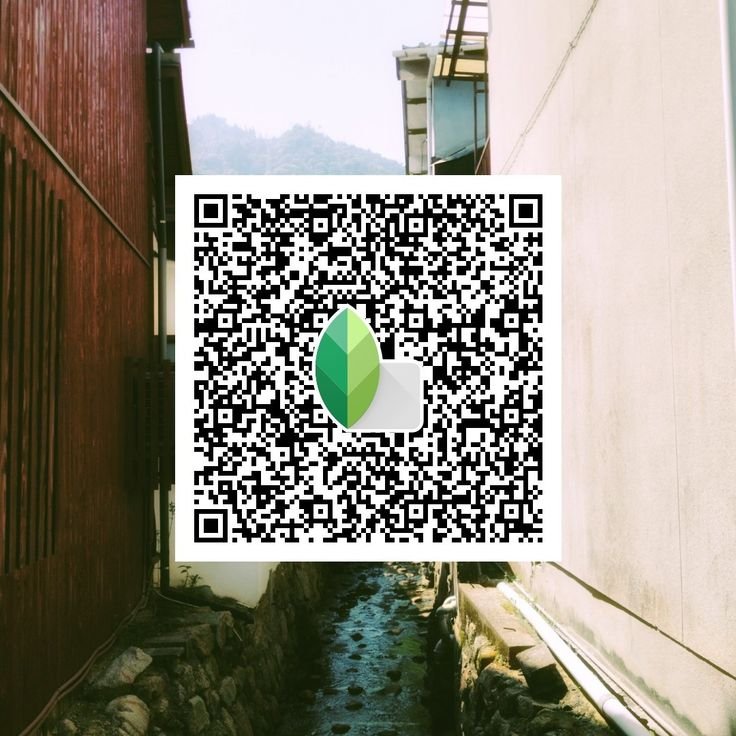
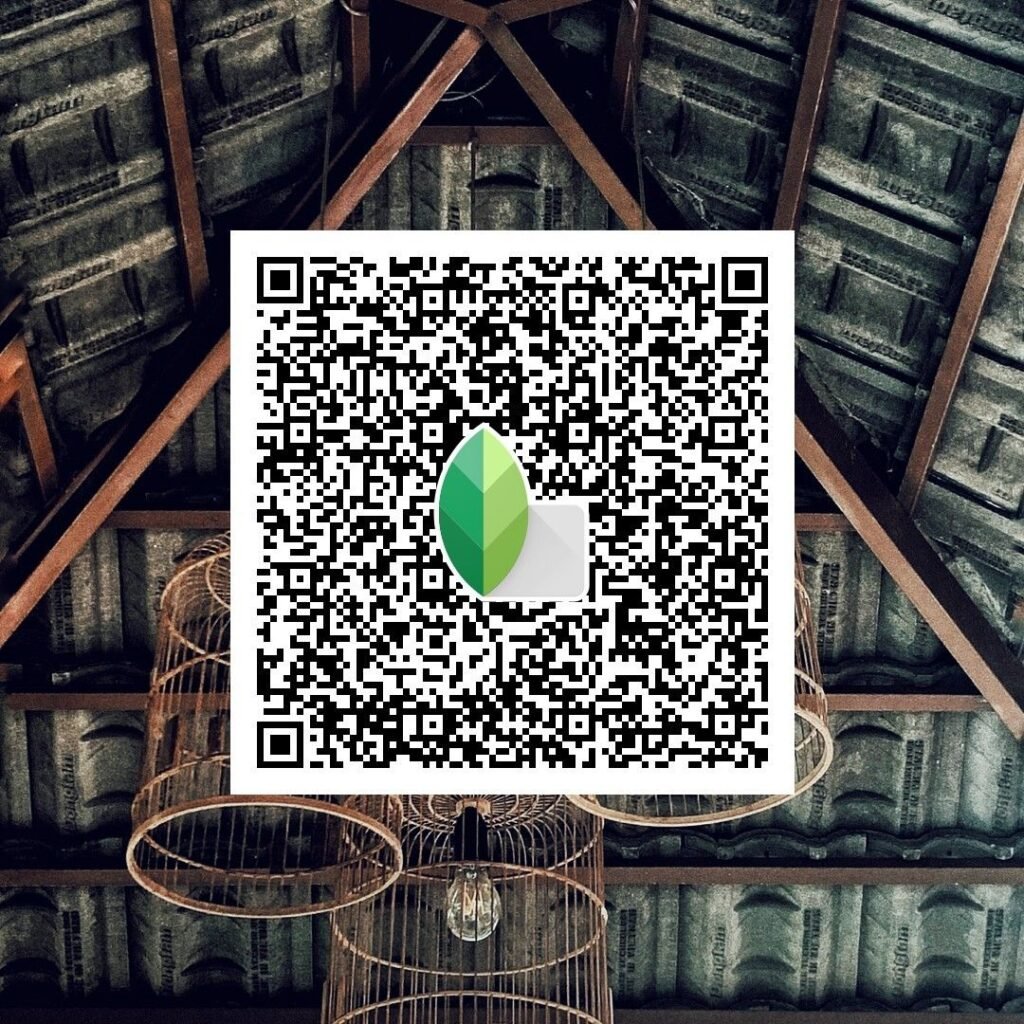
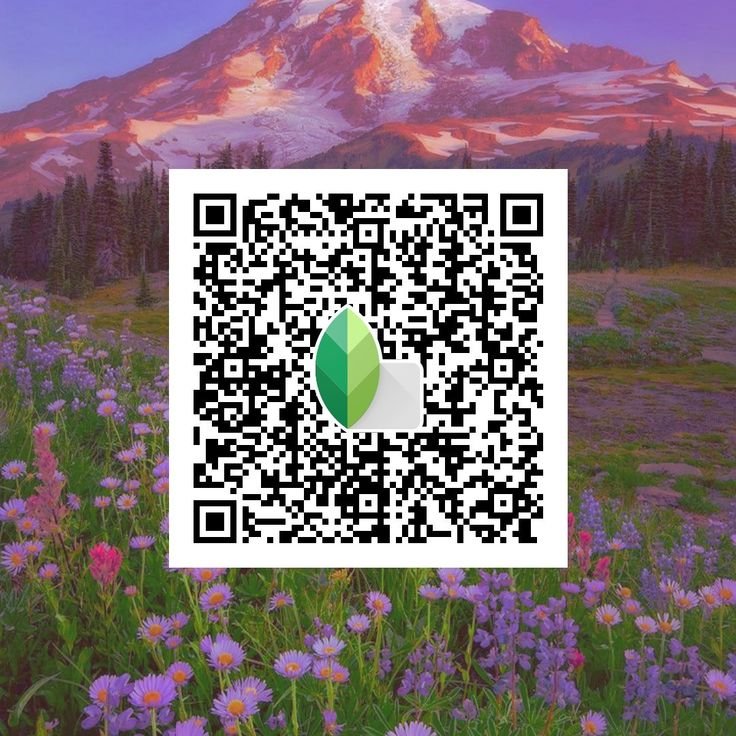
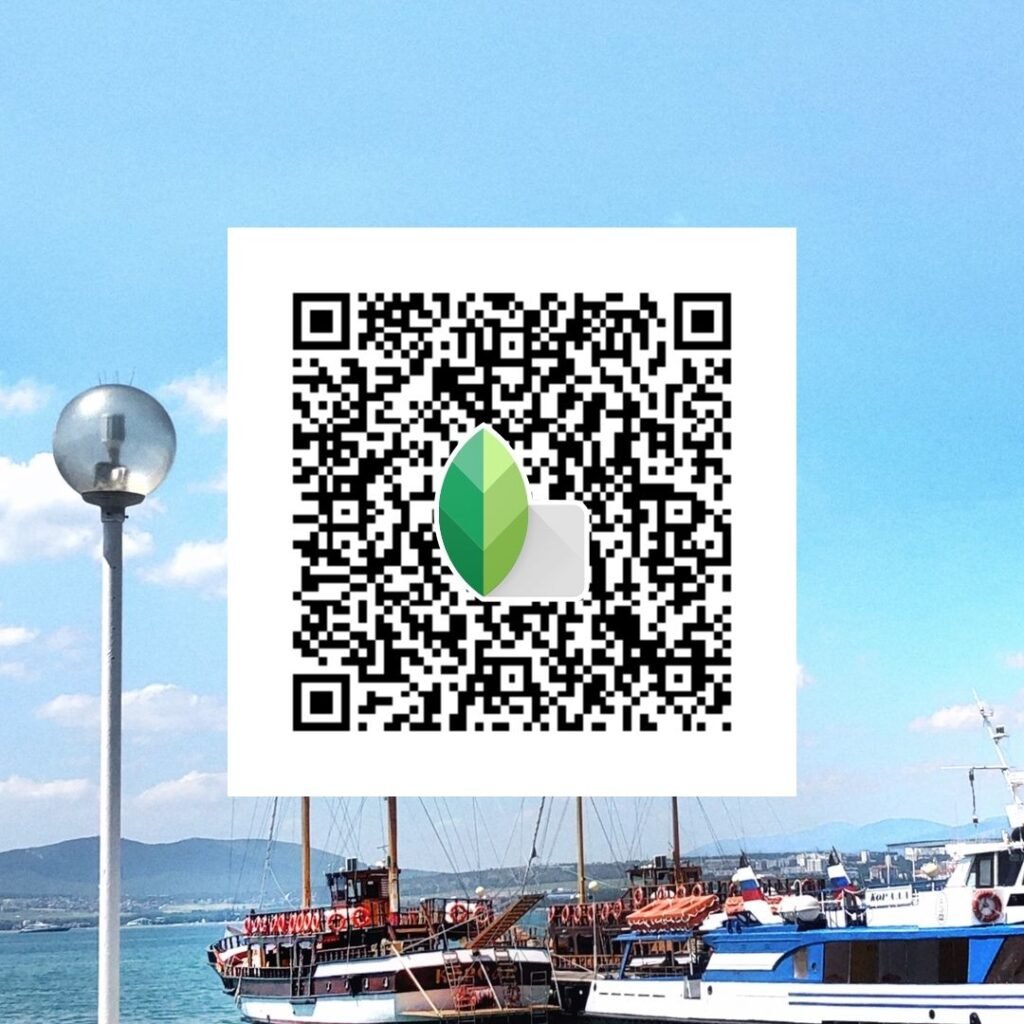
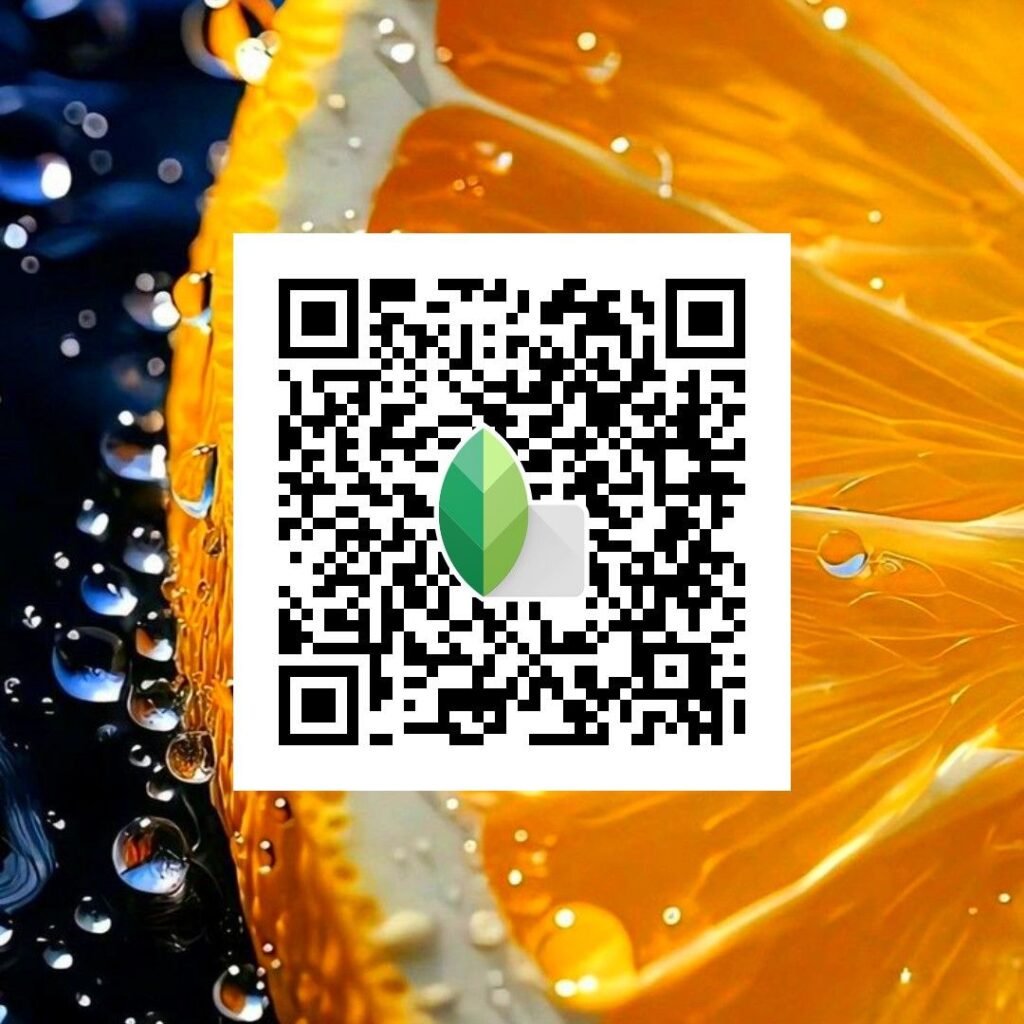
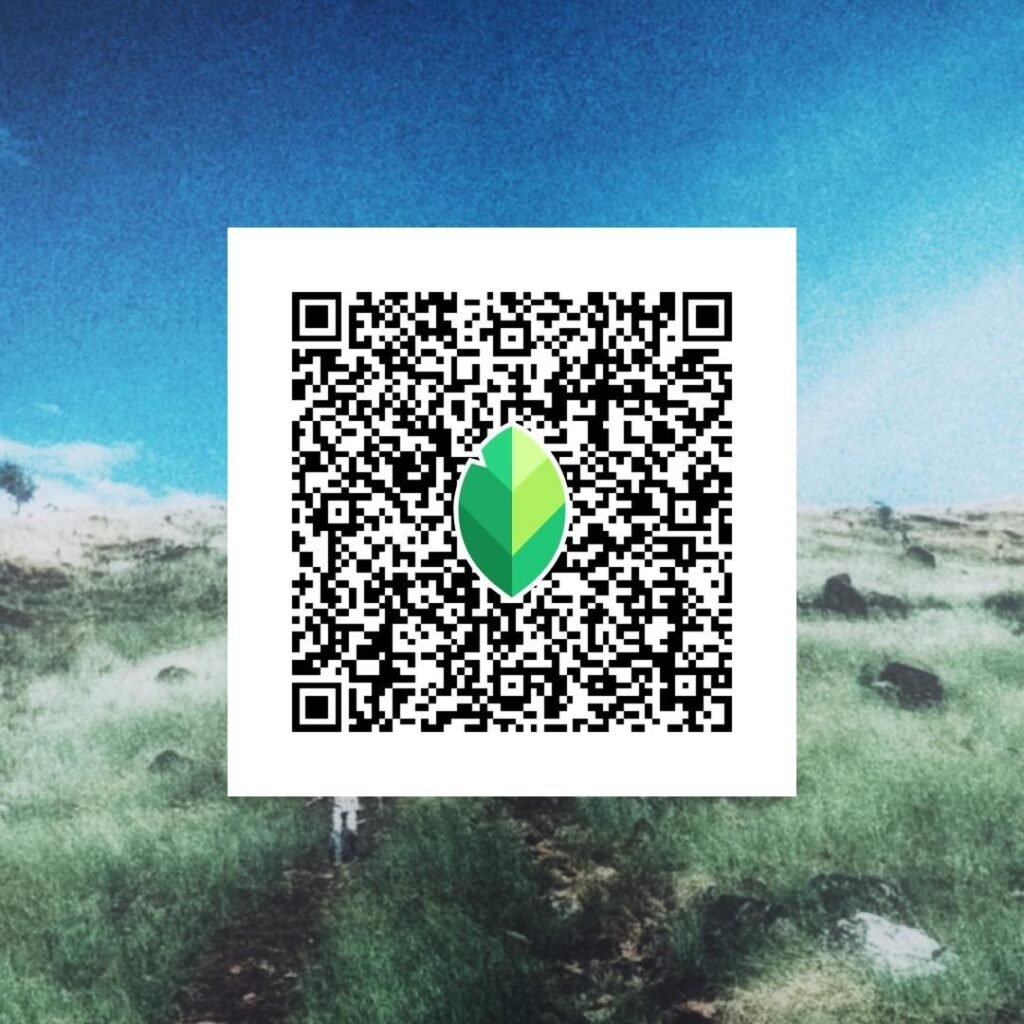
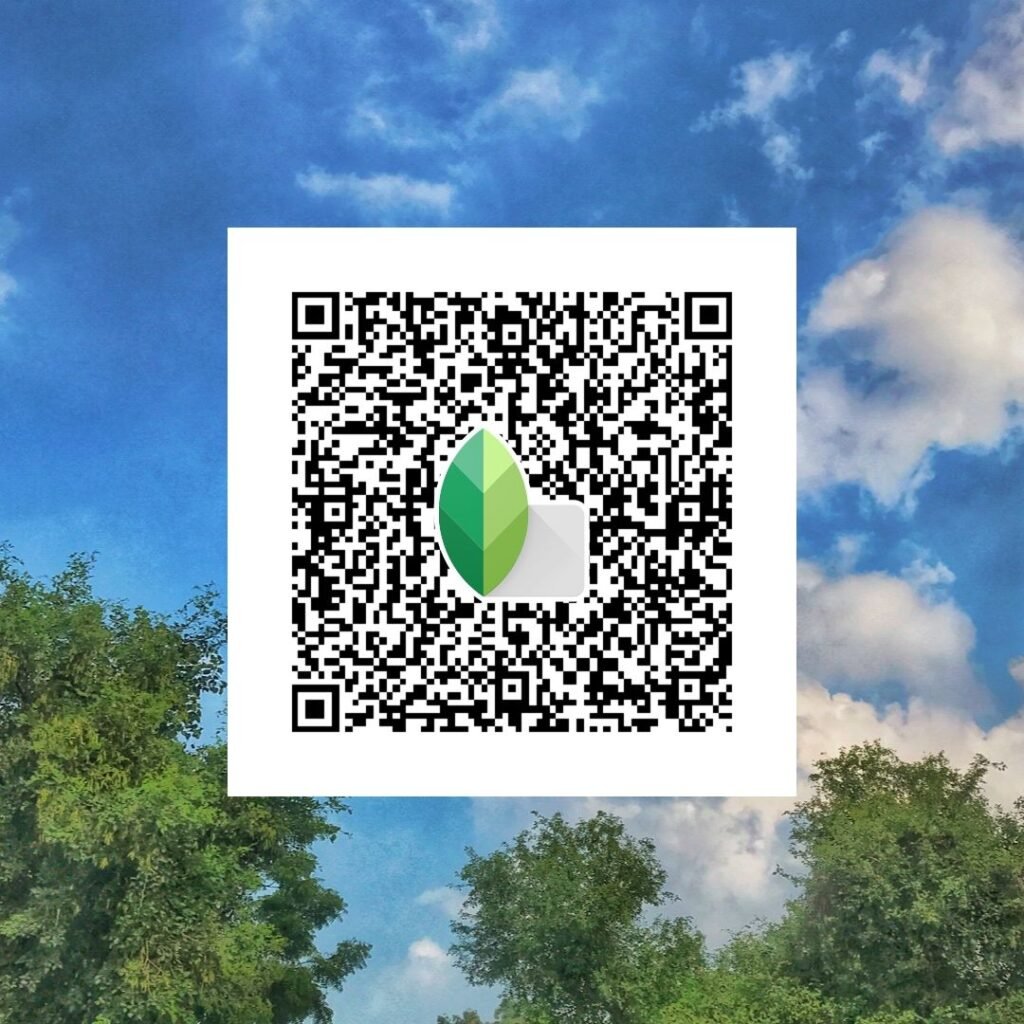
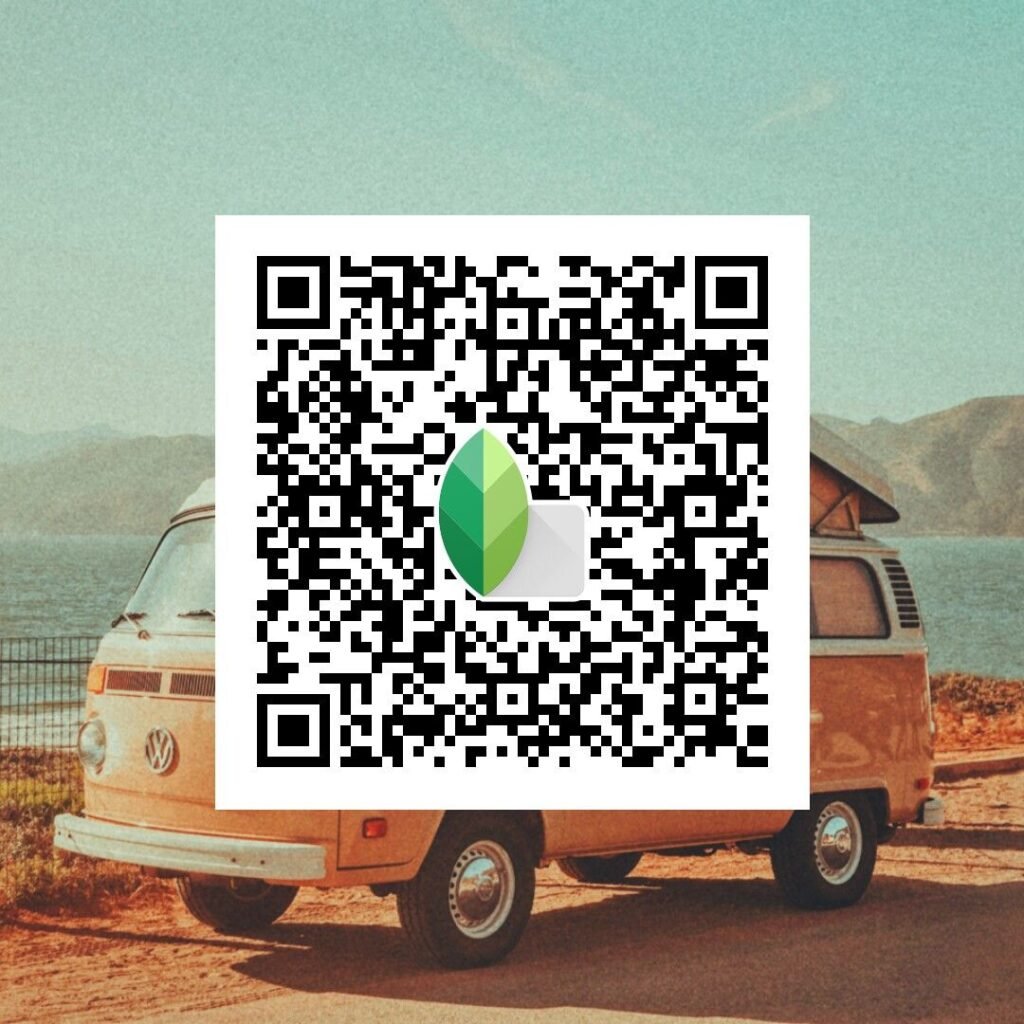
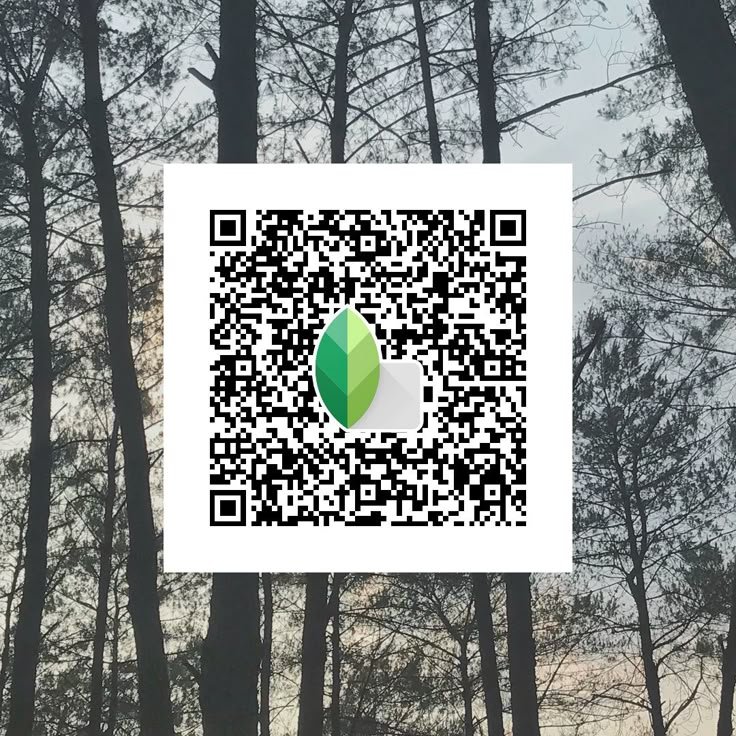
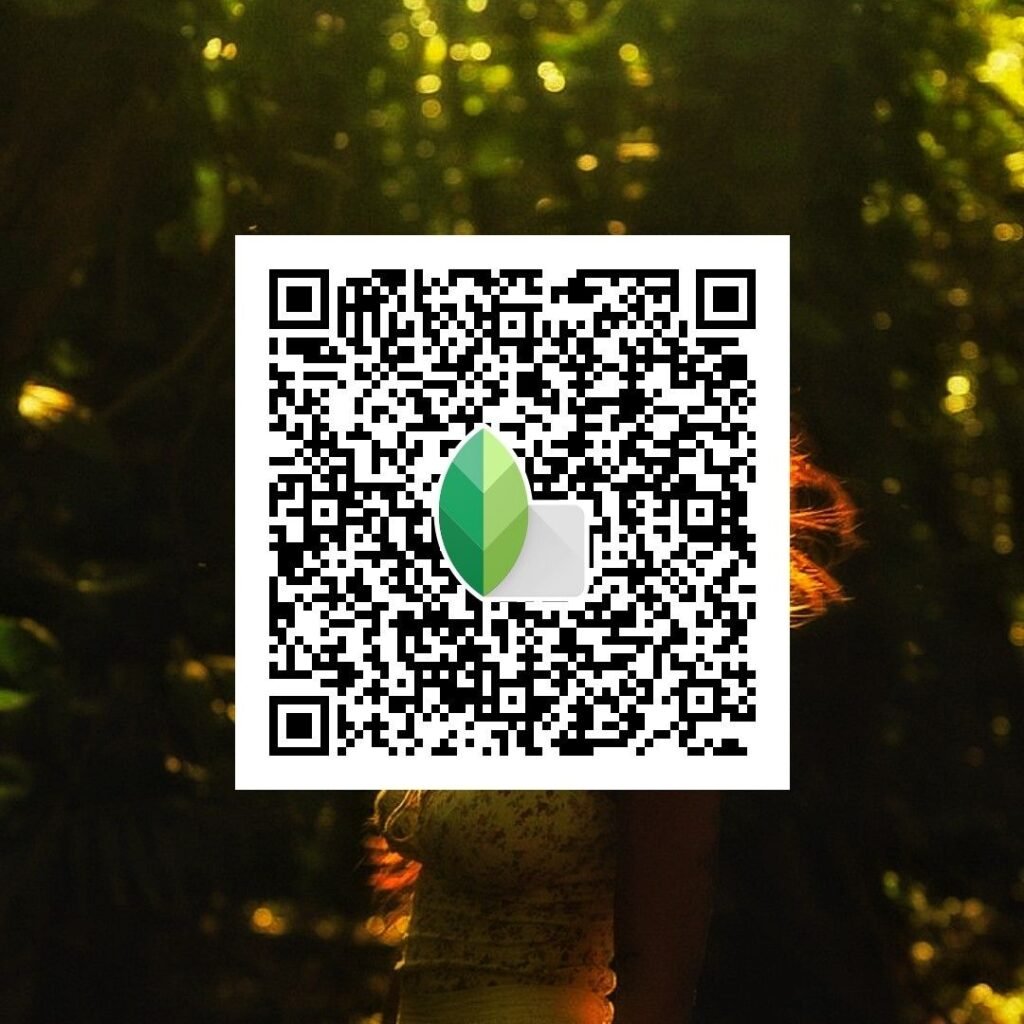
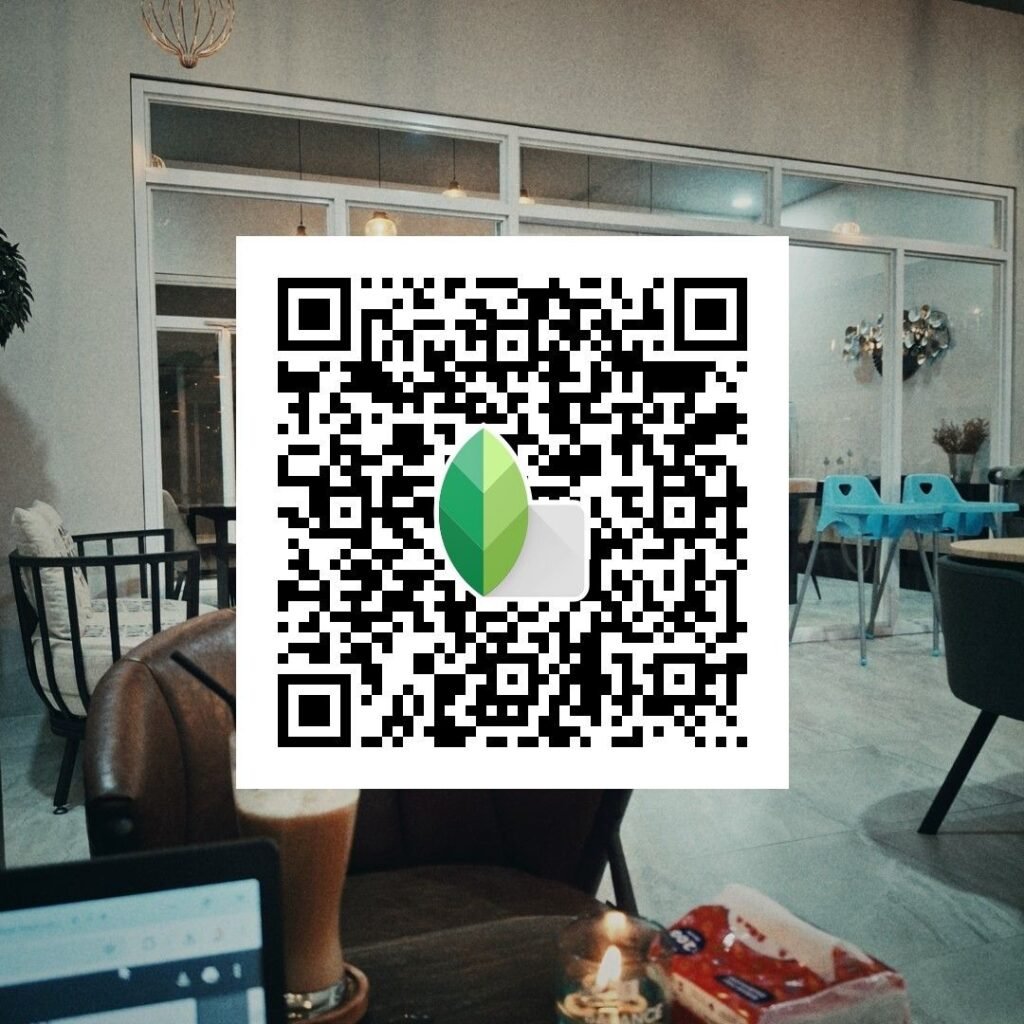
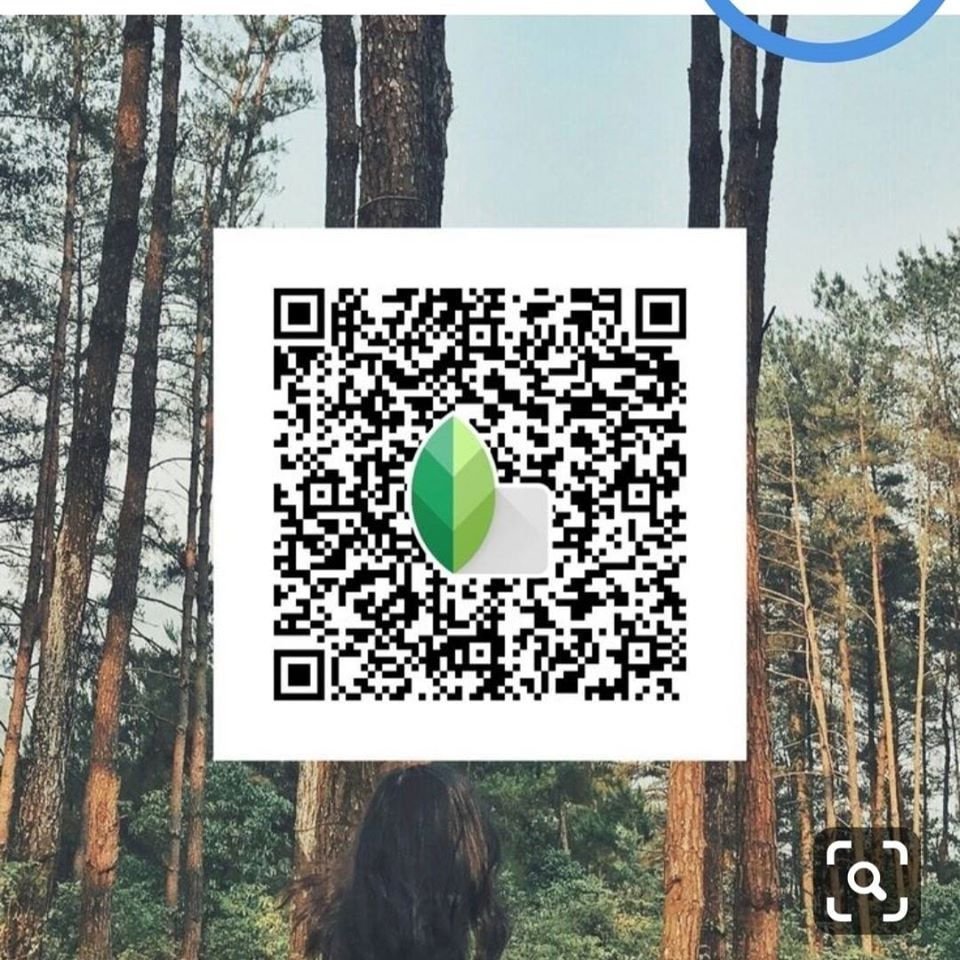
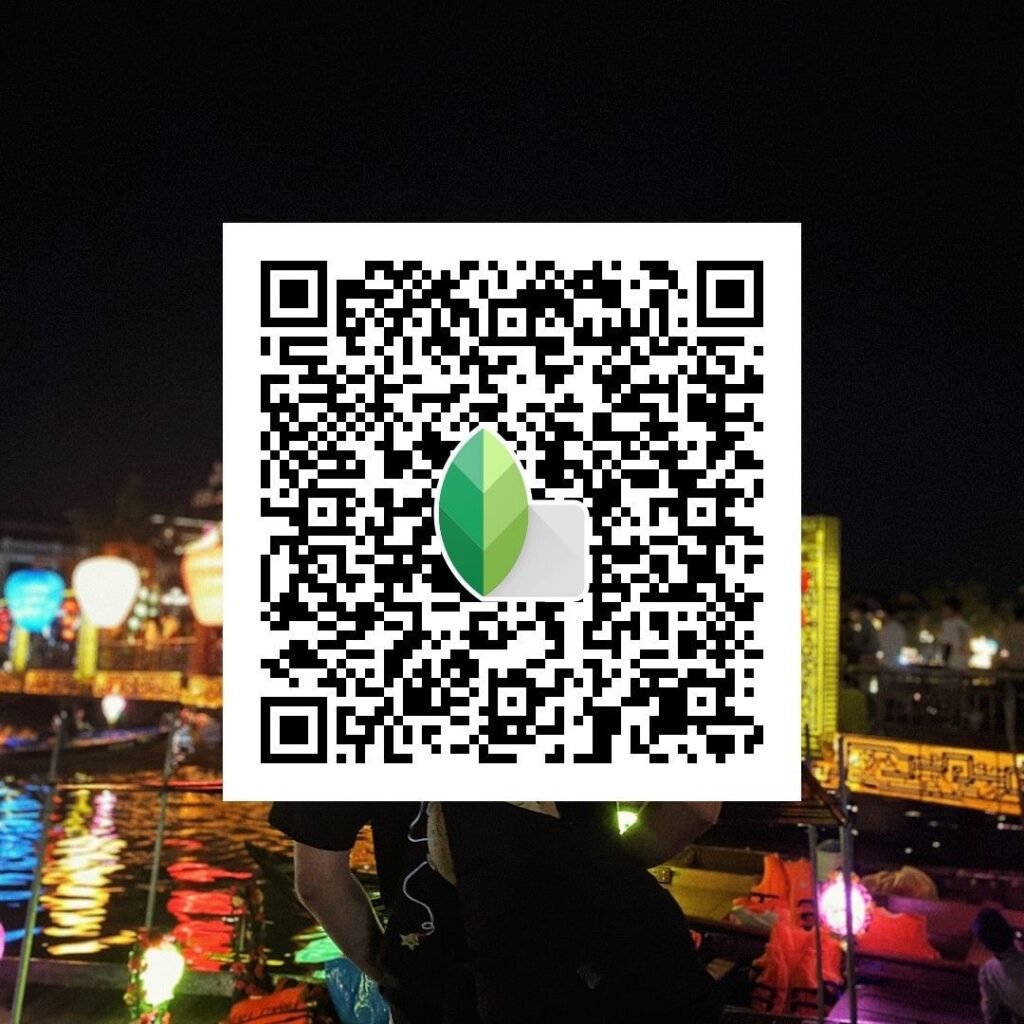
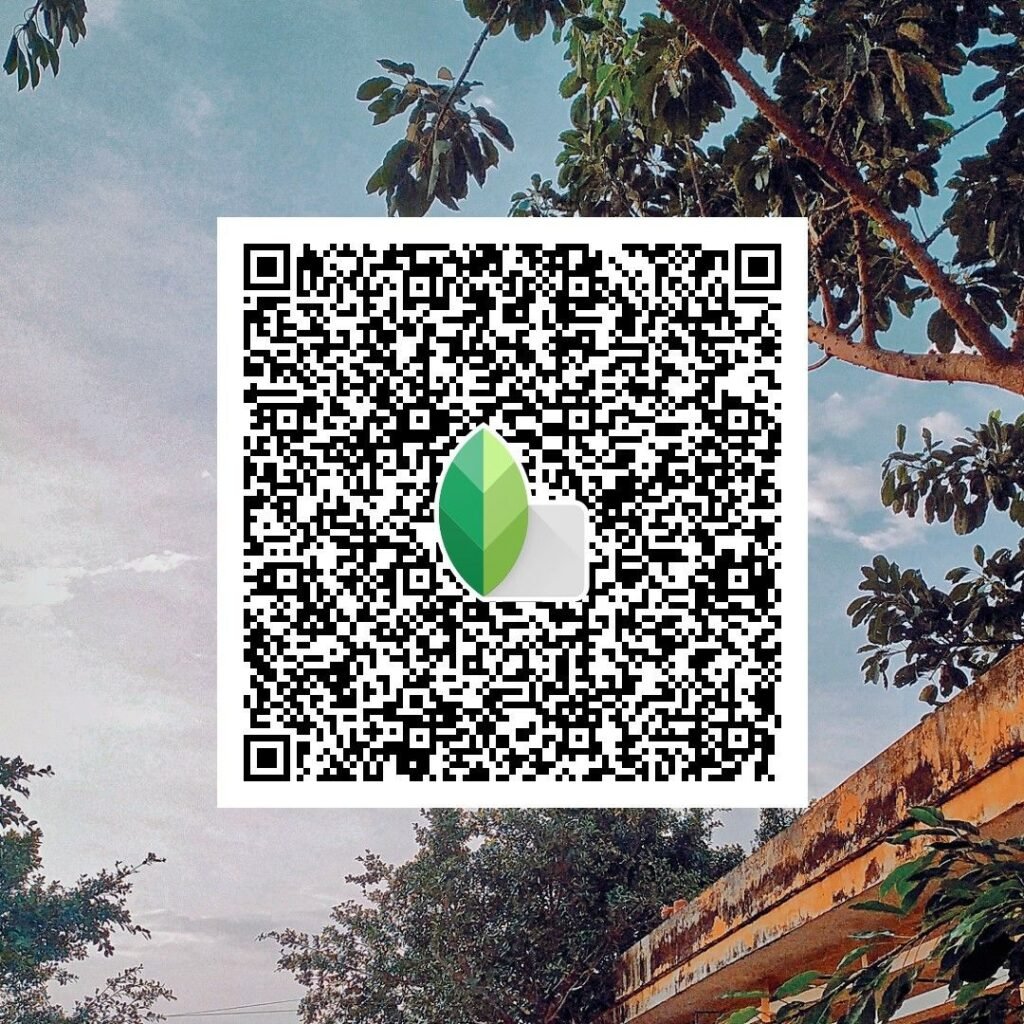
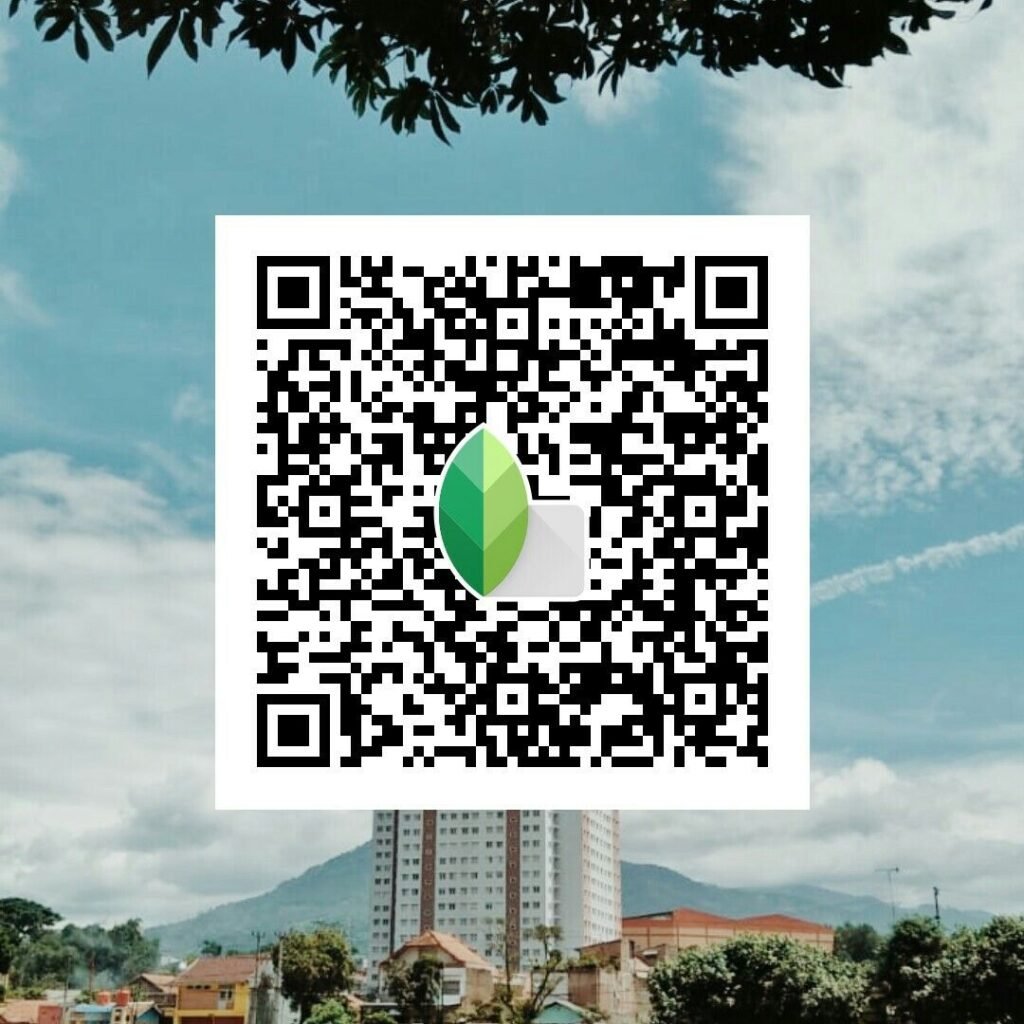
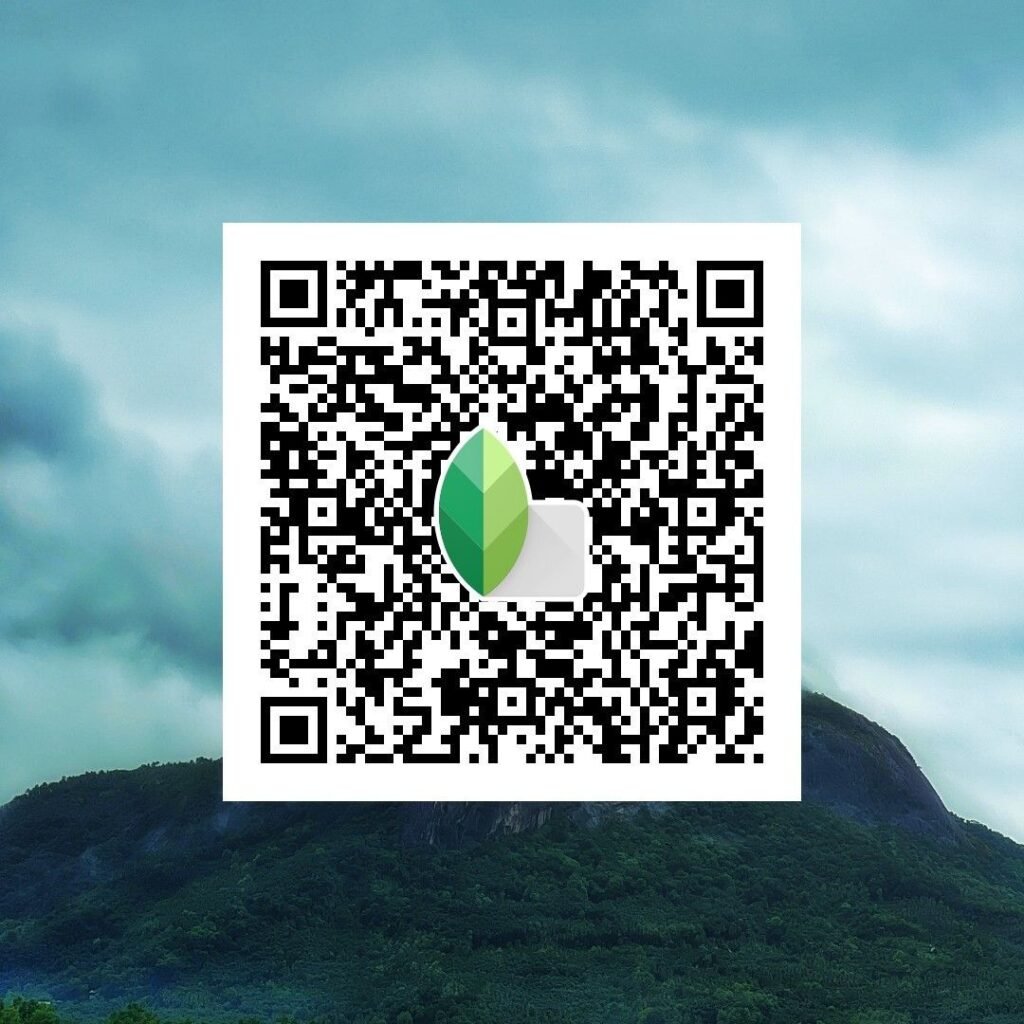
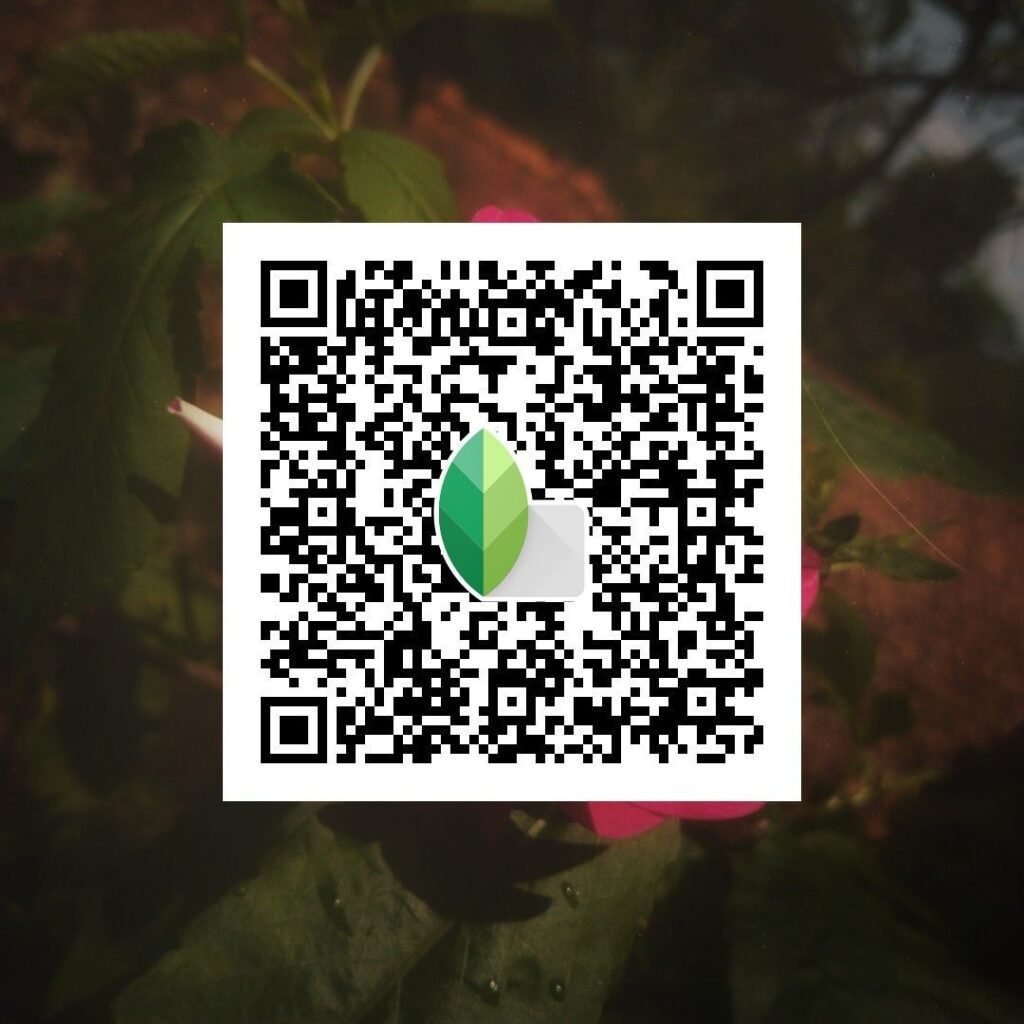
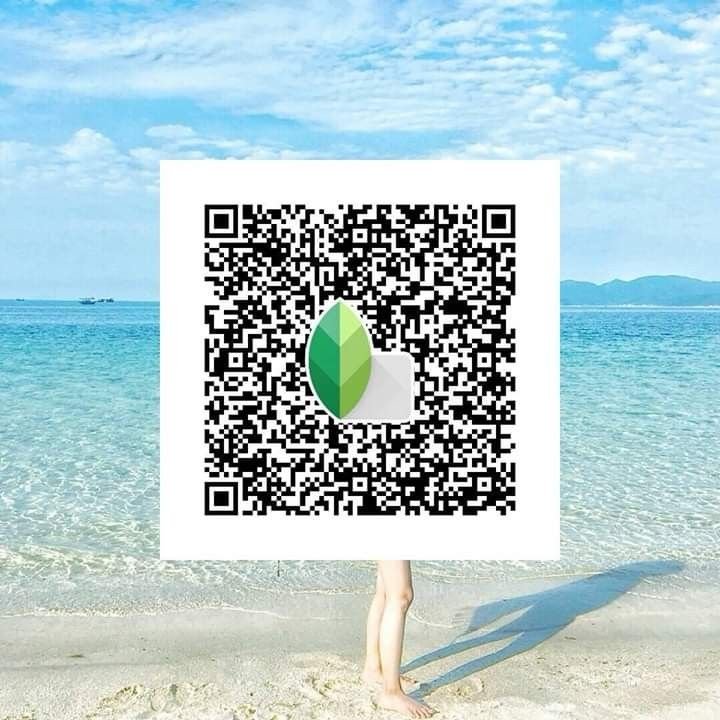
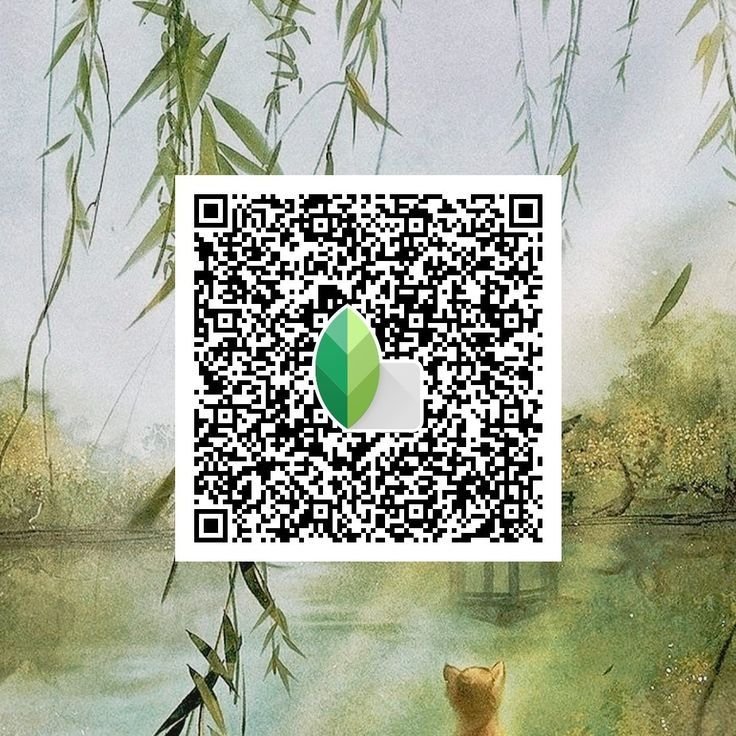
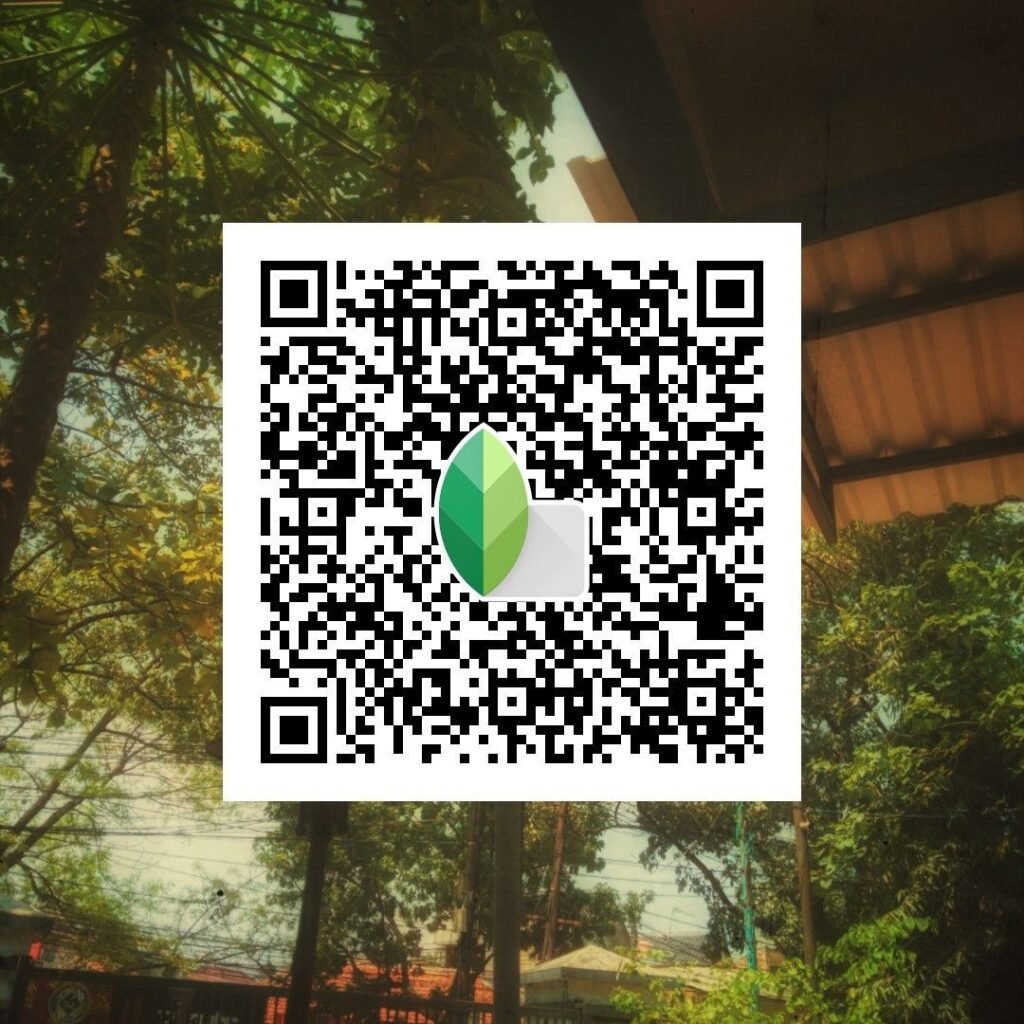
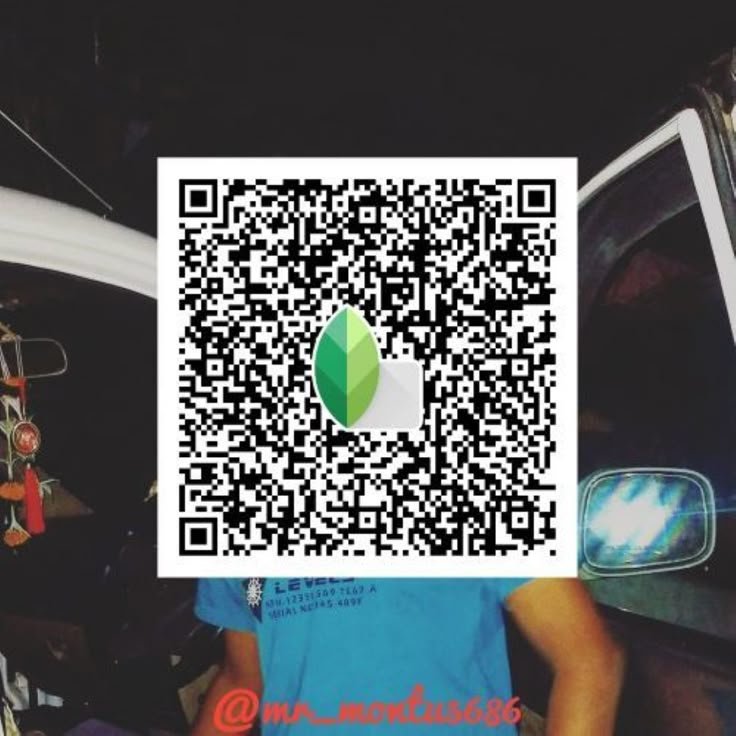
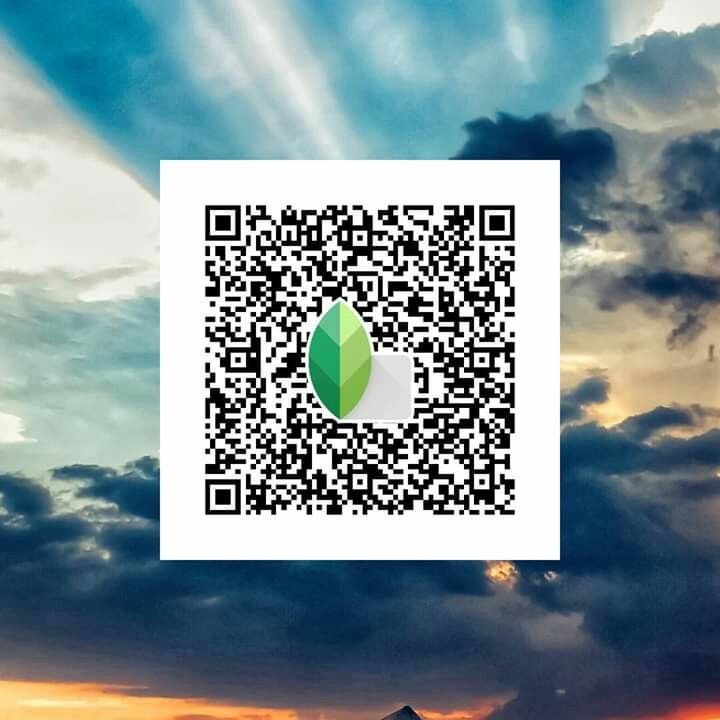
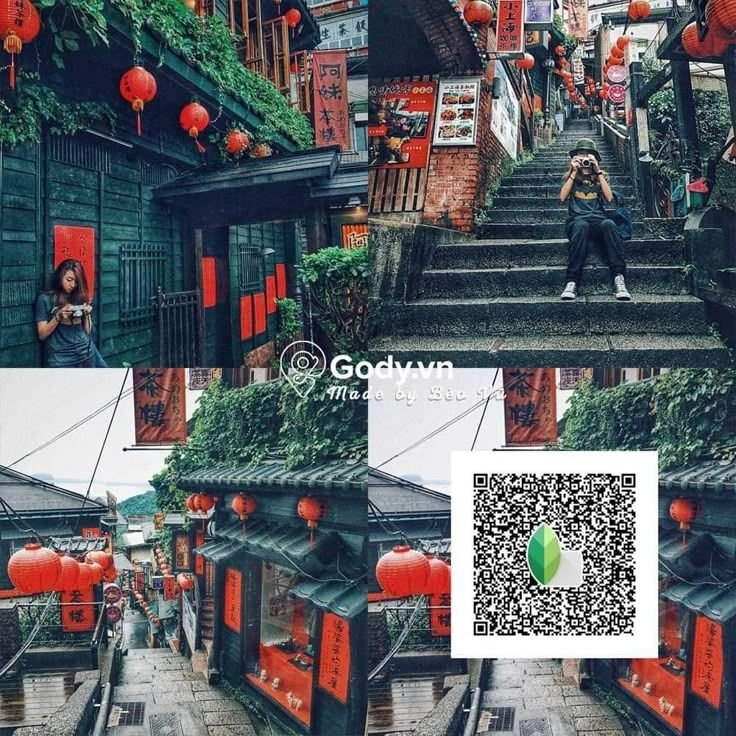
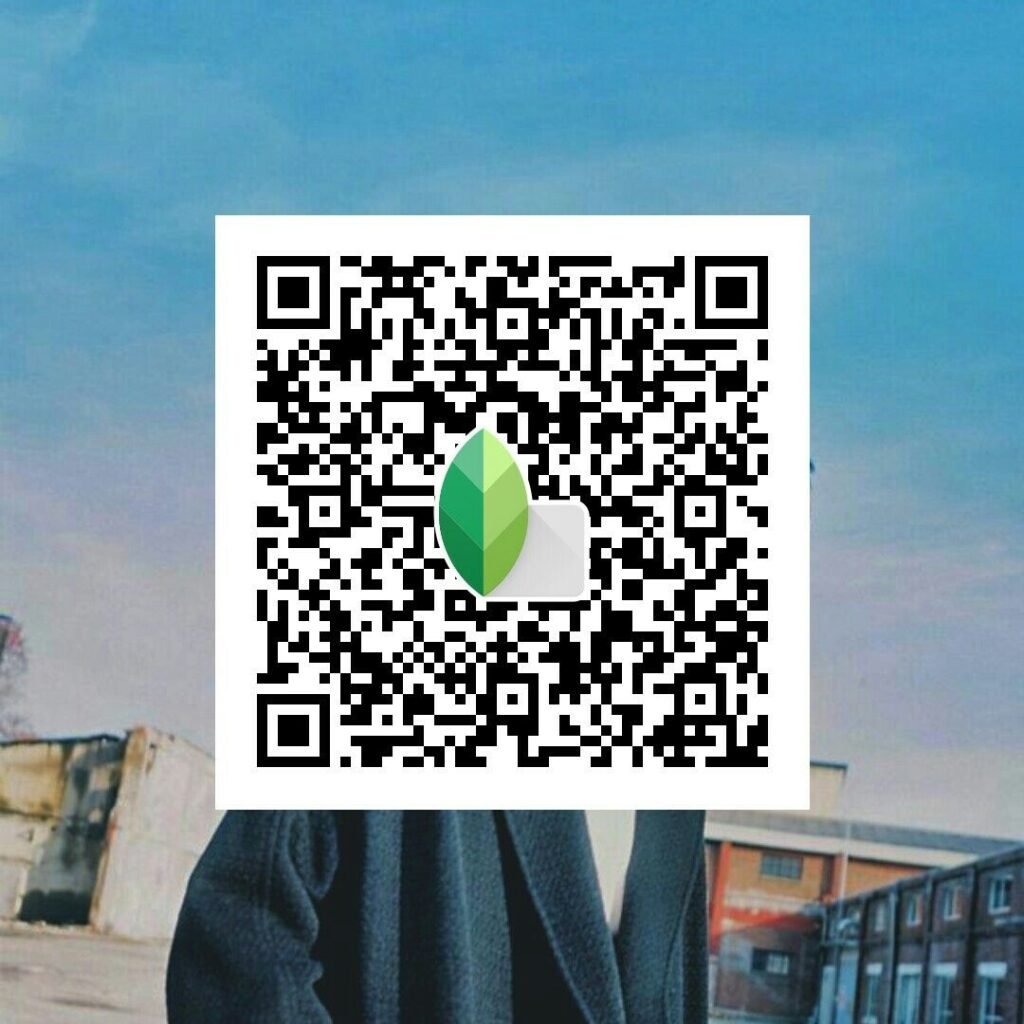
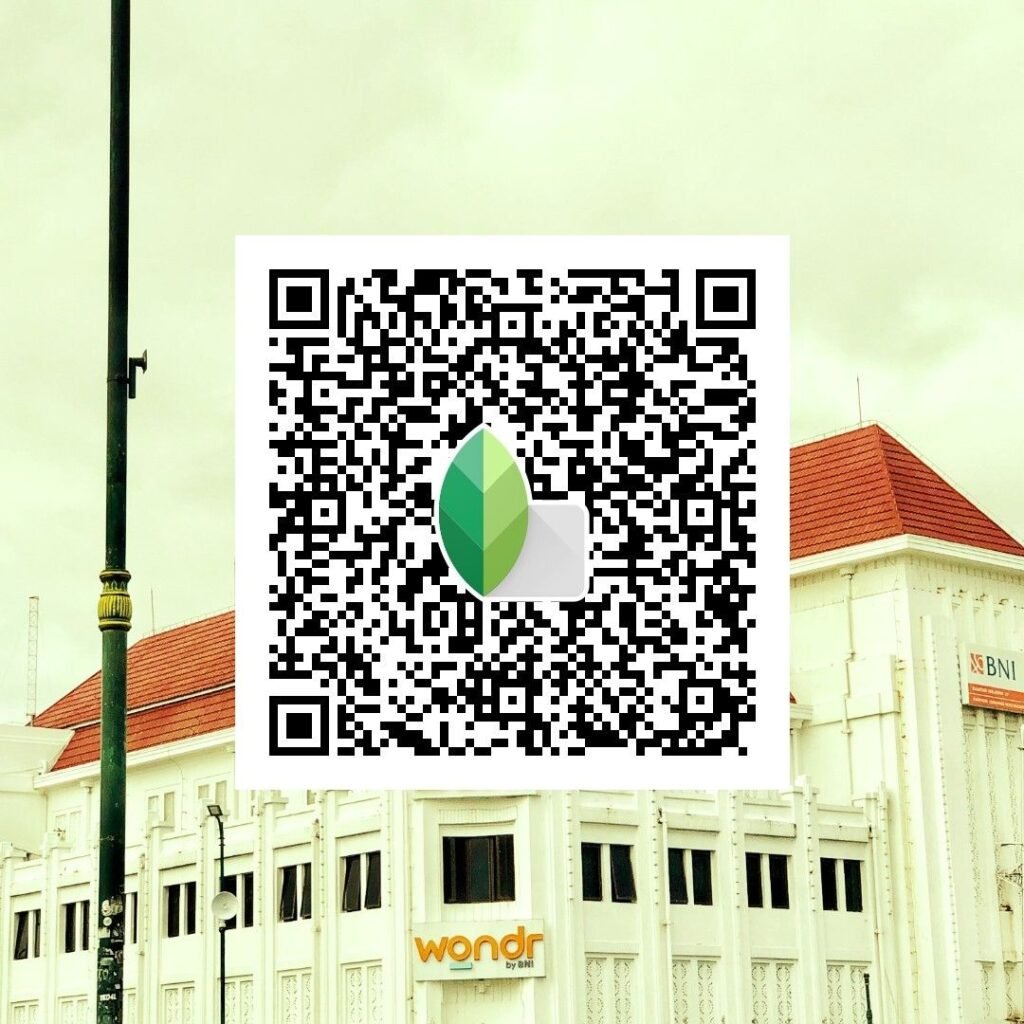
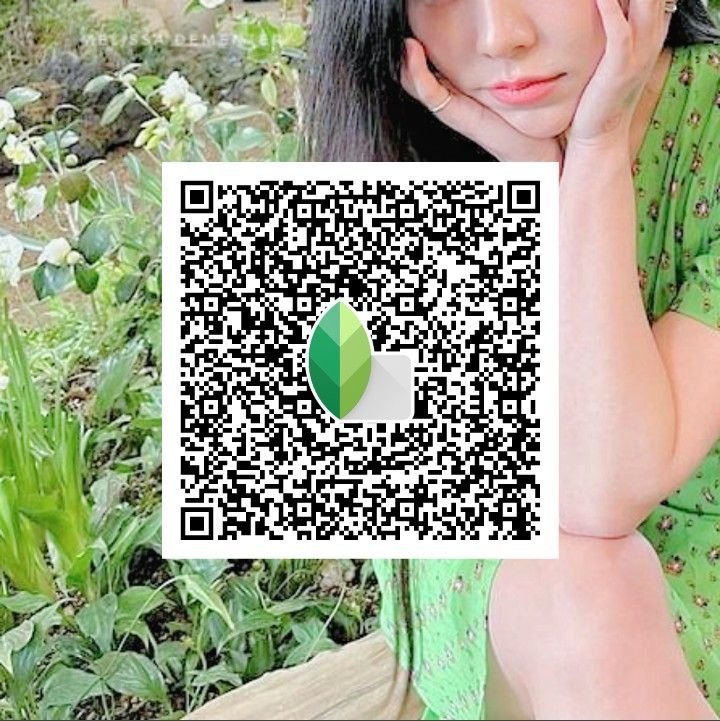
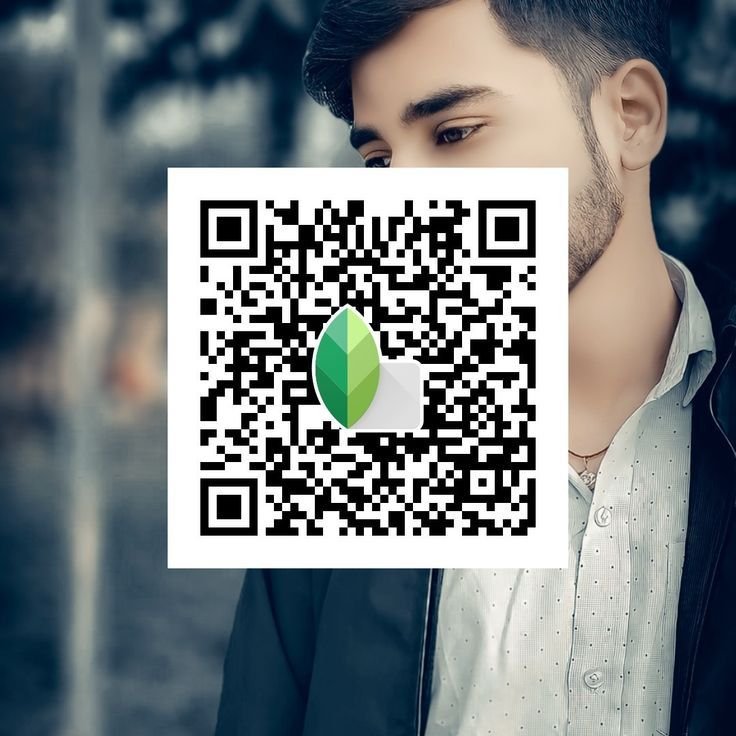
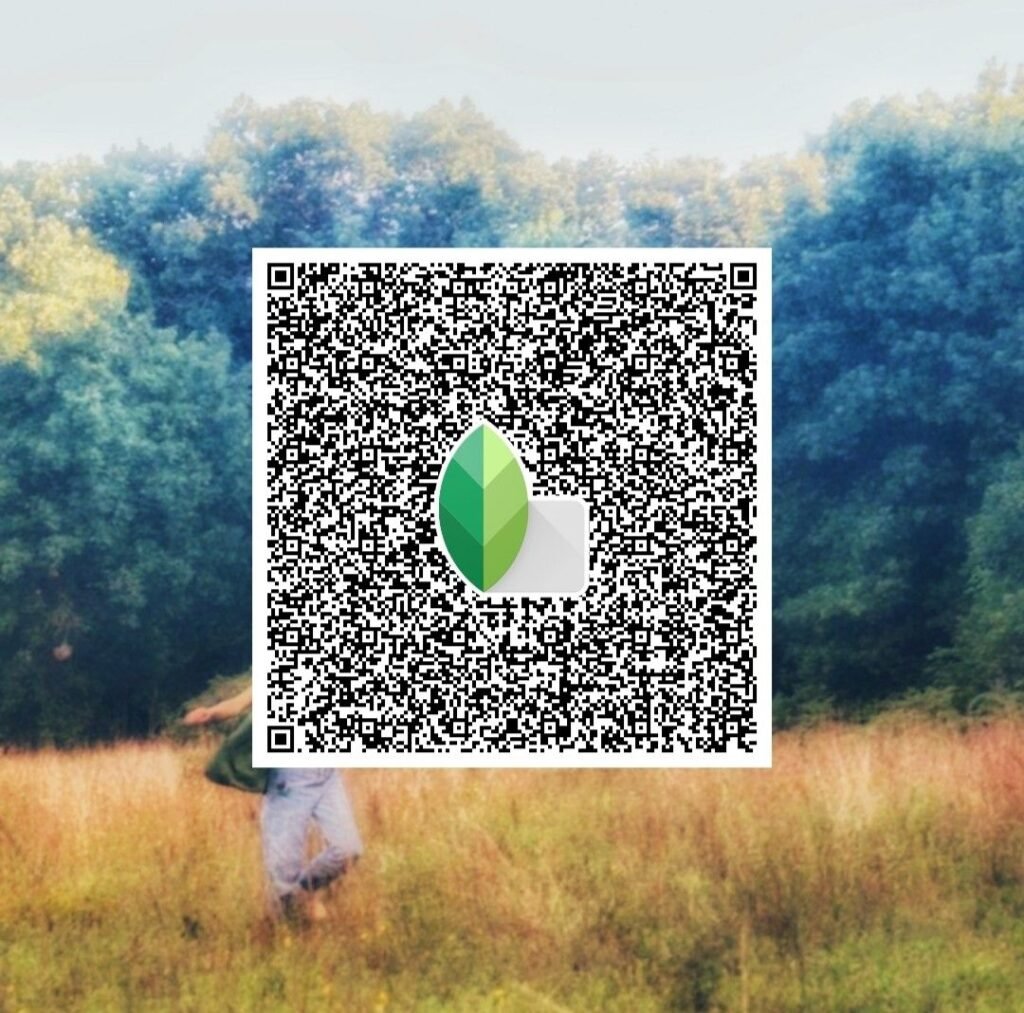
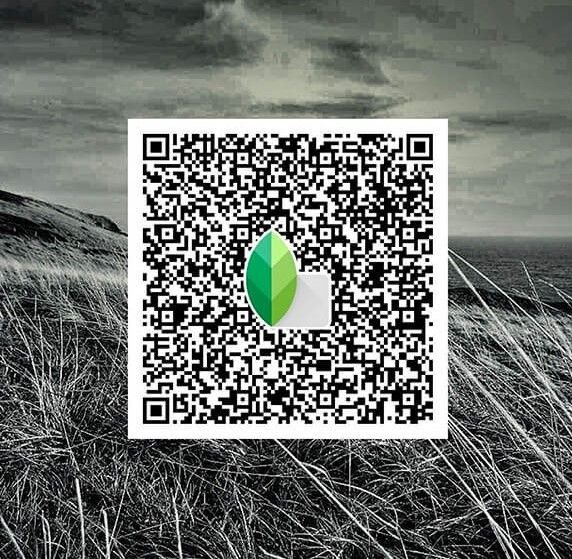
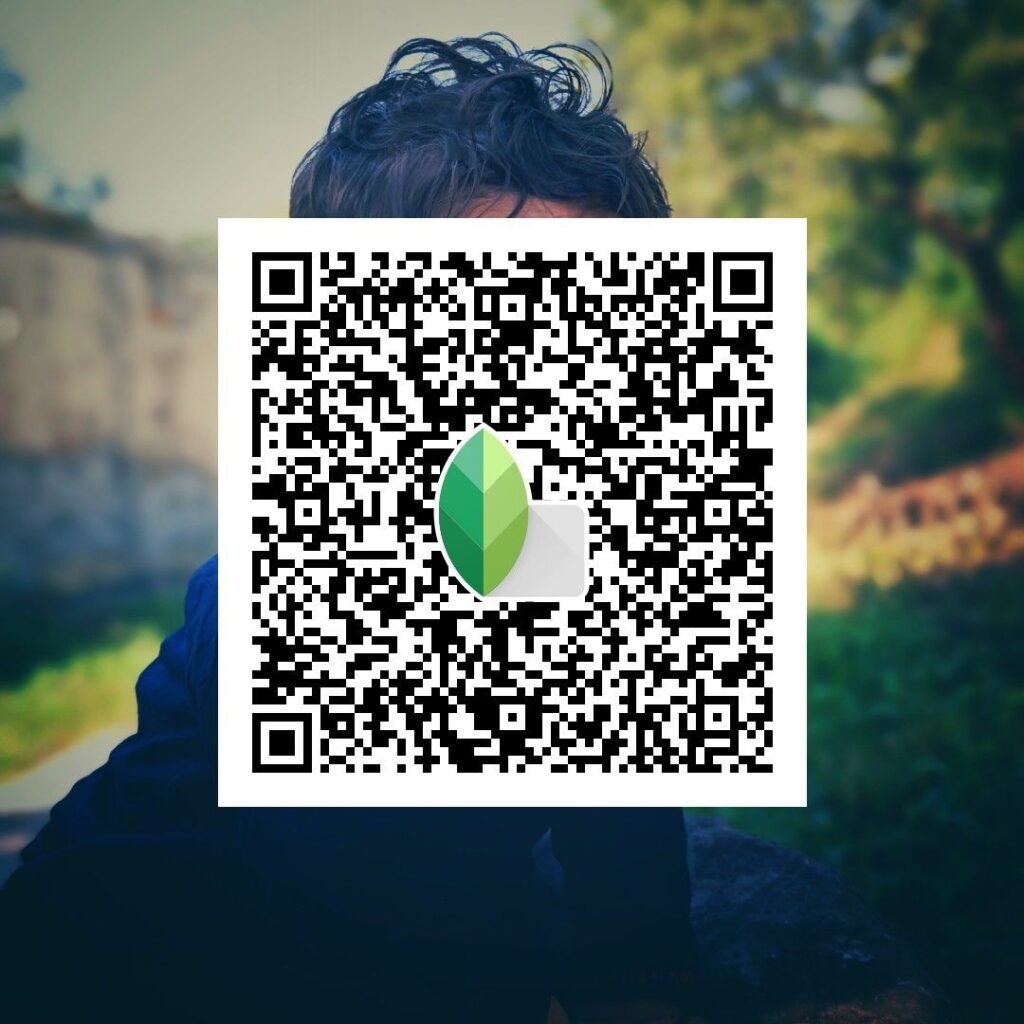
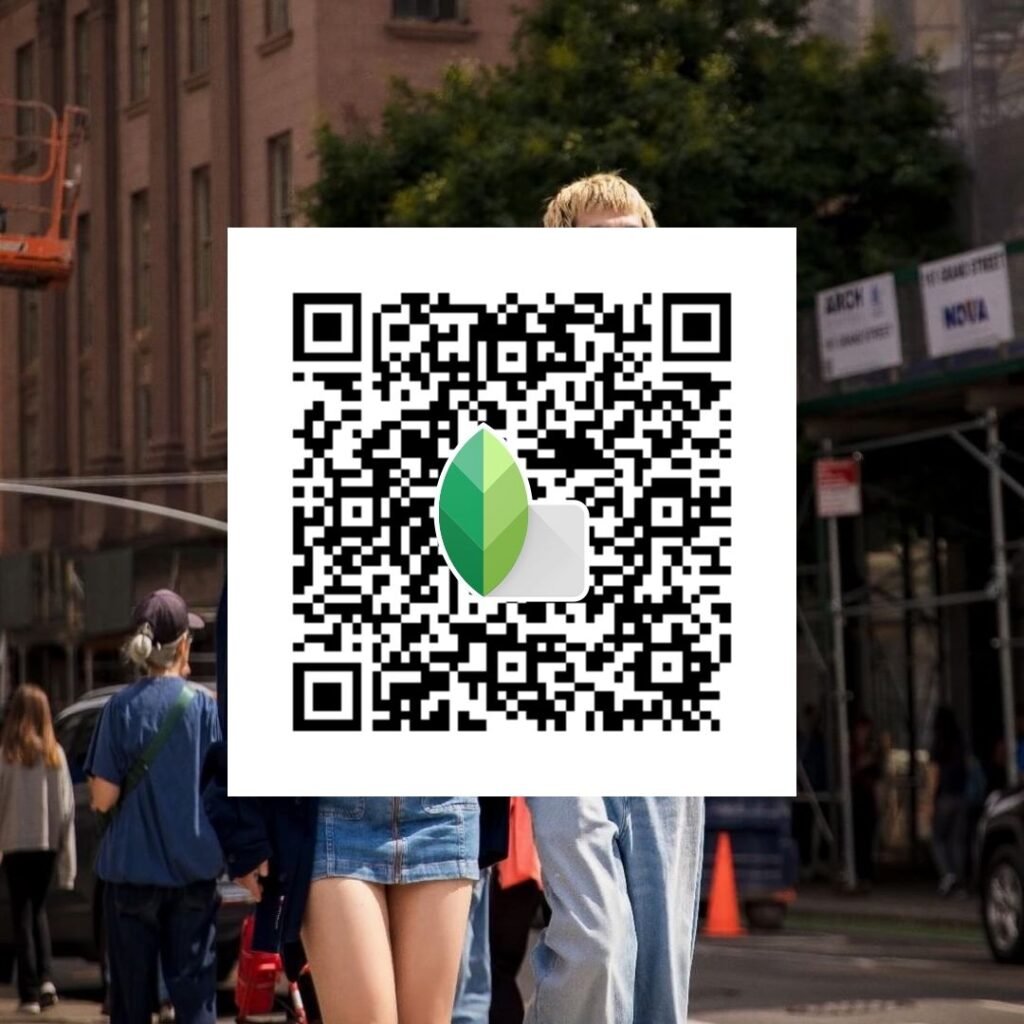
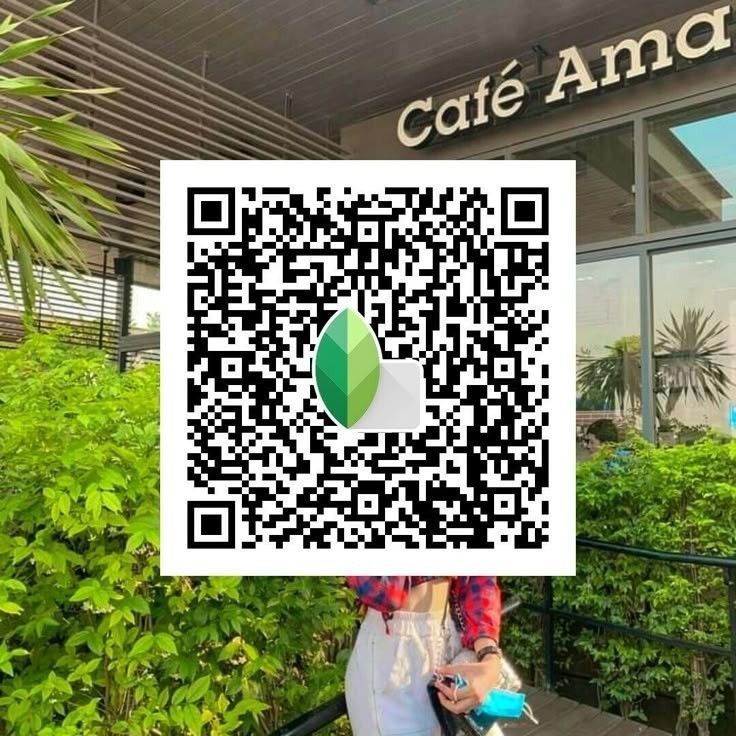
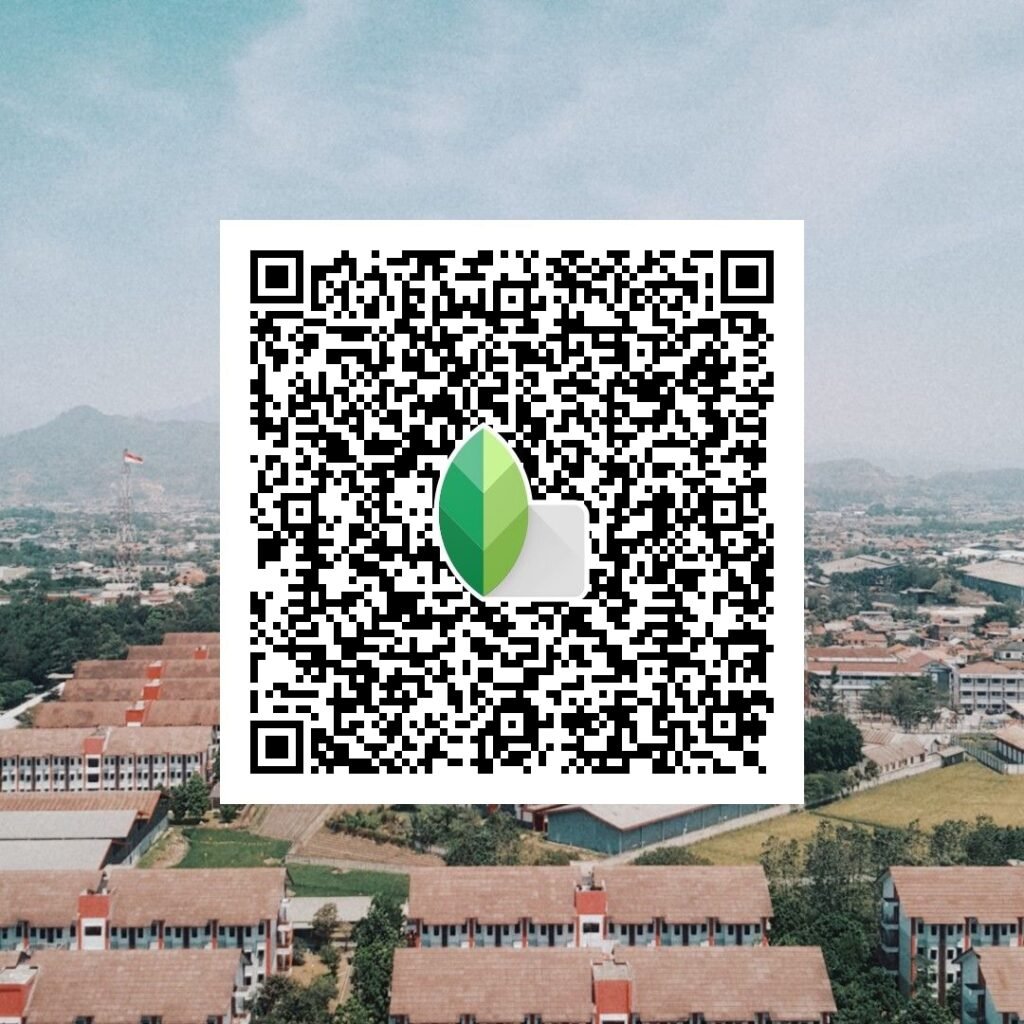
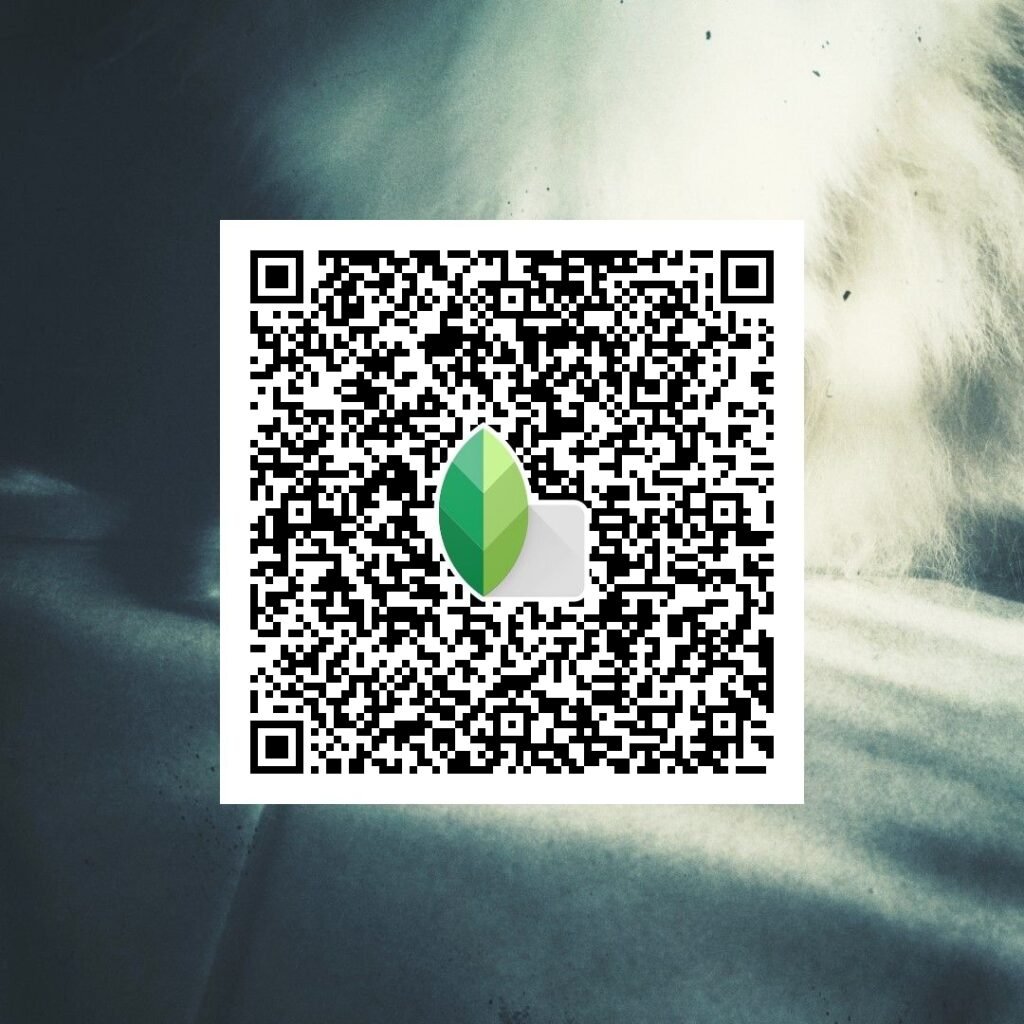
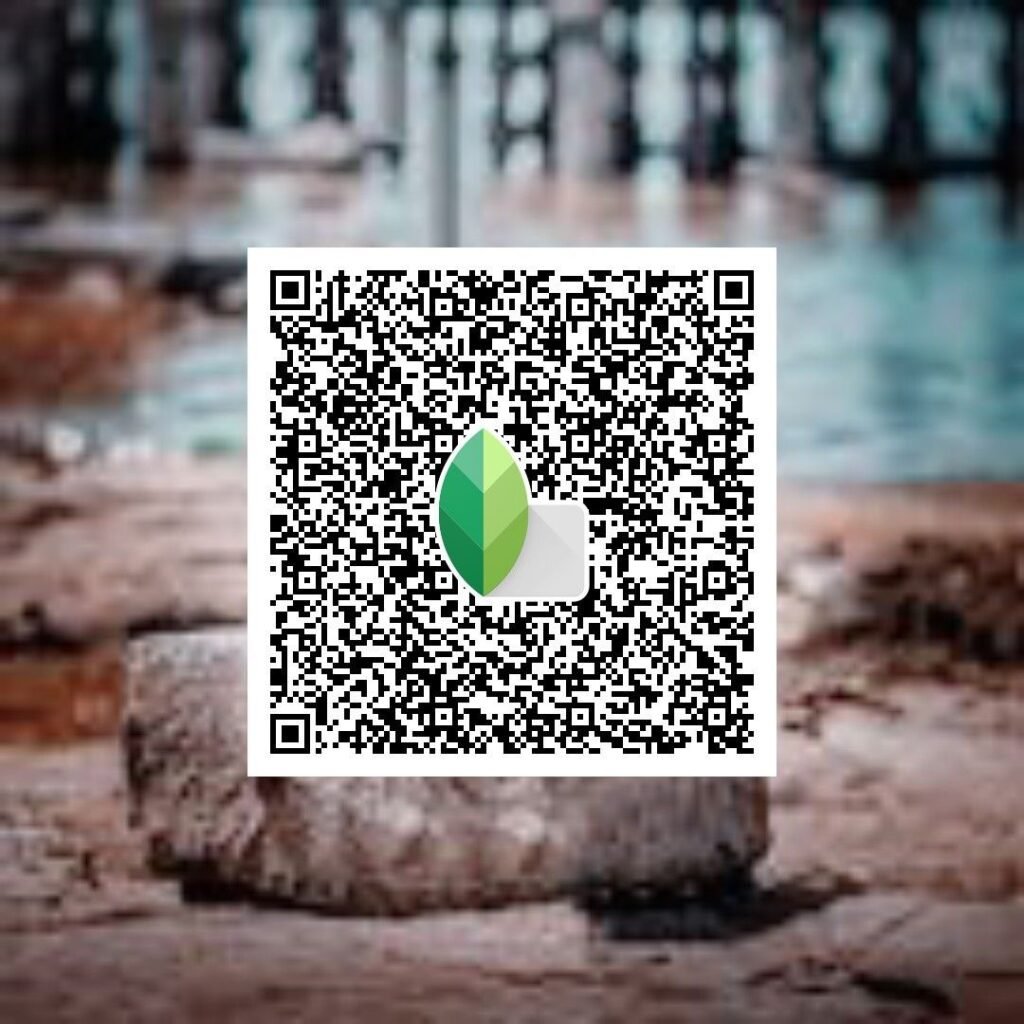
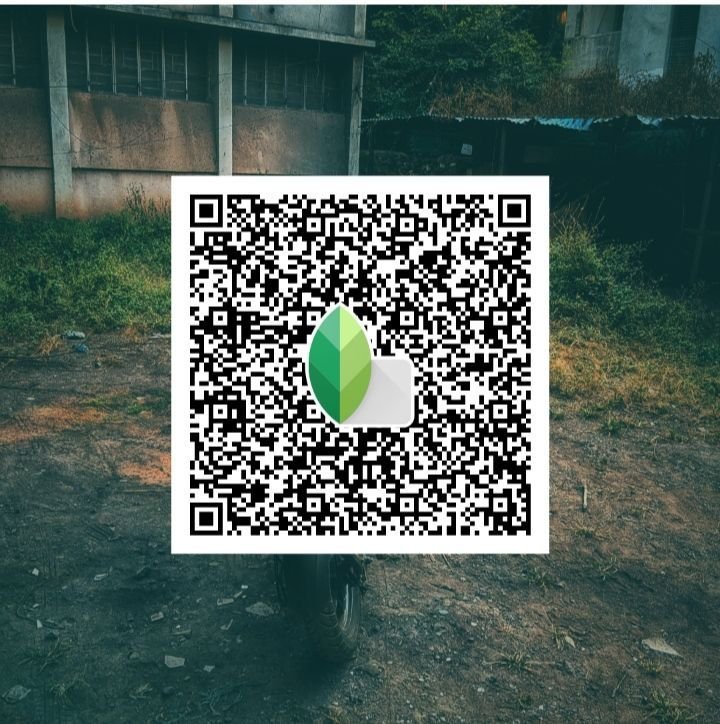
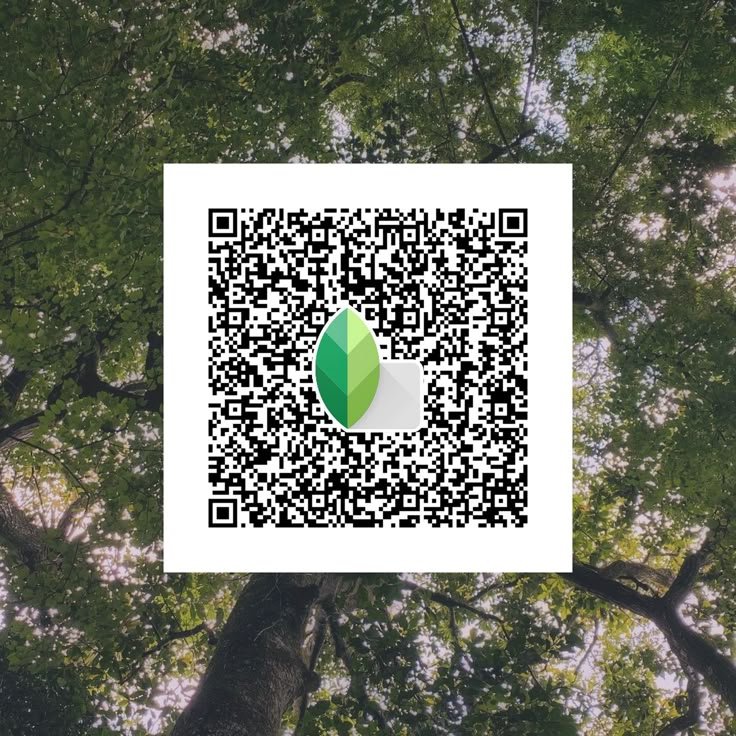
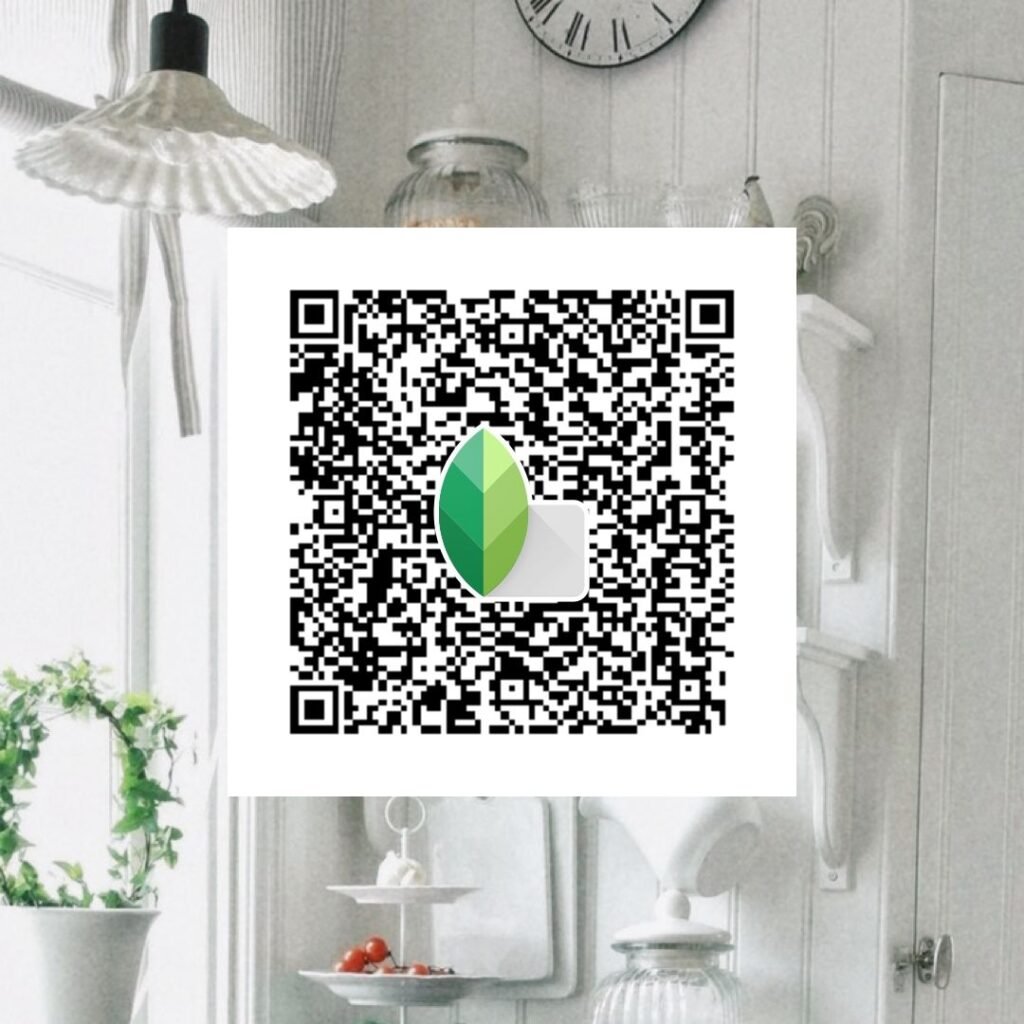


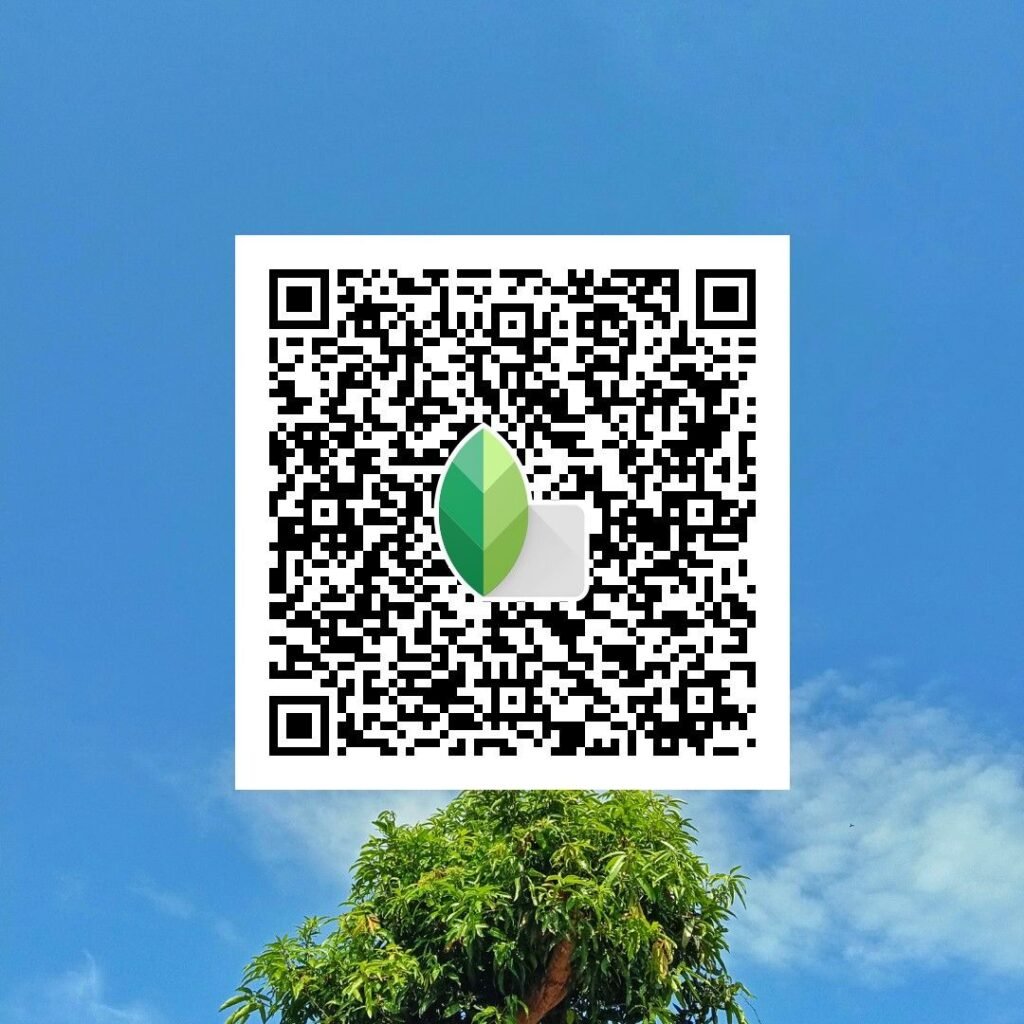
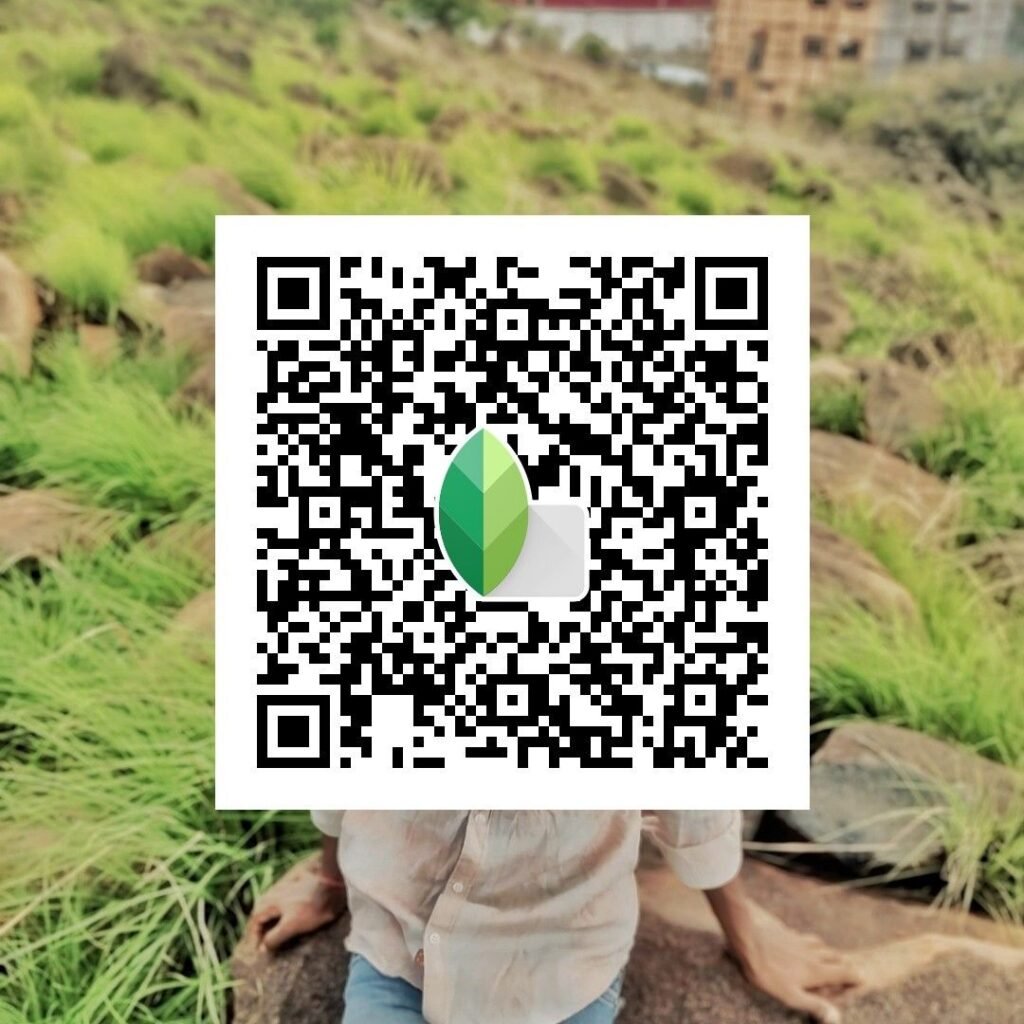
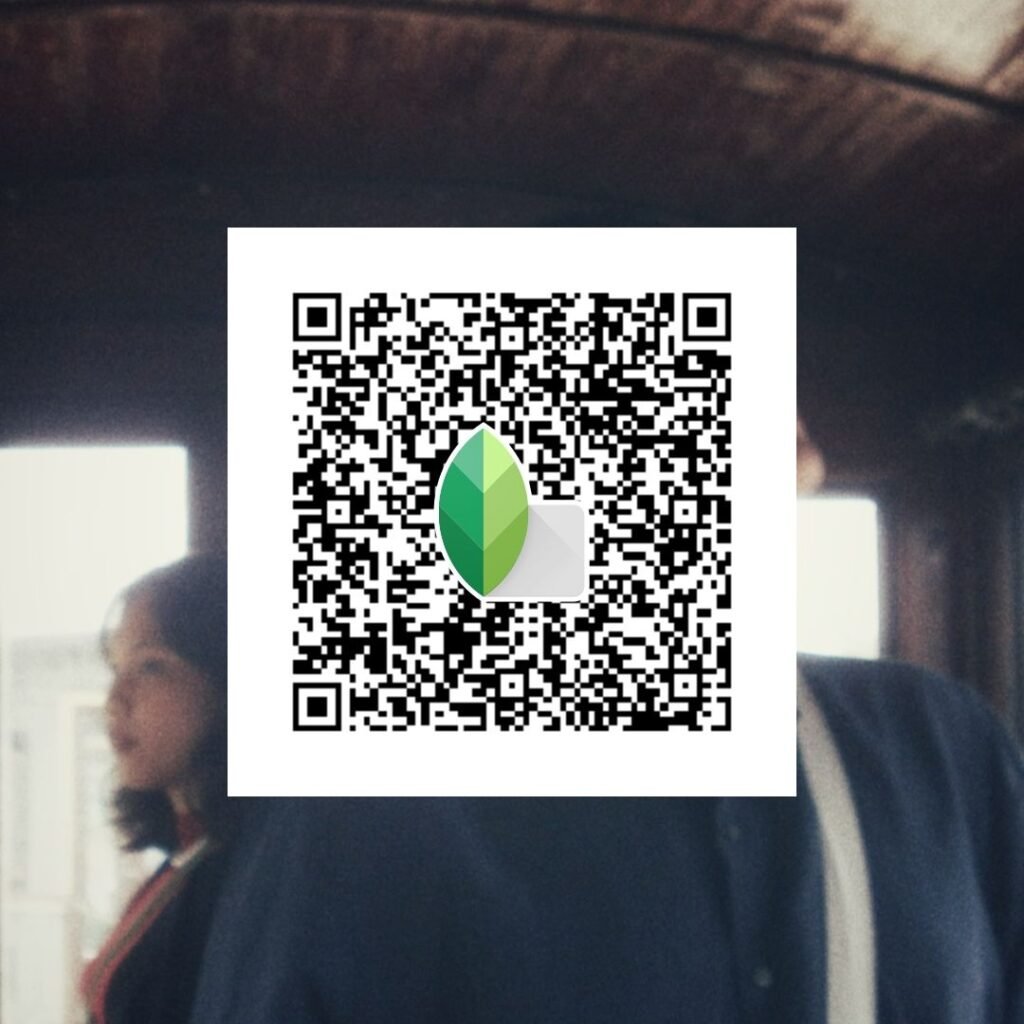
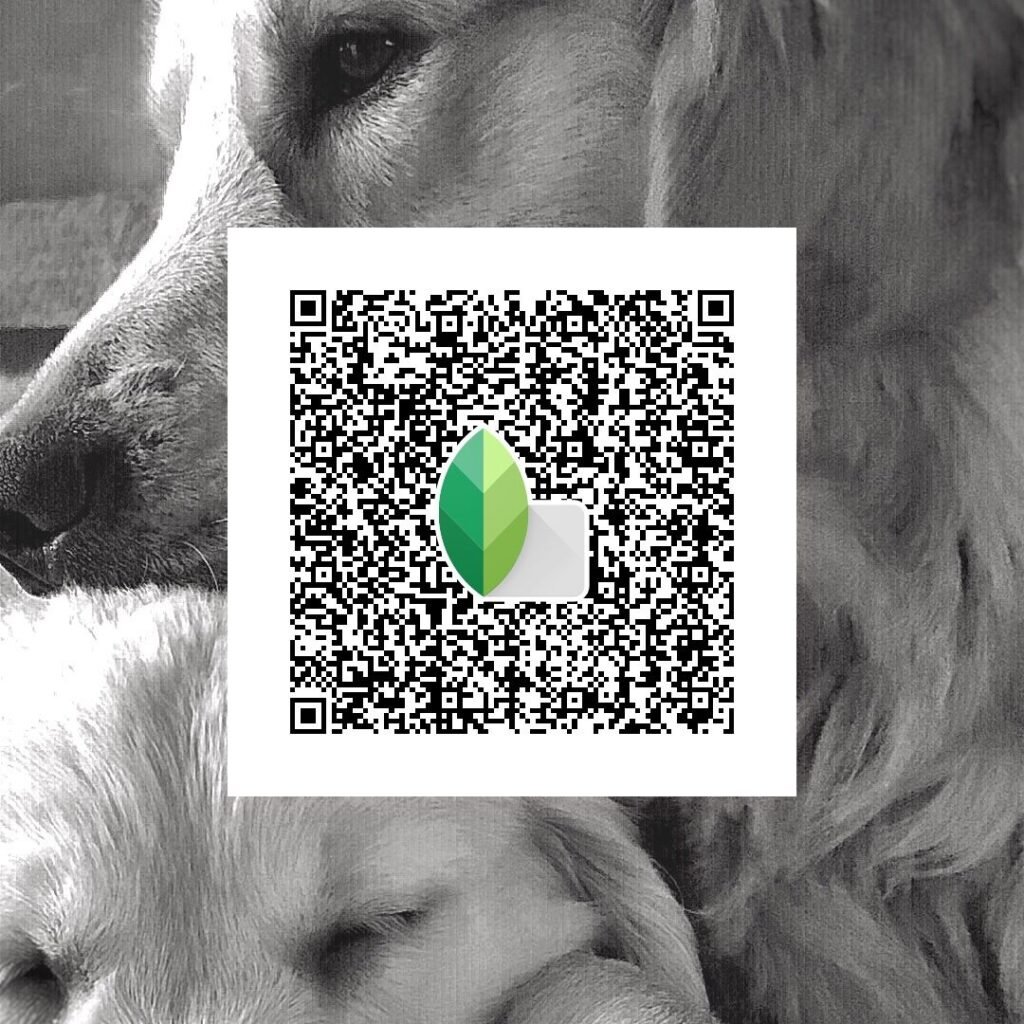
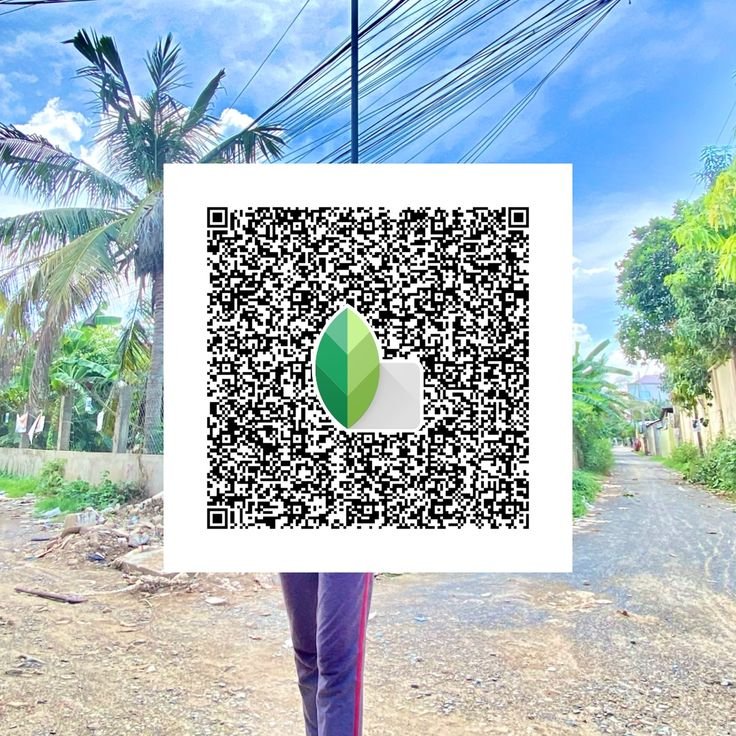
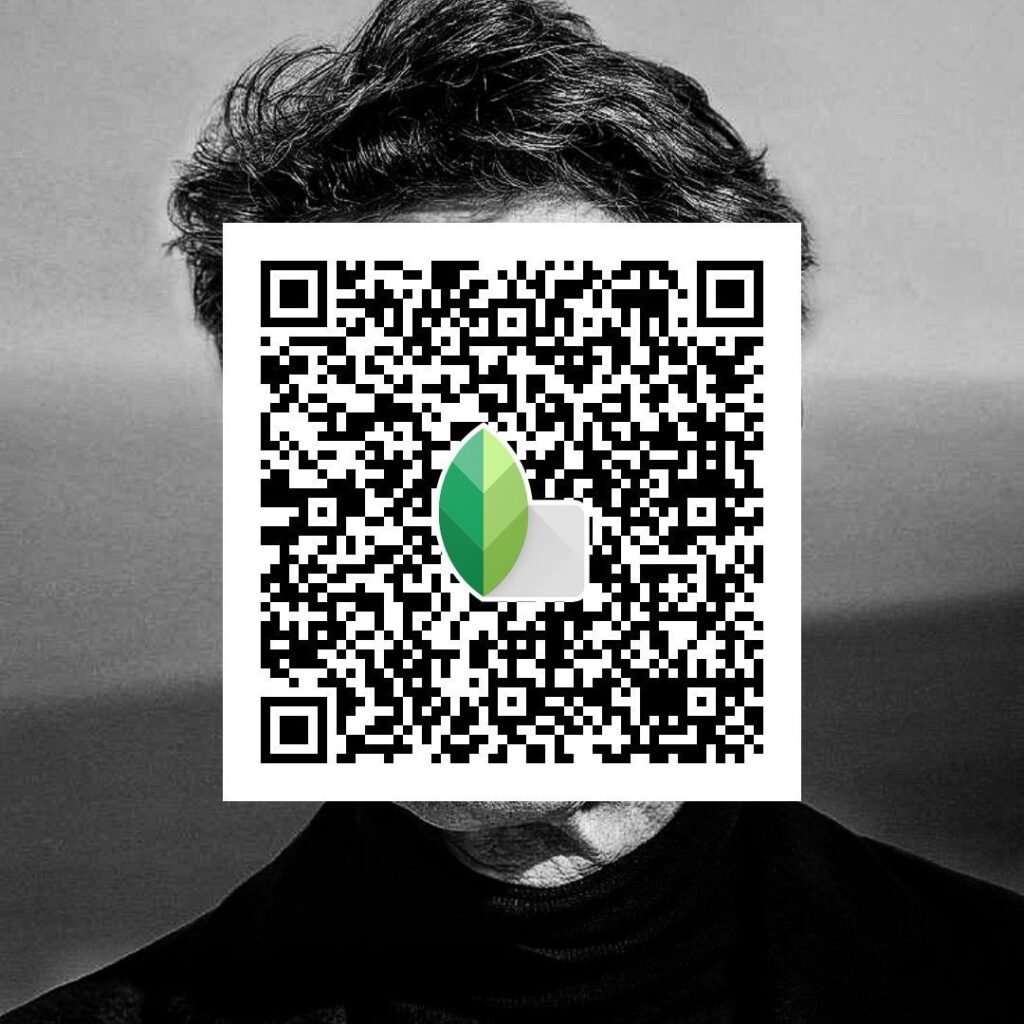
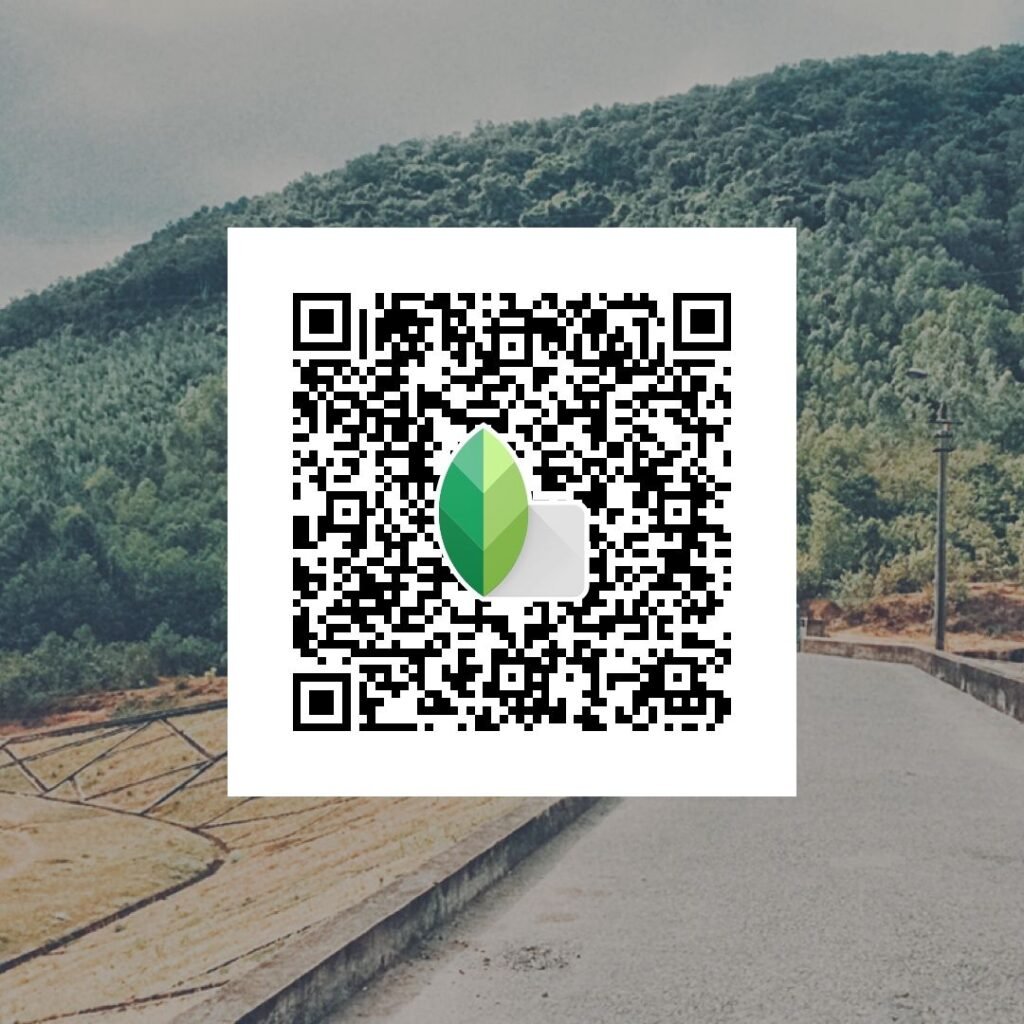
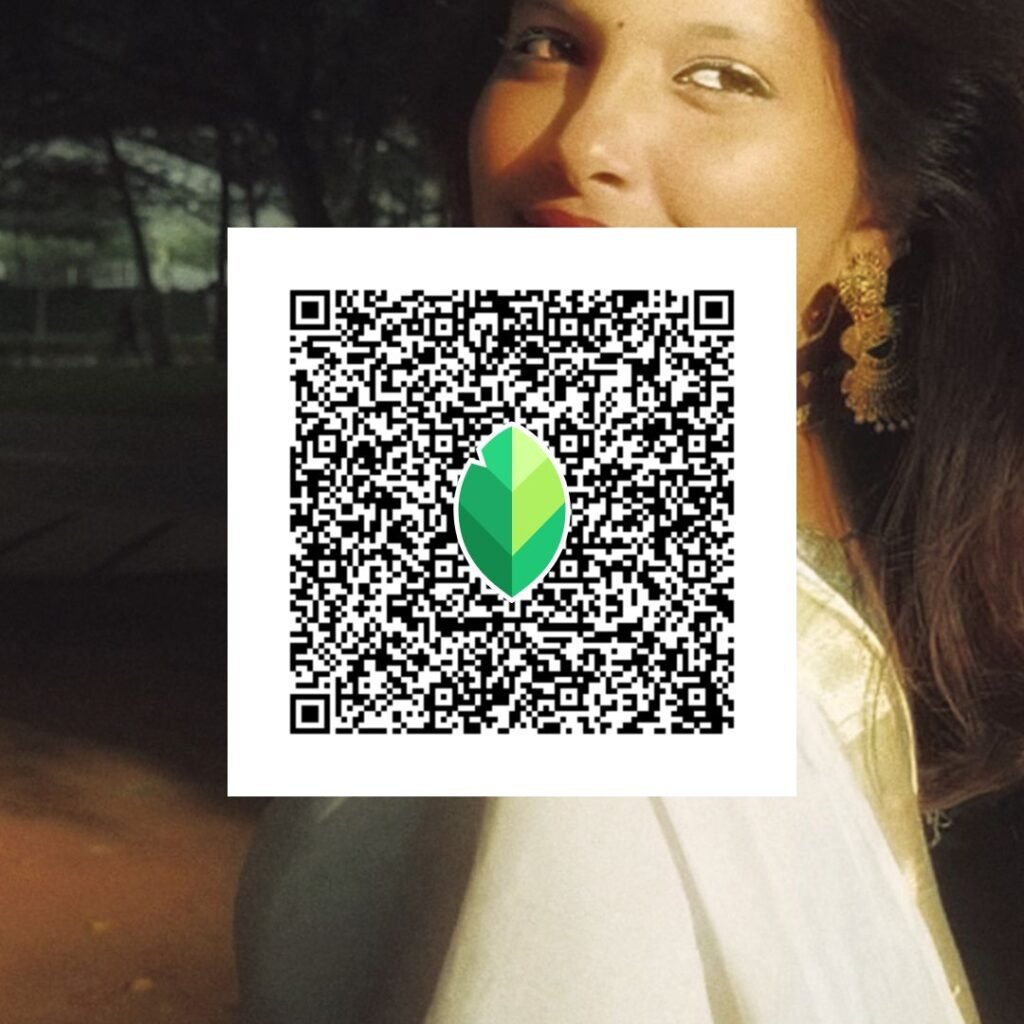
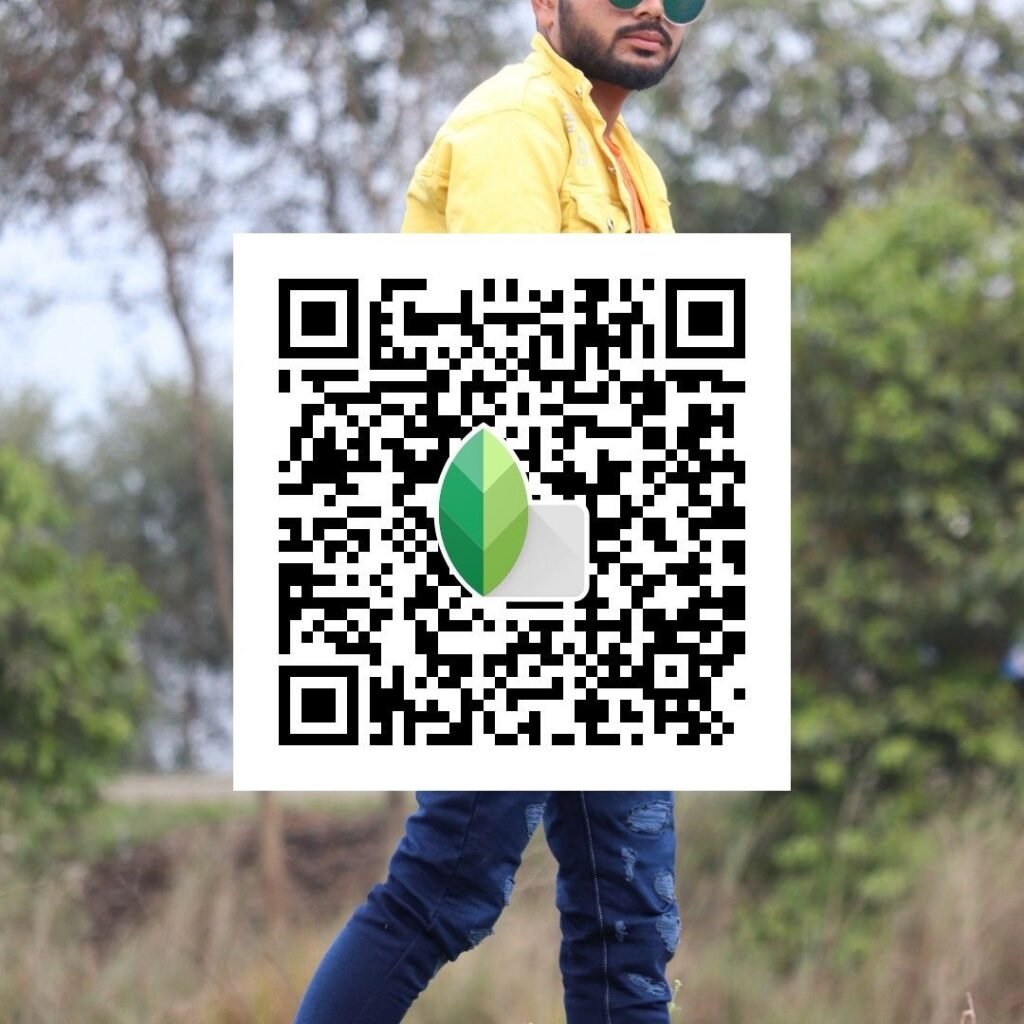
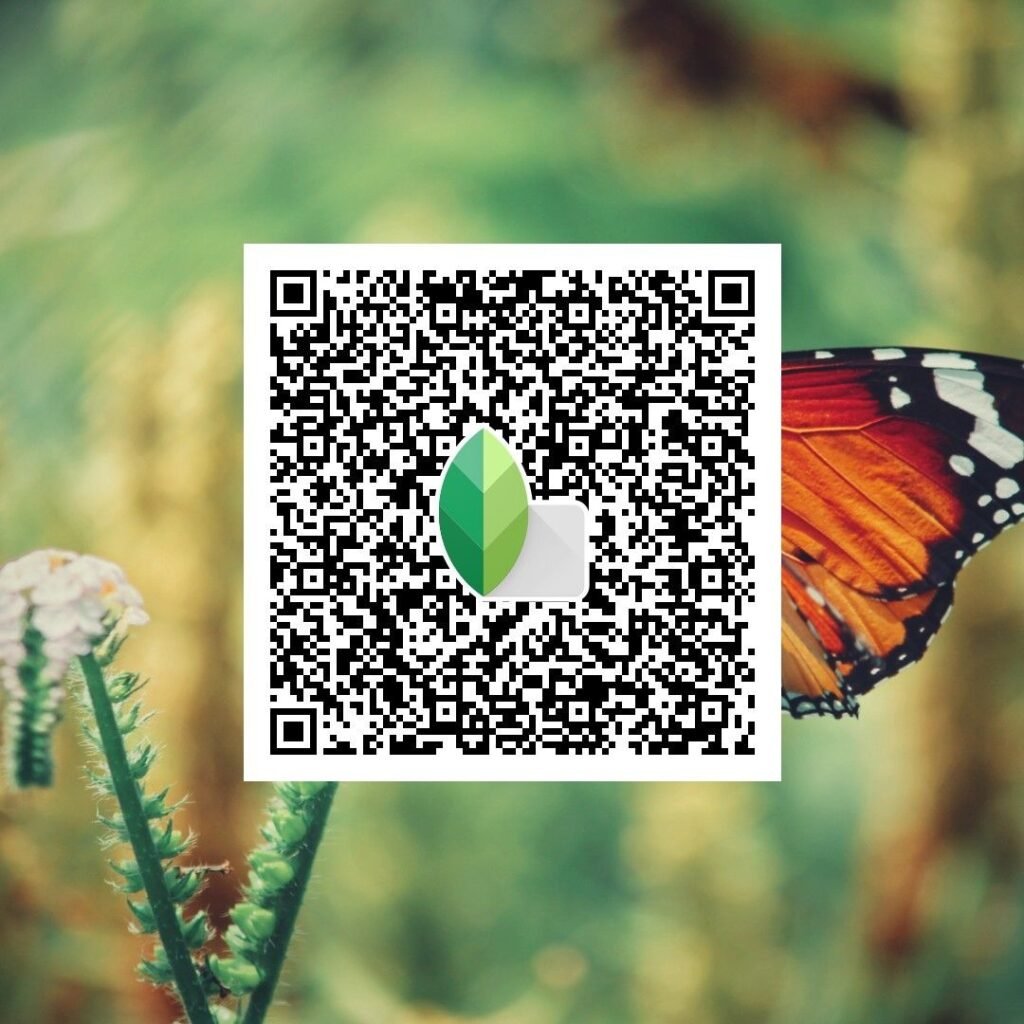
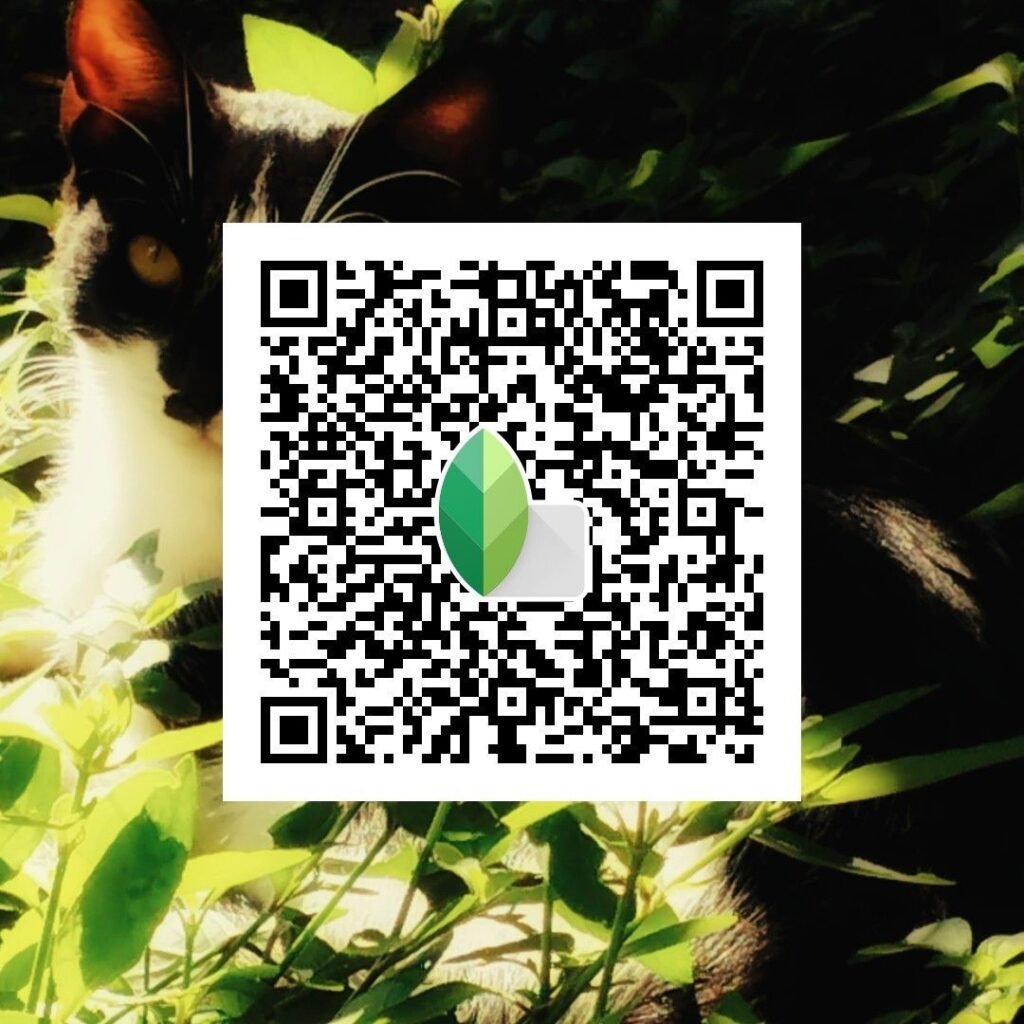
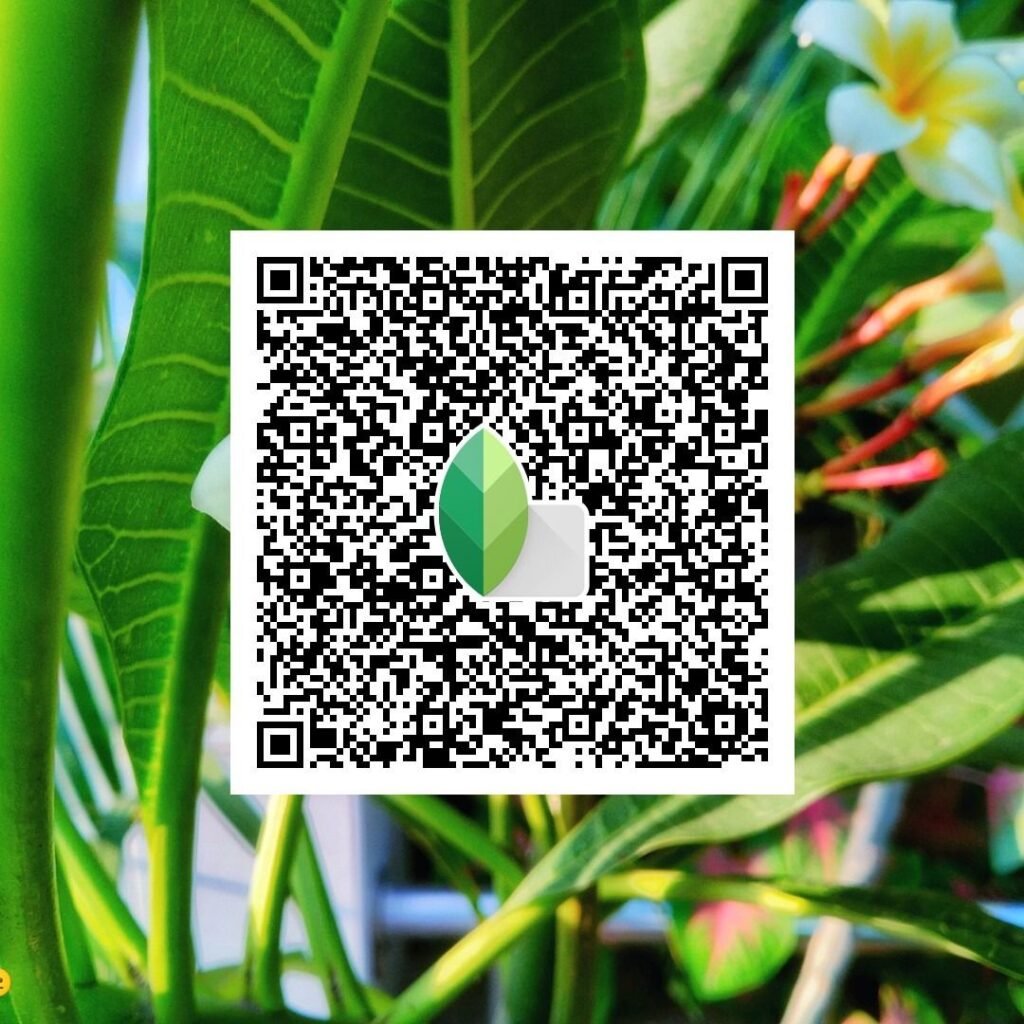
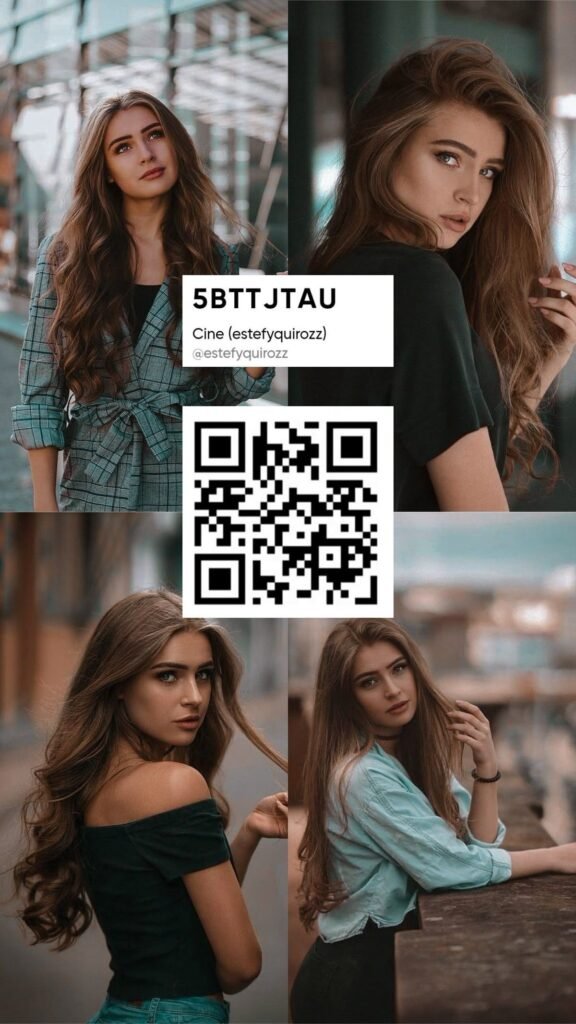

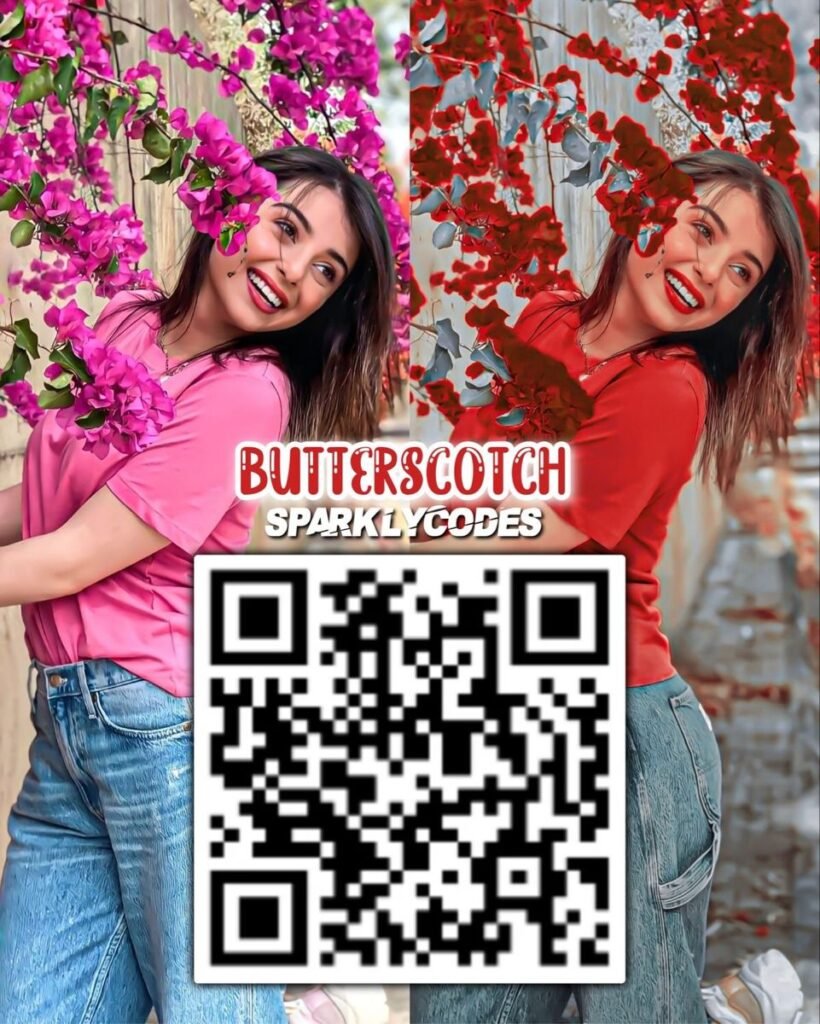
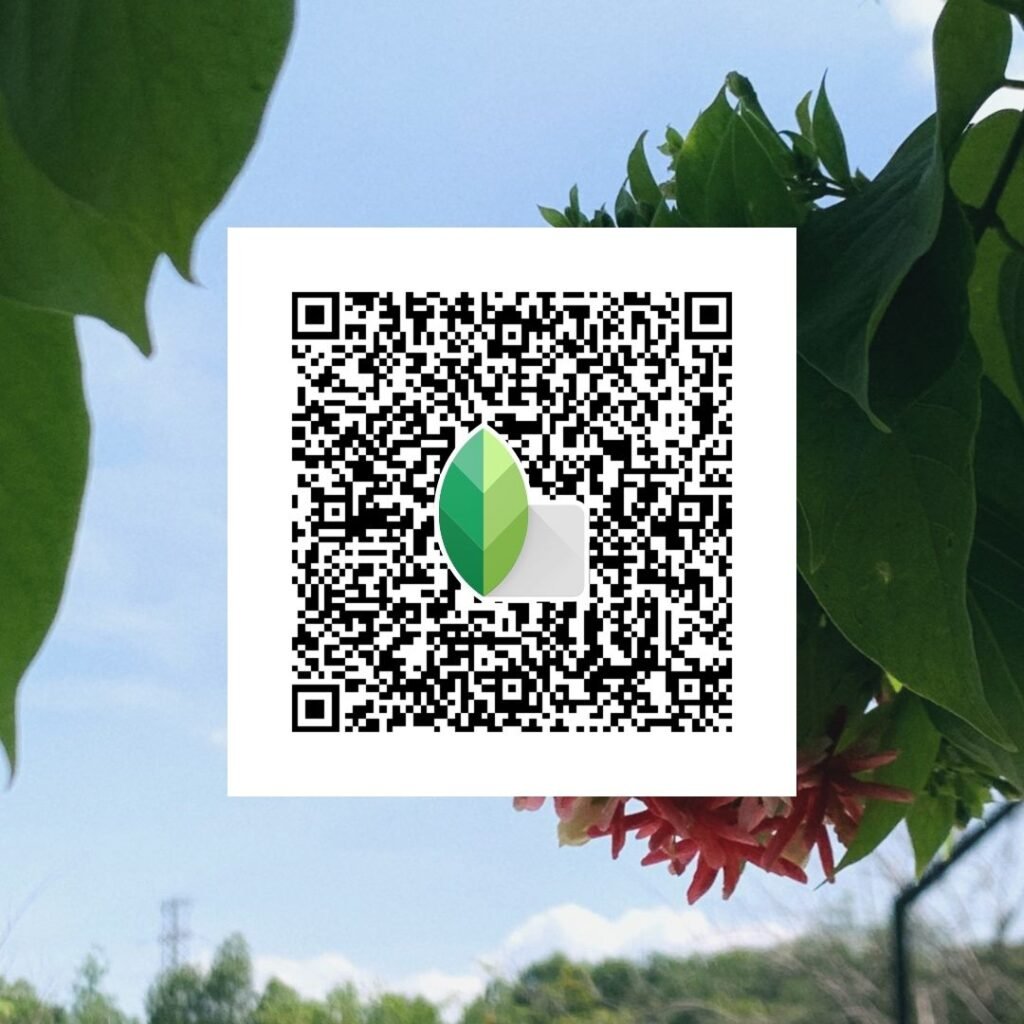
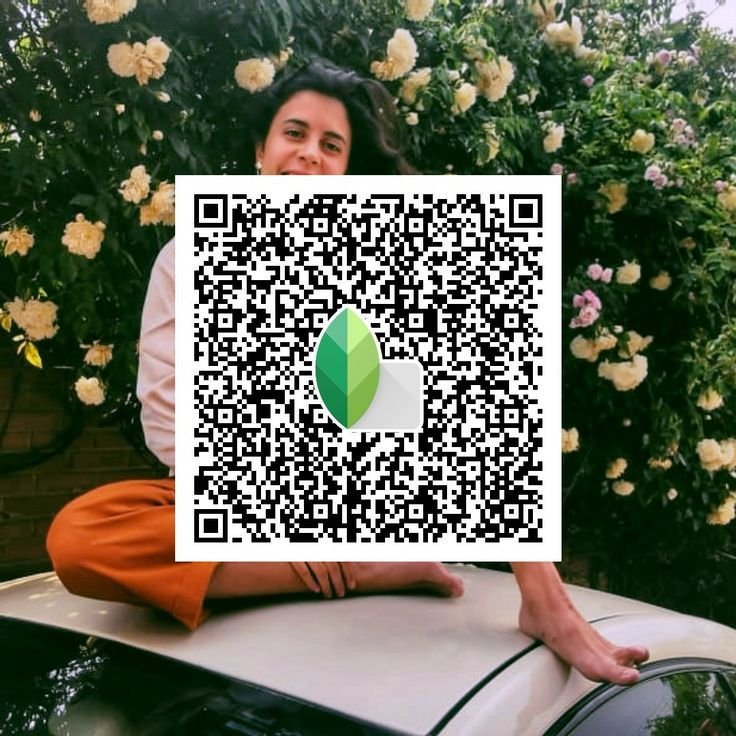
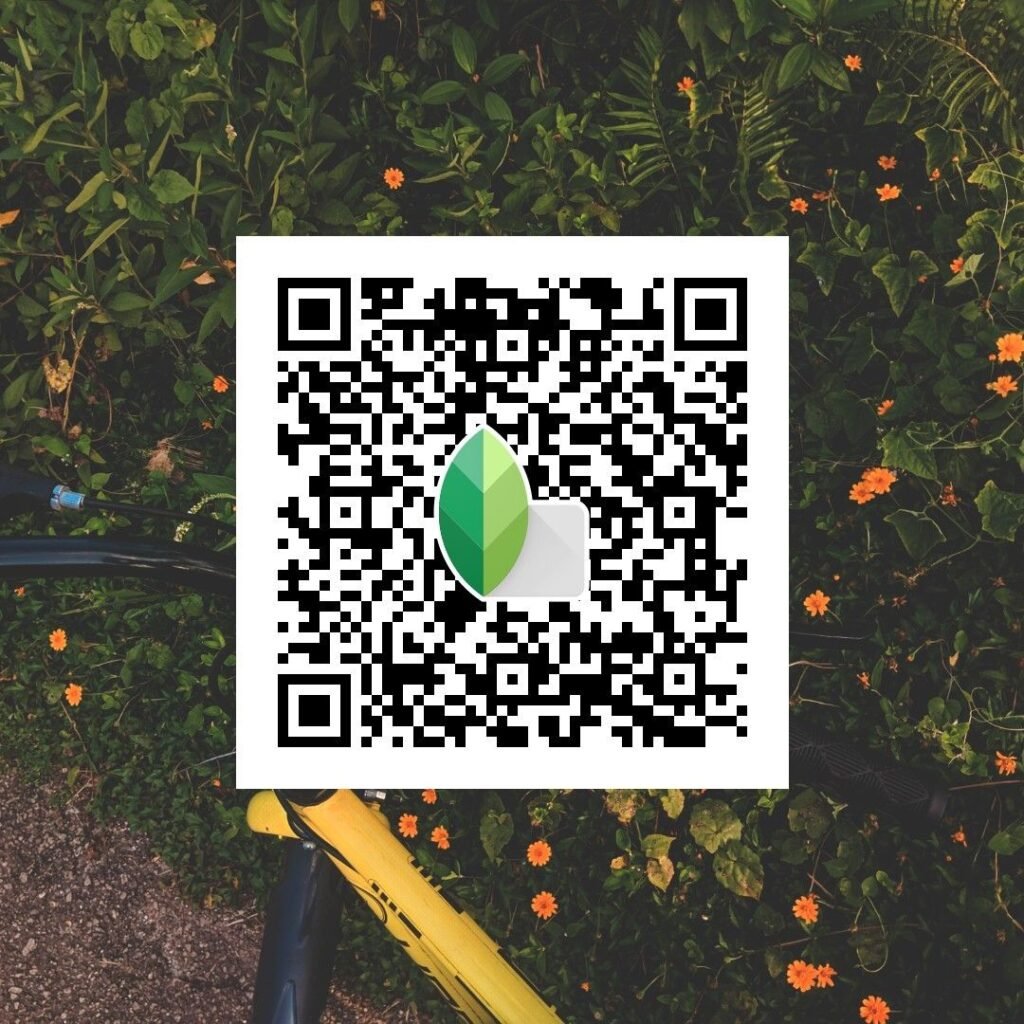
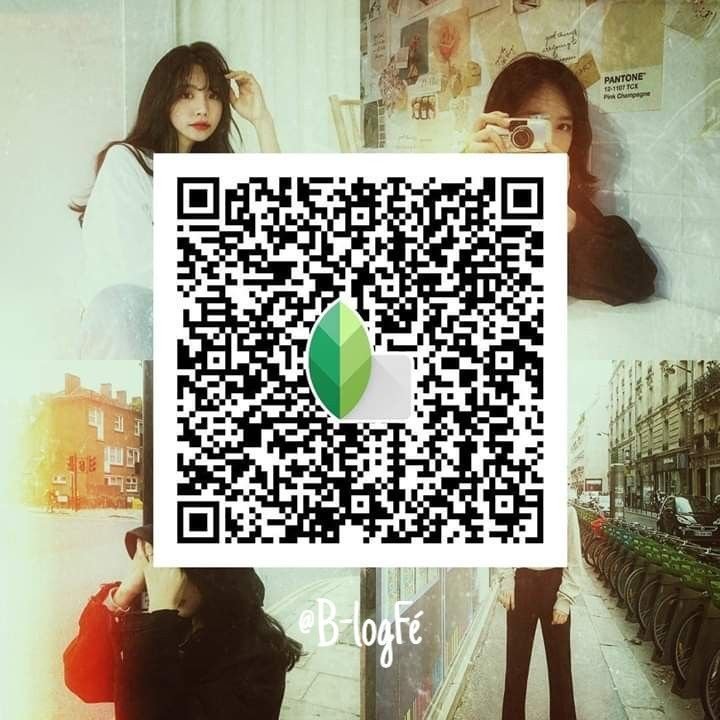
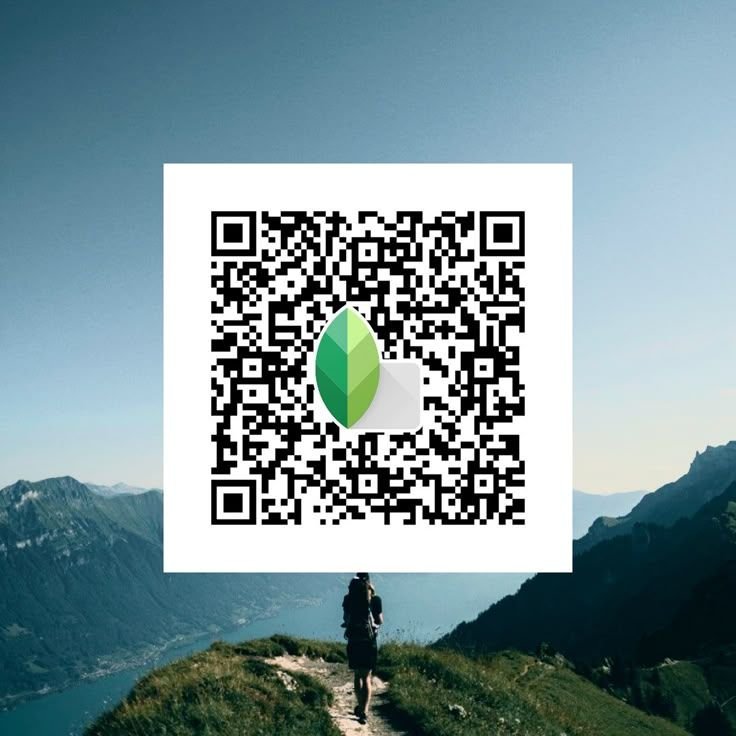
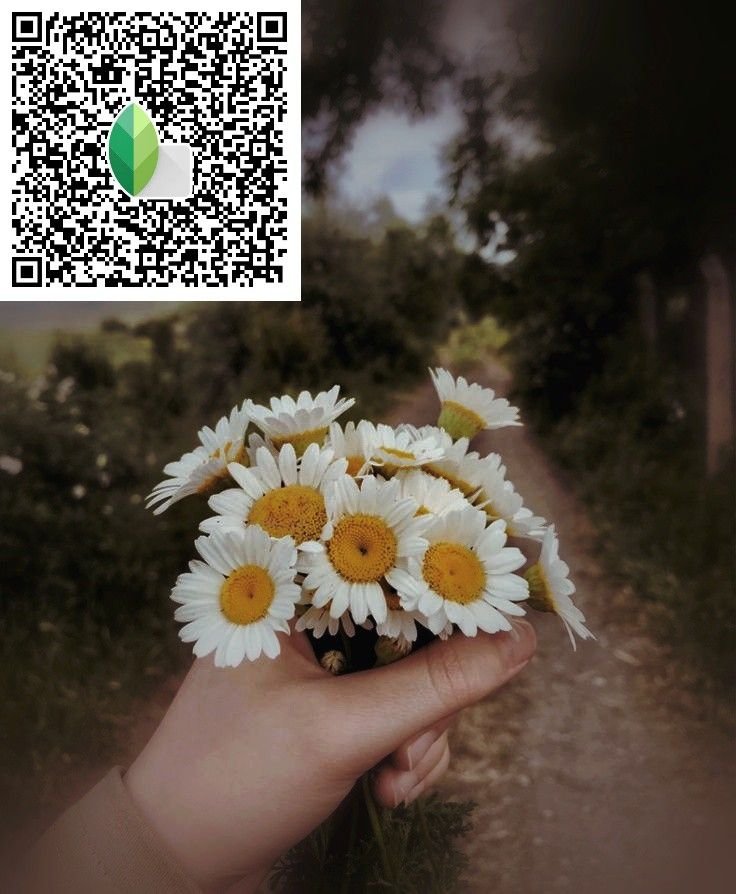
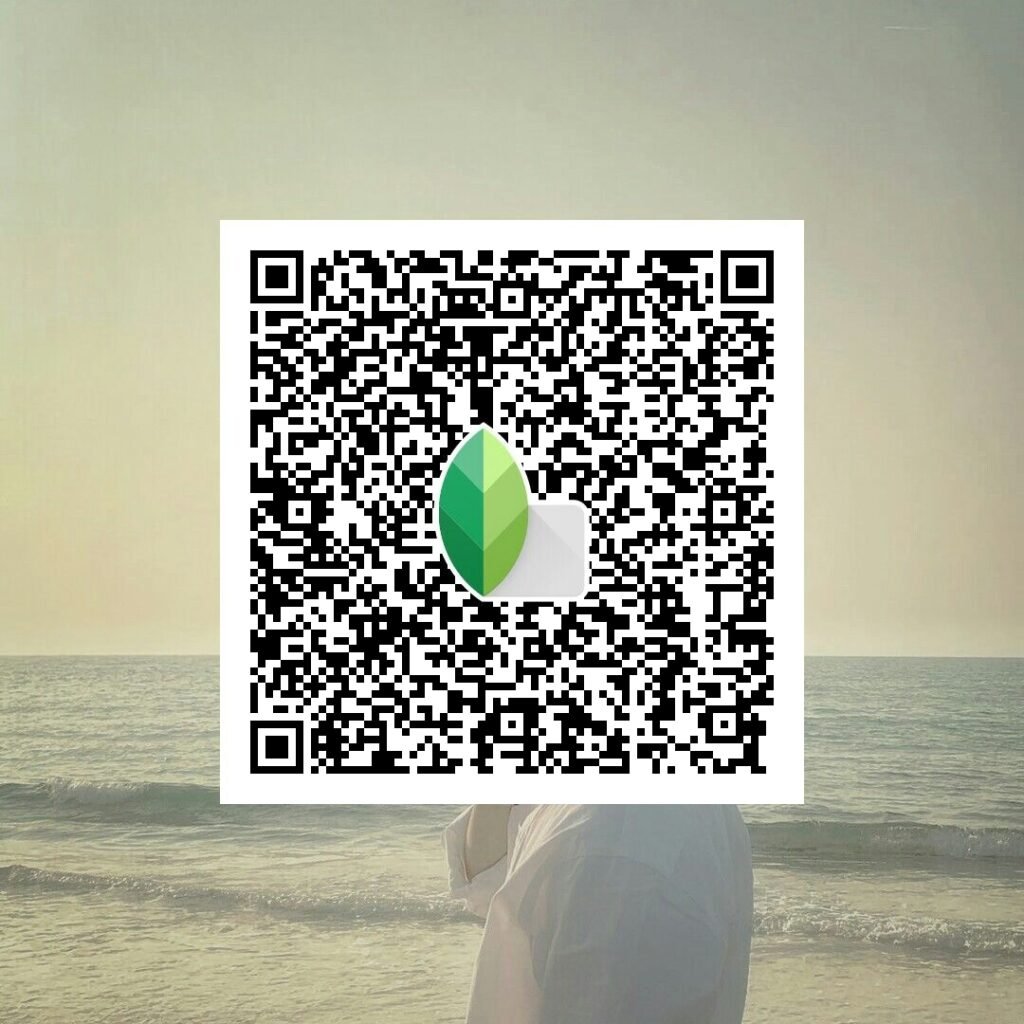

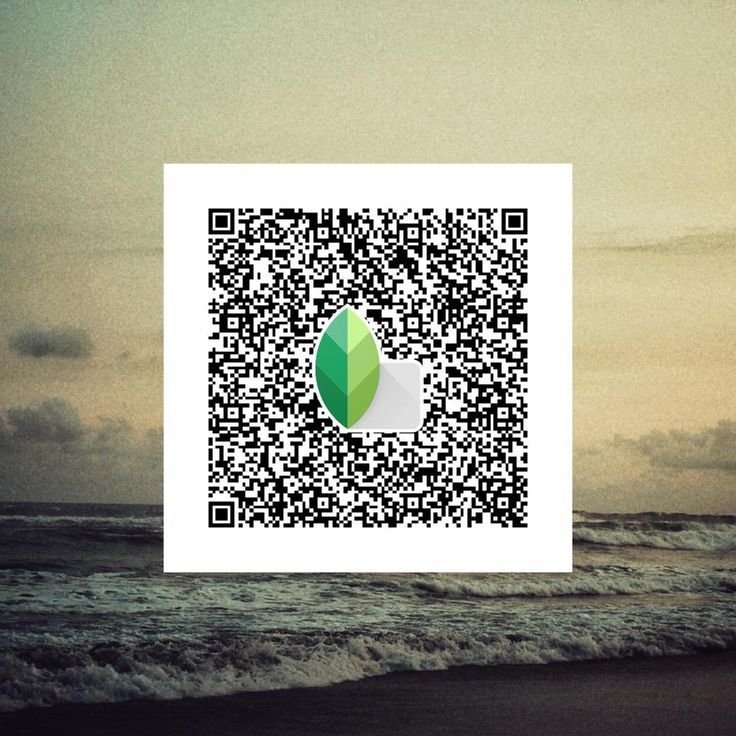
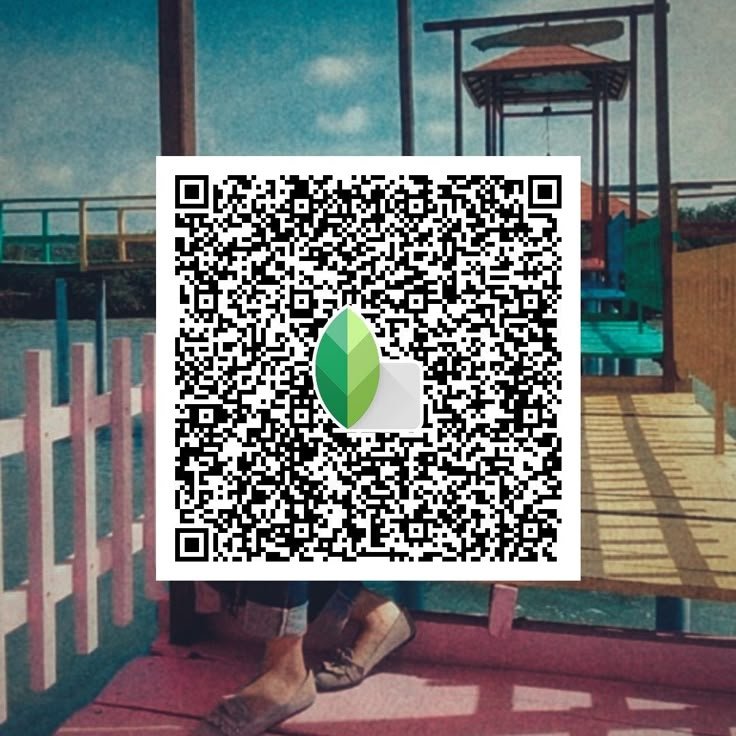
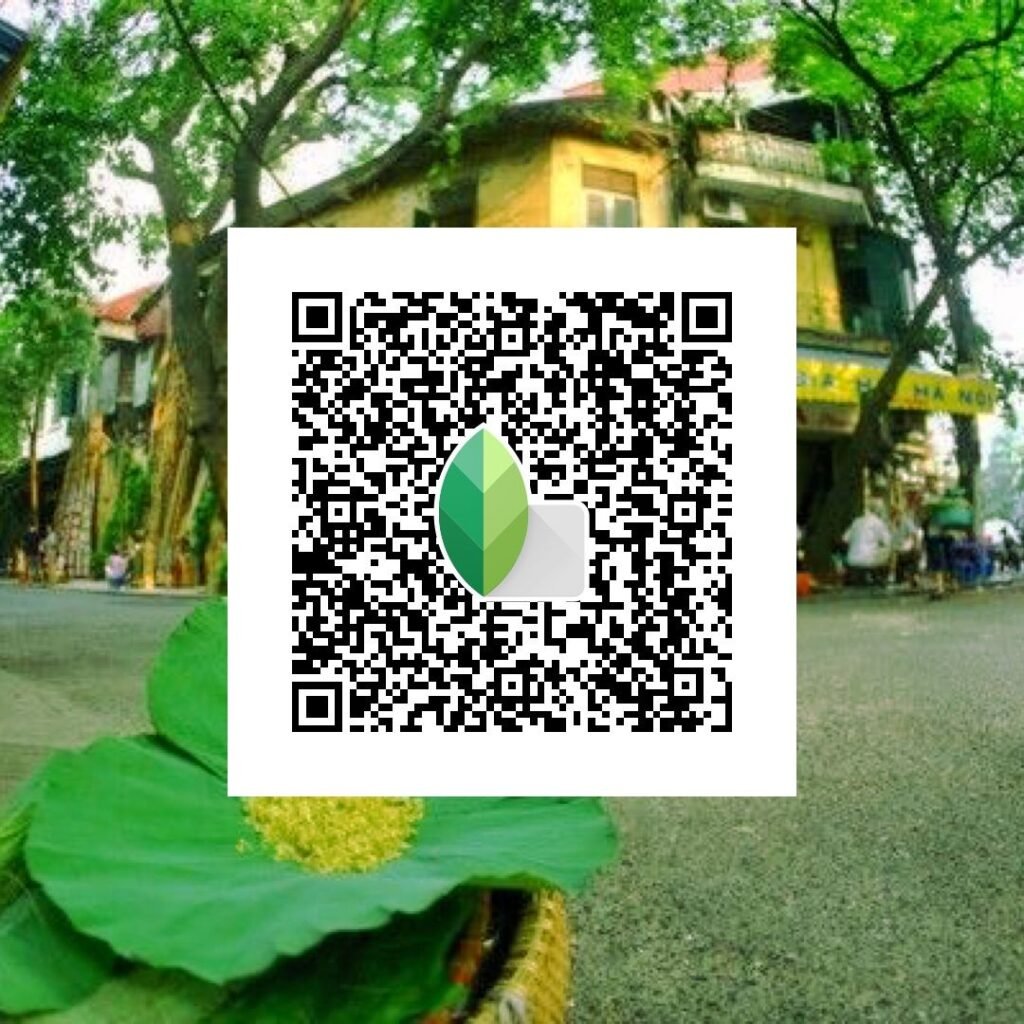
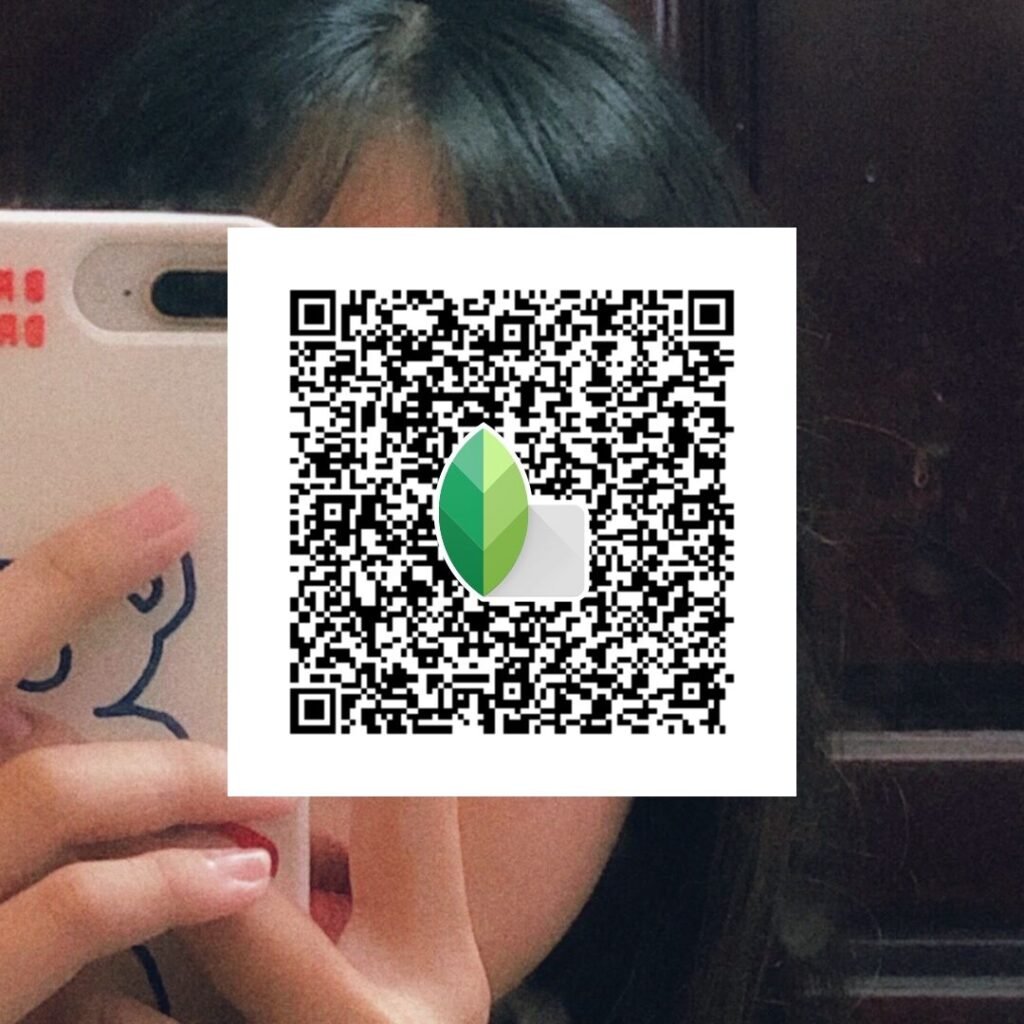
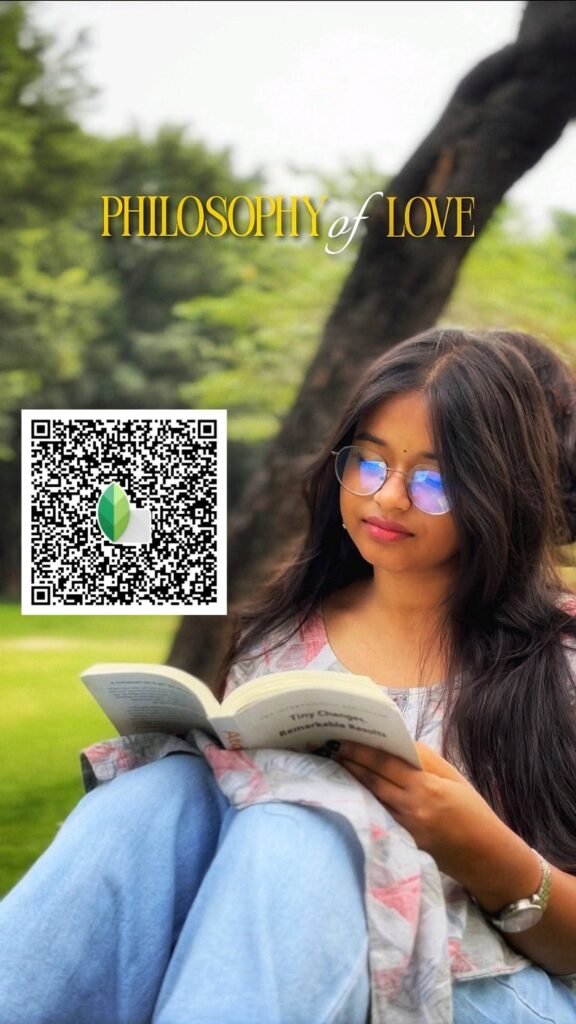
What Are Snapseed QR Codes Blur Background HD 4K?
Snapseed QR code presets for blur background are pre-designed edits that create a sharp subject with a beautifully blurred background. These presets are saved as QR codes, so when you scan them, the blur effect and enhancements are applied instantly.
These presets include styles like DSLR Blur Effect, Portrait Blur, Background Smooth Blur, Cinematic Depth Blur, and HD 4K Sharpness Enhancements. They are perfect for making your photos look professional and focused.
How to Use Snapseed QR Code Blur Background Presets?
Using these presets is super easy. Just follow these steps:
- Open Snapseed: Install it from the App Store or Google Play if needed.
- Select Your Photo: Choose a portrait or subject-focused image.
- Scan the QR Code: Tap the three dots (top-right) → “QR Look” → “Scan QR Look” and scan the Snapseed QR code.
- Apply the Effect: The blur background HD 4K preset will be applied instantly. You can adjust the blur strength if needed.
Why Use Blur Background Snapseed QR Codes?
These presets are perfect for achieving a professional look without complicated editing:
- DSLR Effect: Get a background blur like professional cameras.
- HD 4K Quality: Enhances sharpness and clarity of the subject.
- Quick Editing: Apply full edits in seconds.
- Perfect for Portraits: Ideal for selfies, profile pictures, and Instagram posts.
Pro Tip: Use photos where the subject is clearly separated from the background for the best blur results.
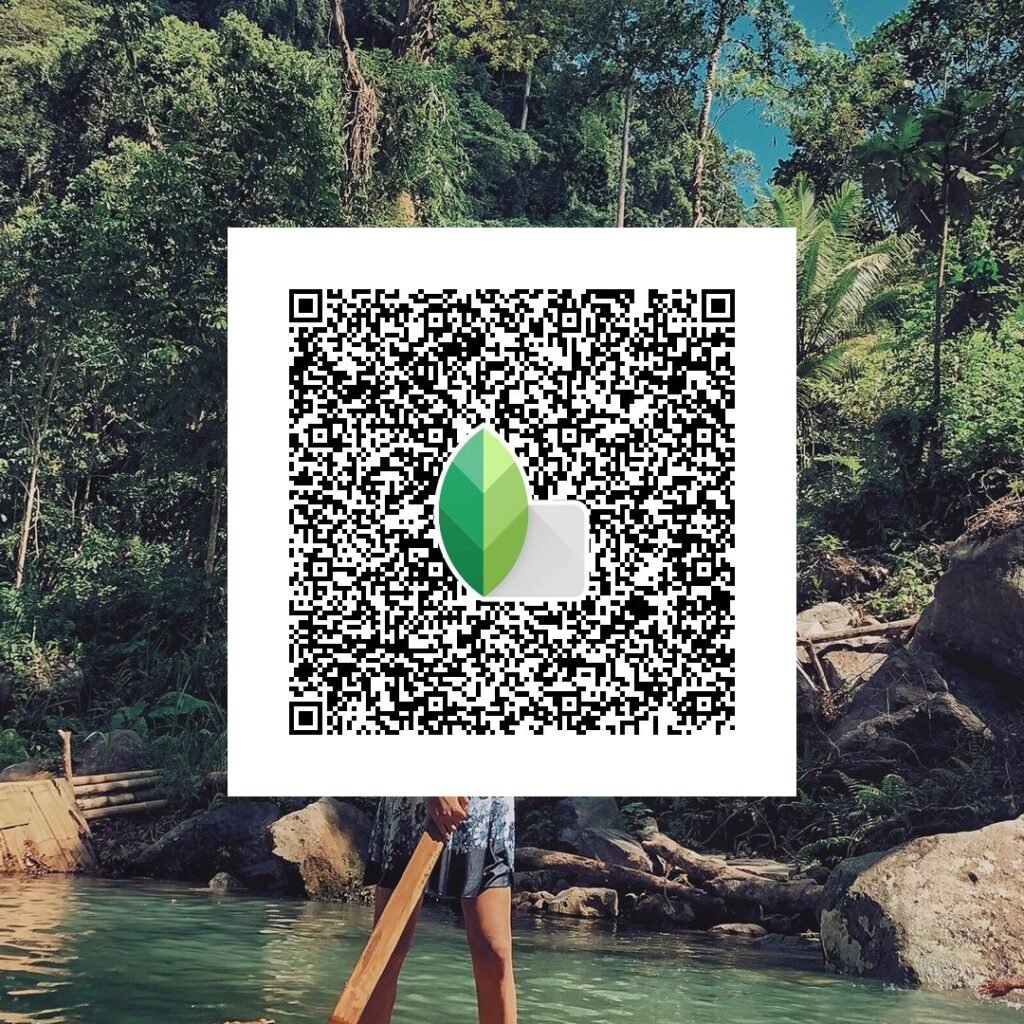
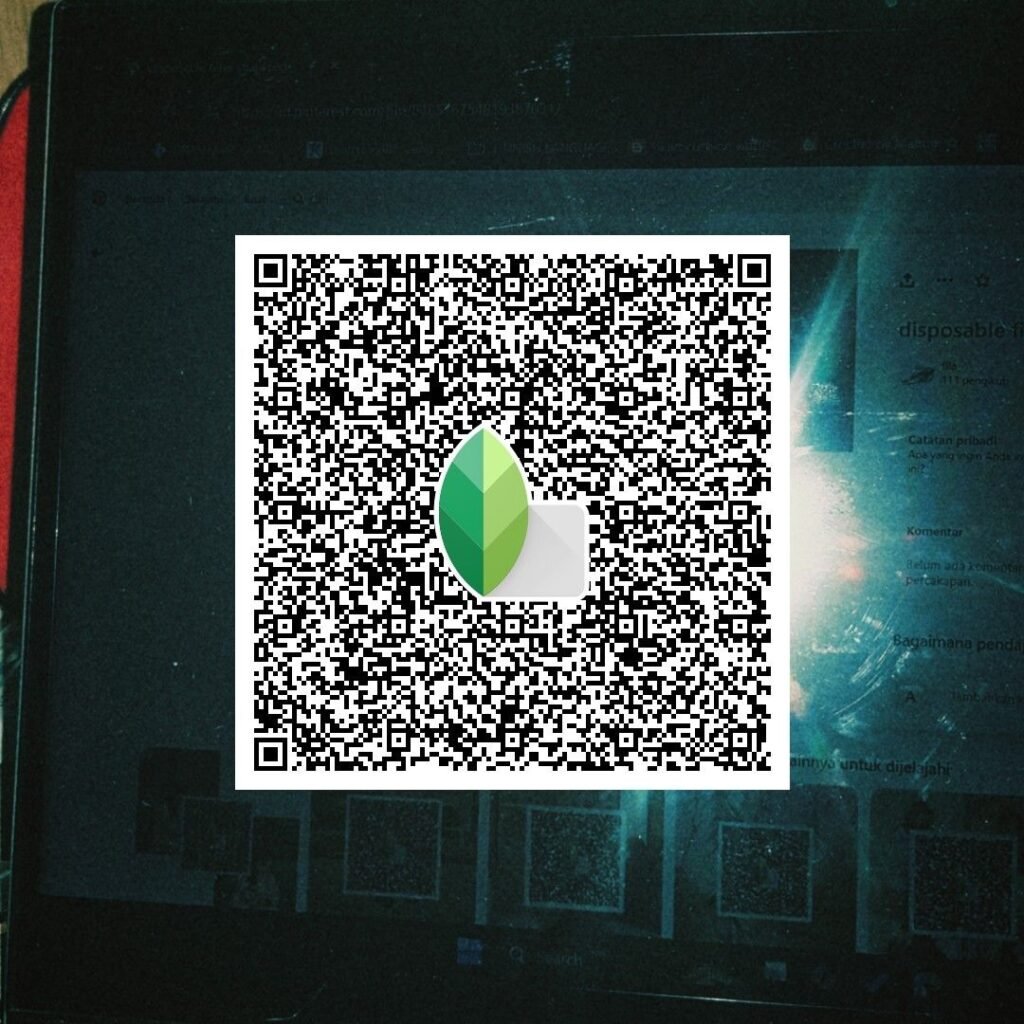
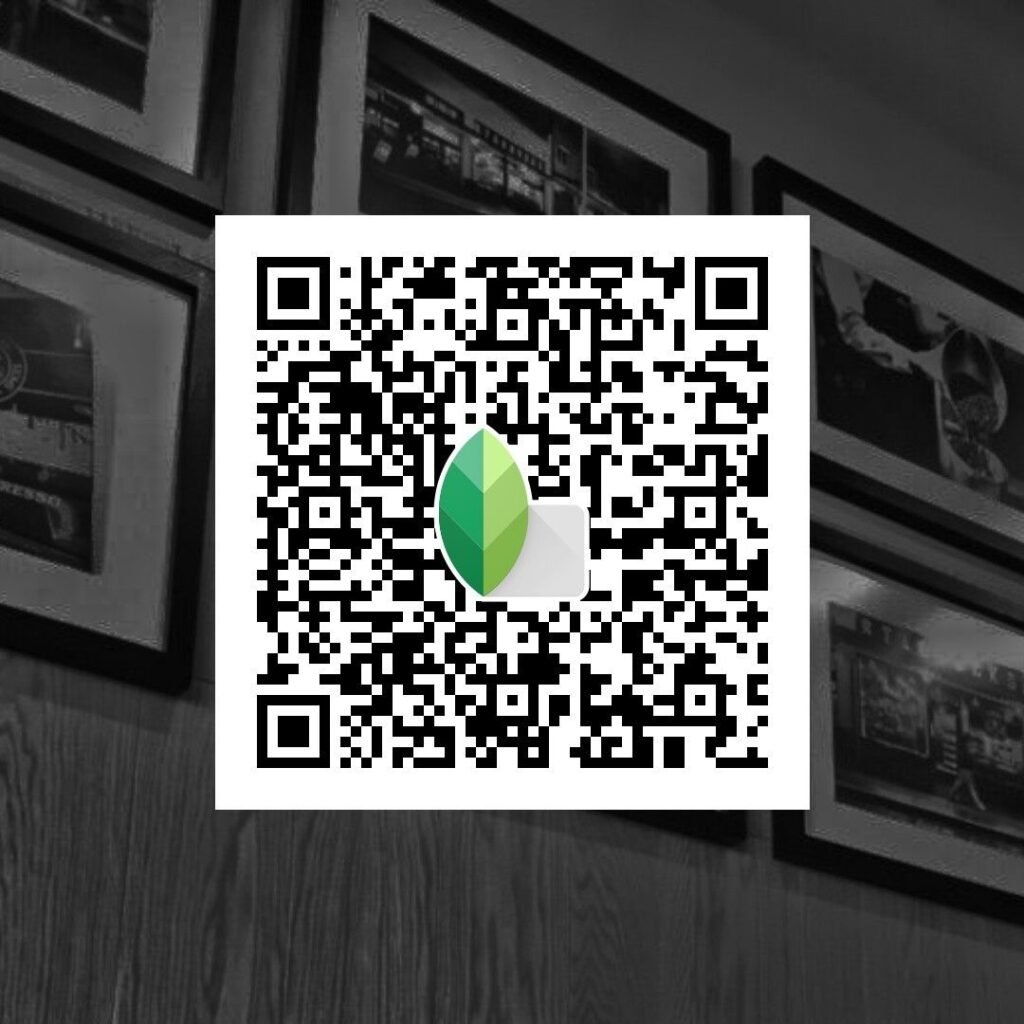
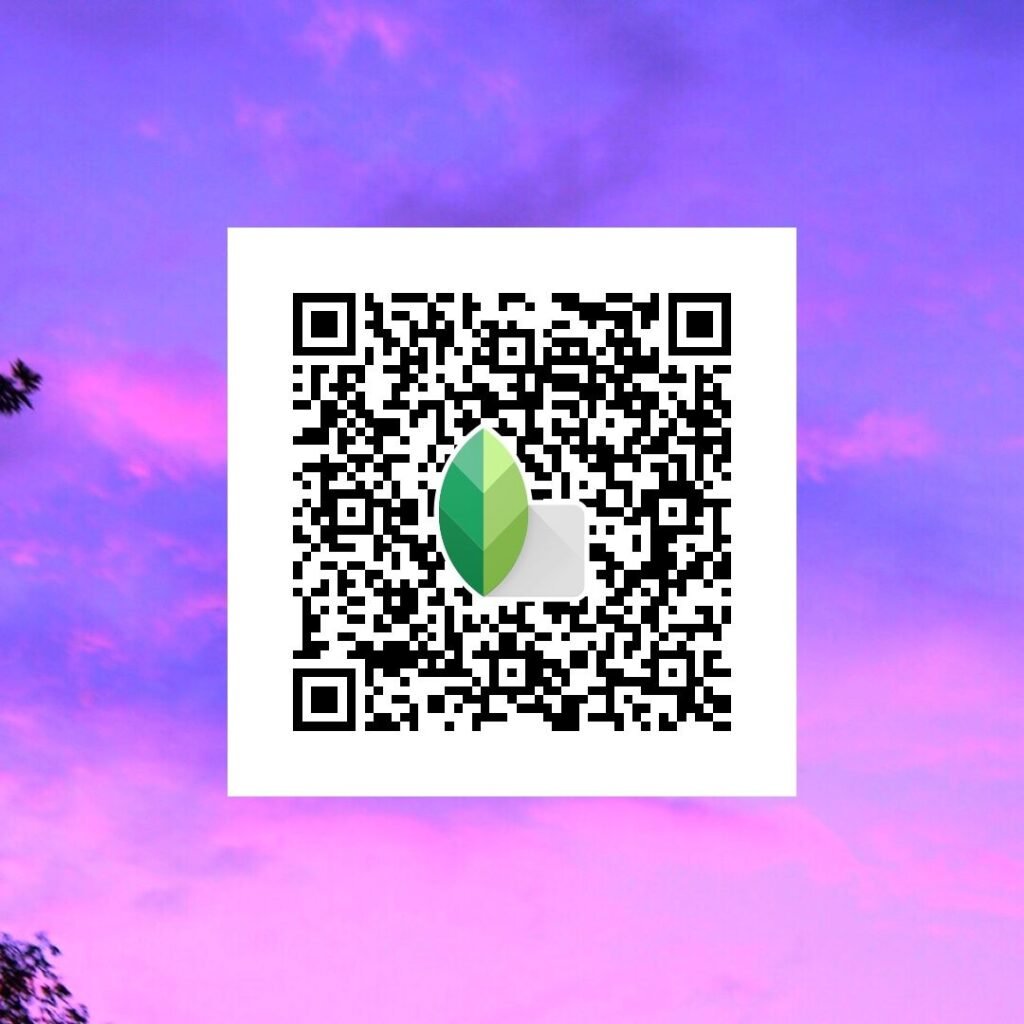
Best Snapseed QR Codes Blur Background HD 4K
Here you’ll find a top collection of Snapseed QR Codes Blur Background HD 4K, including styles like DSLR Blur, Portrait Focus, Cinematic Blur, Smooth Background Blur, and Sharp HD Presets.
These QR codes are easy to use and instantly upgrade your photos to a professional level.
How to Create Your Own Blur Background QR Code?
You can also create your own blur presets in Snapseed:
- Open Lens Blur Tool: Adjust blur strength, transition, and vignette.
- Enhance Details: Increase sharpness and structure for HD 4K effect.
- Save as QR Code: Tap menu → “QR Look” → “Create QR Look.”
- Share the Code: Use or share your custom QR code.
Tip: Combine blur with brightness and contrast adjustments for a more natural and attractive result.
Where to Find Blur Background Snapseed QR Codes?
You can explore more presets from:
- snapseedqrcodewala.in: Huge collection of blur and HD presets.
- Instagram: Search #SnapseedBlur #SnapseedQRcode.
Conclusion
Snapseed QR Codes Blur Background HD 4K are the easiest way to create stunning, professional-looking photos. With just one scan, you can achieve a DSLR-style blur effect with sharp HD quality.
These presets save time, improve photo quality, and make your images stand out. Try them now and don’t forget to create your own custom blur presets.
Bookmark snapseedqrcodewala.in for the latest Snapseed QR Codes Blur Background HD 4K, new styles, and editing tips. Happy editing!